


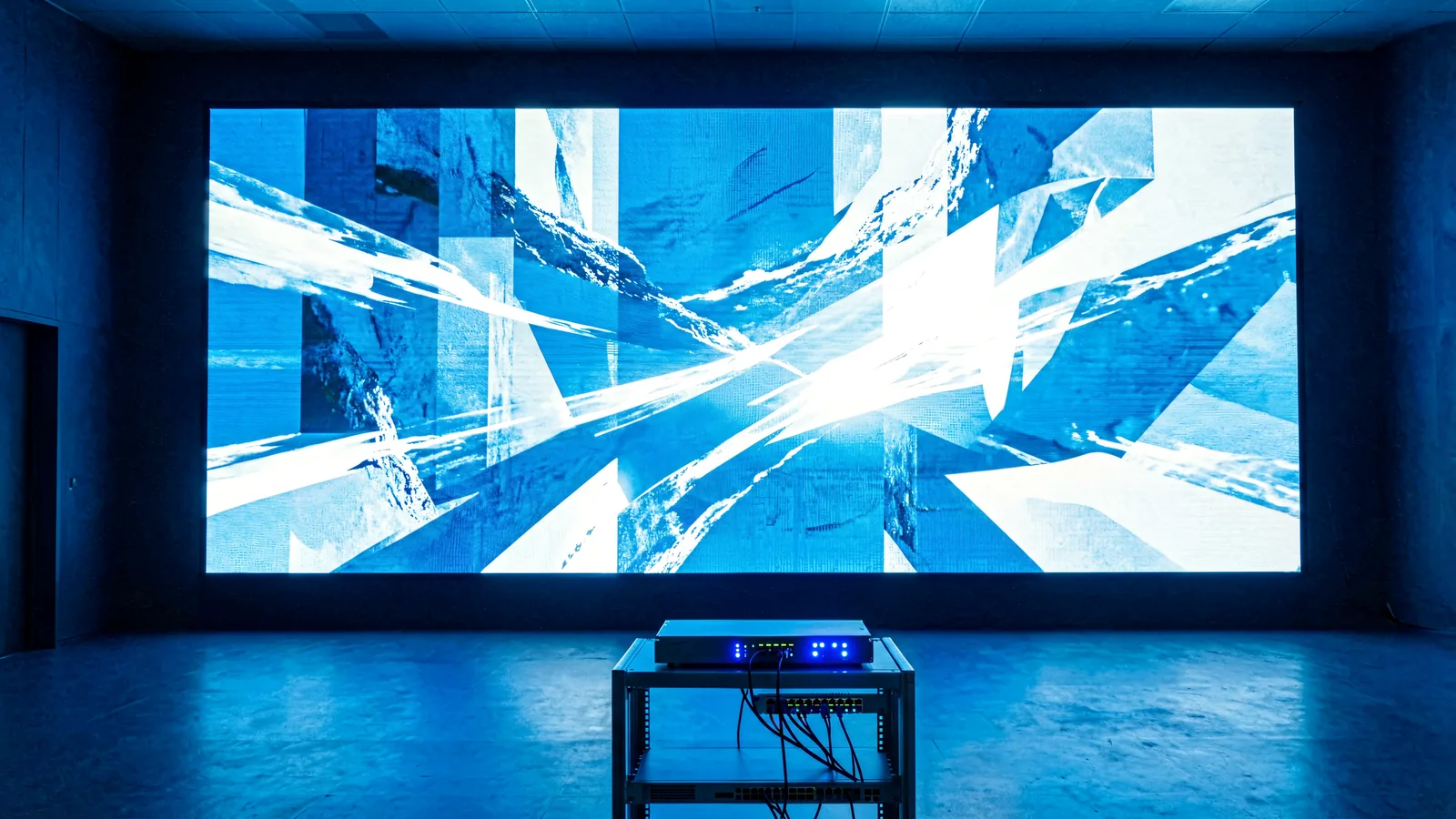
LED Control System Hub
LED Display Control System: Complete Guide, Types & Brands
An LED control system is the hardware and software backbone that takes a content source, processes it, and drives every pixel of an LED display — through a controller or video processor, a sending card or sending box, and the receiving cards on each LED cabinet. LEGIDATECH integrates all four major control brands into complete LED display solutions.
What Is an LED Control System?
An LED control system is the complete chain of hardware and software that converts a video or image source into the data stream that lights up an LED display. Without it, an LED screen is only a wall of modules — the control system is what turns those modules into a synchronized, calibrated display.
In a standard LED display project, the control system performs five jobs: it receives the input signal (HDMI, DVI, SDI, DP or stored media), processes and scales the image to match the screen resolution, packages the data for network transport, distributes the data to every cabinet, and drives the LED modules with correct brightness, grayscale and refresh timing.
Signal Input & Processing
Video processors and controllers accept HDMI, DVI, SDI or DP sources, scale them to the screen’s native resolution, and apply image enhancement before the data ever reaches the LEDs.
Data Distribution
Sending cards and sending boxes package the processed signal into Ethernet data streams and route them to the receiving cards mounted inside each LED cabinet.
Pixel Driving & Calibration
Receiving cards decode the data, drive each LED module, and store calibration coefficients so every cabinet matches brightness and color across the whole screen.
How Does an LED Display Control System Work?
Every LED display — indoor, outdoor or rental — follows the same five-stage signal path. Understanding this chain is the fastest way to evaluate any LED control system for your project.
Each stage is managed by LED display control software: configuration tools such as NovaStar NovaLCT, Colorlight LEDVISION, Huidu HDPlayer/HDSet and Mooncell AutoLED map the receiving cards to the exact position of each cabinet, set the refresh rate and grayscale mode, and upload the calibration data that keeps the whole screen uniform.
In synchronous systems this chain runs in real time from a live source. In asynchronous systems the content is stored on the controller or media player, and the processor stage is replaced by onboard decoding — the screen plays on its own, updated locally or over the cloud.
Why the chain matters
The weakest stage limits the whole display. A 4K processor feeding a sending card with 2.3-megapixel capacity cannot deliver true 4K; a receiving card that supports 16-bit grayscale upgrades image quality even on an older panel. LEGIDATECH engineers match every stage of the chain to the LED cabinet specifications before a screen ships.
Read: How LED control software works →LED Control System Types
Control hardware falls into seven categories. Most projects combine two or three of them: for example, a video processor plus sending boxes plus receiving cards.
Synchronous Control System
Plays a live source in real time — PC, camera or broadcast feed — through a sending card or sending box connected to the screen. The industry standard for rental stages, broadcast studios and large fixed walls.
Example: NovaStar MCTRL300 →Asynchronous Control System
Stores content on the controller and plays it without a computer. Ideal for outdoor signs, kiosks and remote screens updated over Wi-Fi, 4G or cloud platforms.
Example: Huidu HD-C36C →All-in-One LED Controller
Combines video processing, sending and scaling in one unit — fewer boxes, fewer cables, simpler commissioning for small and medium fixed installations.
Example: NovaStar VX1000 →LED Video Processor
Switches between multiple inputs, scales them to screen resolution, and adds PIP/PBP layering, genlock and frame sync — the front end of any multi-source display.
Example: Huidu HD-VP410 →Sending Card / Sending Box
Converts the processed signal into Ethernet data for the receiving cards. A sending box is the standalone version — often with multiple Ethernet outputs and built-in scaling — used in fixed installations and rental racks.
Example: Colorlight X4 →Receiving Card
Mounted on each LED cabinet, the receiving card decodes the data stream and drives the modules directly. Its pixel capacity and interface (HUB75E and similar) must match the cabinet design.
Example: NovaStar A8s →Multimedia Player / Async Controller
An Android or Linux player that stores, schedules and loops content while supporting remote management — the heart of digital signage and DOOH networks.
Example: Huidu HD-A6L →Not sure which type you need?
Send us your screen size, pixel pitch and content type — our engineers will specify the complete control architecture for your project.
Discuss Your Control ArchitectureMajor LED Control System Brands
Four brands dominate today’s LED display control ecosystem. Each has a distinct position — and LEGIDATECH builds dedicated brand hubs so you can go as deep as your project requires.
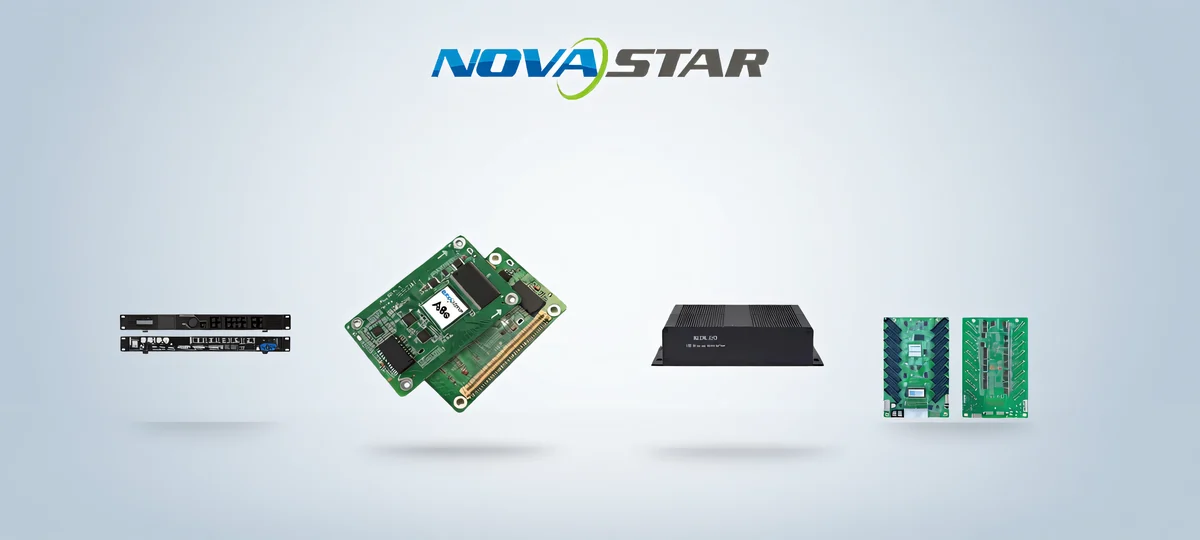
NovaStar LED Control System
The most widely used synchronous ecosystem in professional LED — sending boxes, receiving cards, video processors and all-in-one controllers, managed with NovaLCT and VMP software. The default choice for rental stages, broadcast and large demanding projects.
NovaStar Hub →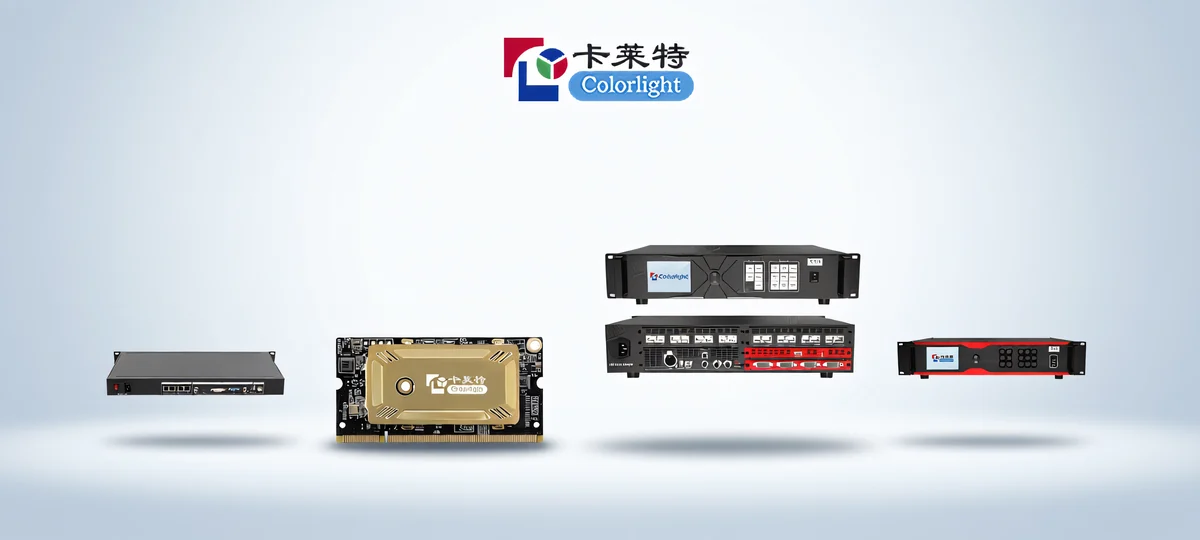
Colorlight LED Control System
A cost-effective receiving-card ecosystem with strong sending boxes and LED video controllers, plus the ColorlightCloud remote platform. Popular for fixed indoor and outdoor advertising where budget efficiency and cloud management matter.
Colorlight Hub →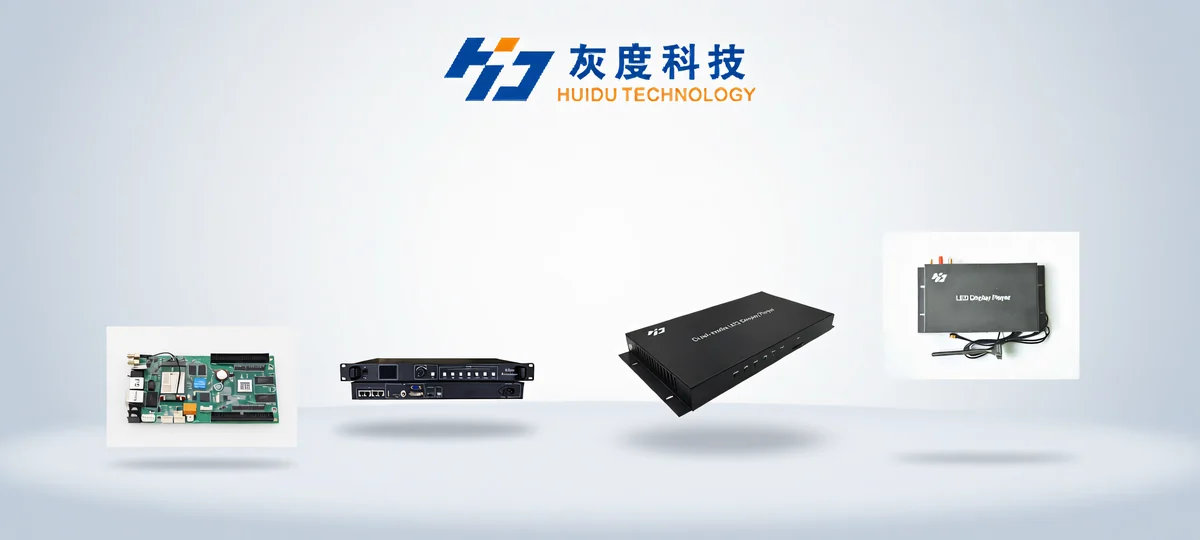
Huidu LED Control System
The asynchronous specialist: Wi-Fi and 4G control cards, Android players and dual-mode controllers managed through HDPlayer and HDSet software. The go-to ecosystem for outdoor signs, kiosks and remotely updated screens.
Huidu Hub →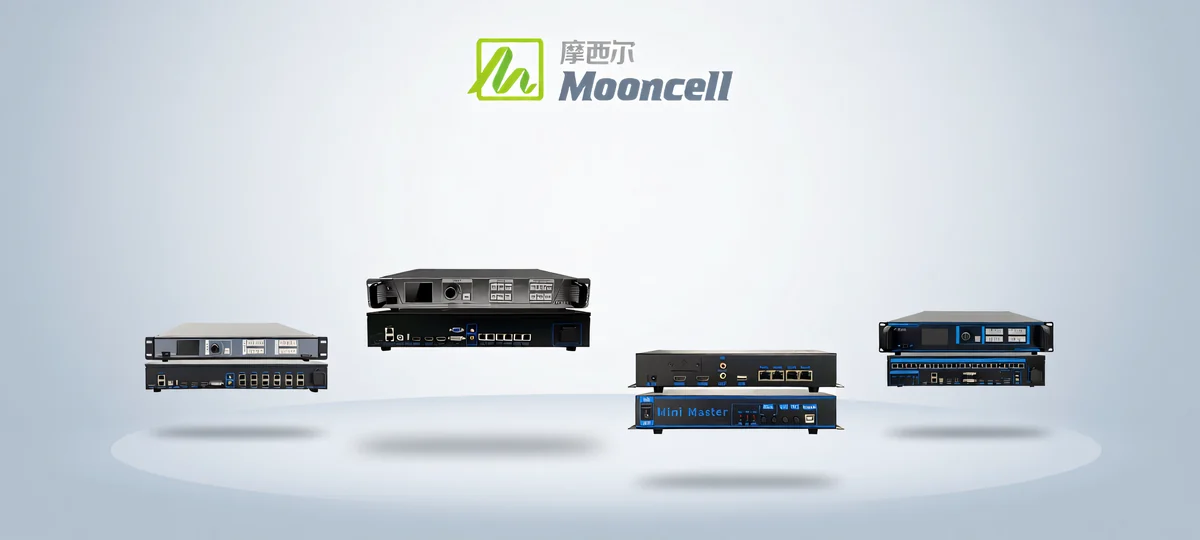
Mooncell LED Control System
Video processors, multimedia servers and special-shape controllers — with AutoLED and LEDmagic software for creative displays. A strong choice for spheres, floors, domes and processor-driven rental setups.
Mooncell Hub →LED Control System by Function
If you think in jobs instead of brands, here is how each function in the control chain is covered.
Featured Control System Products
Four representative models — one per brand — from our published product pages. Each page includes full specifications, setup guidance and project notes.
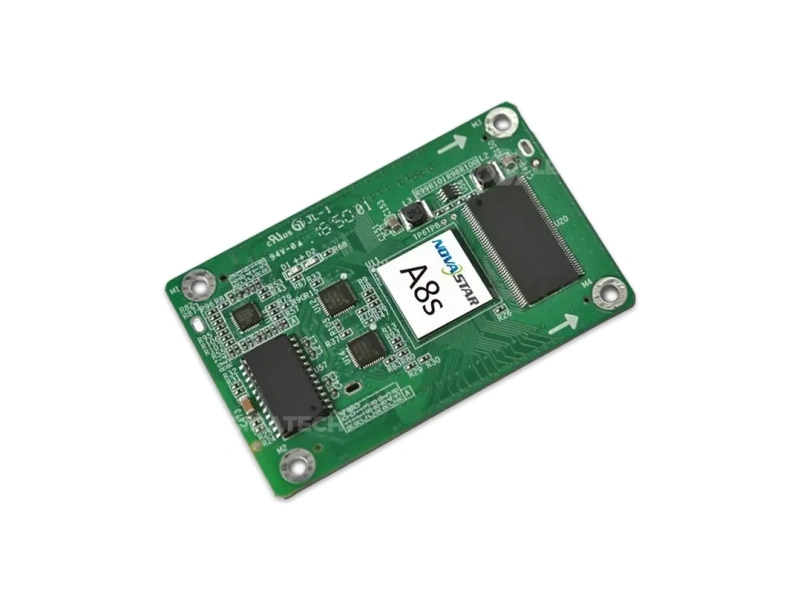
NovaStar A8s
512×384 pixel-level receiving card for NovaStar synchronous systems — a workhorse card for indoor and outdoor cabinets.
NovaStar A8s page →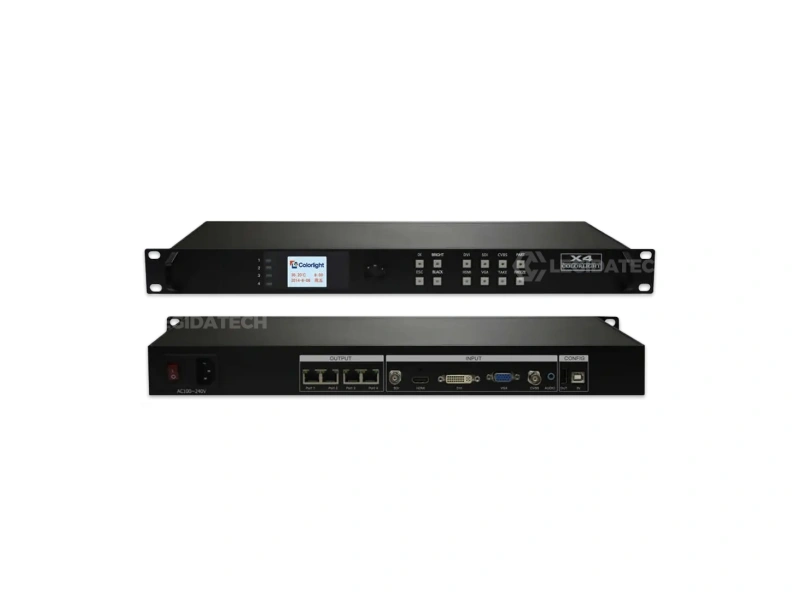
Colorlight X4
Standalone sending box with scaling and multiple Ethernet outputs — a compact front end for fixed LED screens.
Colorlight X4 page →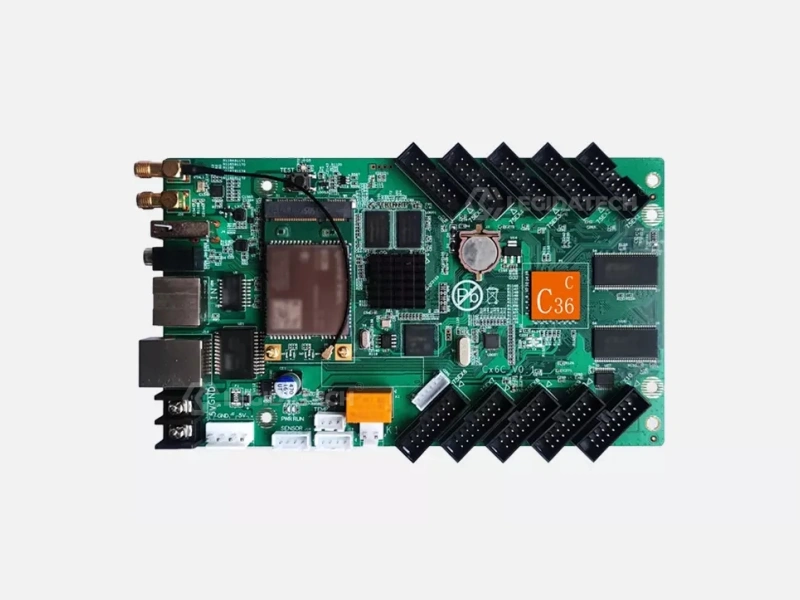
Huidu HD-C36C
Full-color asynchronous control card with Wi-Fi — store, schedule and update content on screens without a PC.
Huidu HD-C36C page →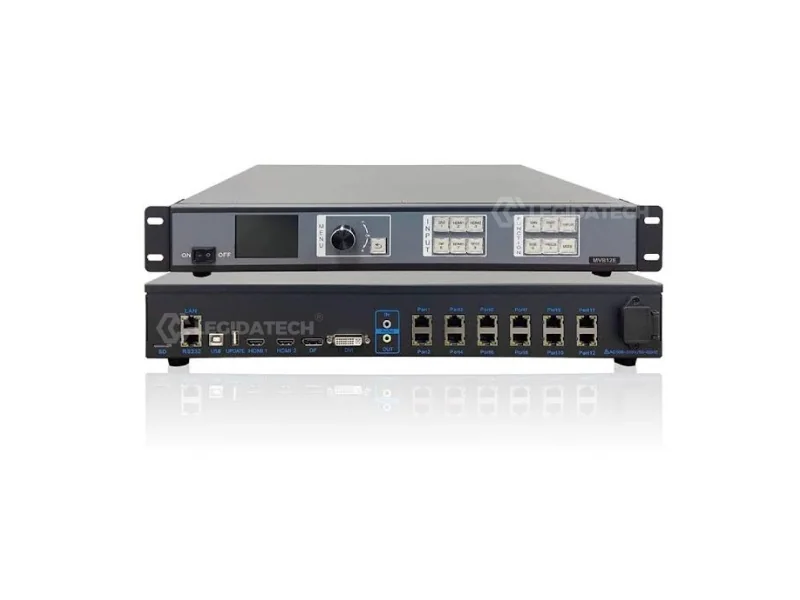
Mooncell MVB12E
LED display video processor with multi-input switching and PIP — a processing front end for rental and fixed walls.
Mooncell MVB12E page →LED Control System Brand Comparison
An objective comparison of the four major ecosystems. These are verifiable facts about product structure and positioning — not rankings. The right system depends on your project, and the table below shows where each brand is strong.
| Dimension | NovaStar | Colorlight | Huidu | Mooncell |
|---|---|---|---|---|
| System Type | Synchronous ecosystem + processors | Receiving cards, sending boxes, video controllers | Asynchronous cards, Android players, dual-mode | Video processors, media servers, special-shape |
| Product Range | Broadest — receiving cards to all-in-one controllers | Receiving & sending focus, plus cloud platform | Wide async lineup plus video processors | Processing-focused, plus servers and controllers |
| Synchronous | Industry reference (MCTRL, VX series) | Supported via sending boxes & X/Z series | Supported via HD-VP processors and sync cards | Strong processor-driven synchronous |
| Asynchronous | Limited (media players) | Cloud-managed async sending boxes | Strongest — Wi-Fi/4G cards, Android players | Media servers (MC-C2) for scheduled content |
| Software | NovaLCT, VMP | LEDVISION, ColorlightCloud | HDPlayer, HDSet | AutoLED, LEDmagic |
| Typical Application | Rental, broadcast, large fixed walls | Fixed indoor & outdoor advertising | Outdoor signs, kiosks, remote-managed screens | Creative displays, spheres, rental processing |
| Typical Project Type | High-demand, high-refresh projects | Cost-conscious commercial installs | Small-to-medium async and DOOH projects | High-end processing and special-shape projects |
LEGIDATECH ships all four ecosystems and recommends the system that matches your screen, not the one that matches a brand preference. Deep dive: Huidu vs NovaStar → · Mooncell vs NovaStar vs Colorlight →
How to Choose an LED Control System
Control architecture is chosen from the screen, not the other way around. Work through these project factors in order, and the right combination usually selects itself.
| Project Factor | What to Check in the Control System |
|---|---|
| Screen Size & Resolution | Controller or processor output capacity (a single 4K chain drives up to ~8.3 megapixels; larger screens need multiple outputs or cascaded sending boxes). |
| Total Pixel Load | Receiving card capacity per cabinet and the number of cabinets each Ethernet port can feed — undersized cards cause flicker and frame drops. |
| Pixel Pitch | Receiving card scan compatibility and module interface (HUB75E and similar) must match the cabinet design chosen by the manufacturer. |
| Input Sources | Number and type of processor inputs — HDMI, DVI, SDI, DP — and whether you need PIP/PBP layering for multi-source operation. |
| Refresh Rate & Grayscale | Driver IC and control system must support your target refresh (e.g., 1920Hz+ for camera-facing screens) and grayscale depth (14–16 bit for smooth gradients). |
| Real-Time vs Playback | Live camera or PC content needs synchronous control; scheduled or looped content works better with asynchronous players and cloud updates. |
| Fixed vs Rental | Rental screens need hot-swappable sending boxes and spare receiving cards; fixed screens prioritize stable rack installation and remote monitoring. |
| Indoor vs Outdoor | Outdoor projects add weather protection for control hardware, surge protection on signal lines, and often brightness-sensor integration. |
| Maintenance & Spares | Keep spare receiving cards and a configured backup of the screen file — receiving cards fail far more often than the rest of the chain. |
| Future Expansion | Leave spare Ethernet ports on sending boxes and headroom in the processor so the screen can grow without replacing the control chain. |
Manufacturer insight: pixel load first
The most common control-system mistake we see in B2B projects is sizing the processor and sending chain without calculating the screen’s total pixel load. A 5m × 3m P2.5 screen is 2,000 × 1,200 pixels — about 2.4 million pixels, comfortably inside one 4K output — but the same screen in P1.5 becomes roughly 6.7 million pixels and needs a second output or a higher-capacity sending box. Calculate pixels first, then buy control hardware.
LED Control Systems by Application
Each application puts different demands on the control chain. Here is how LED control systems are configured for the display categories LEGIDATECH manufactures.
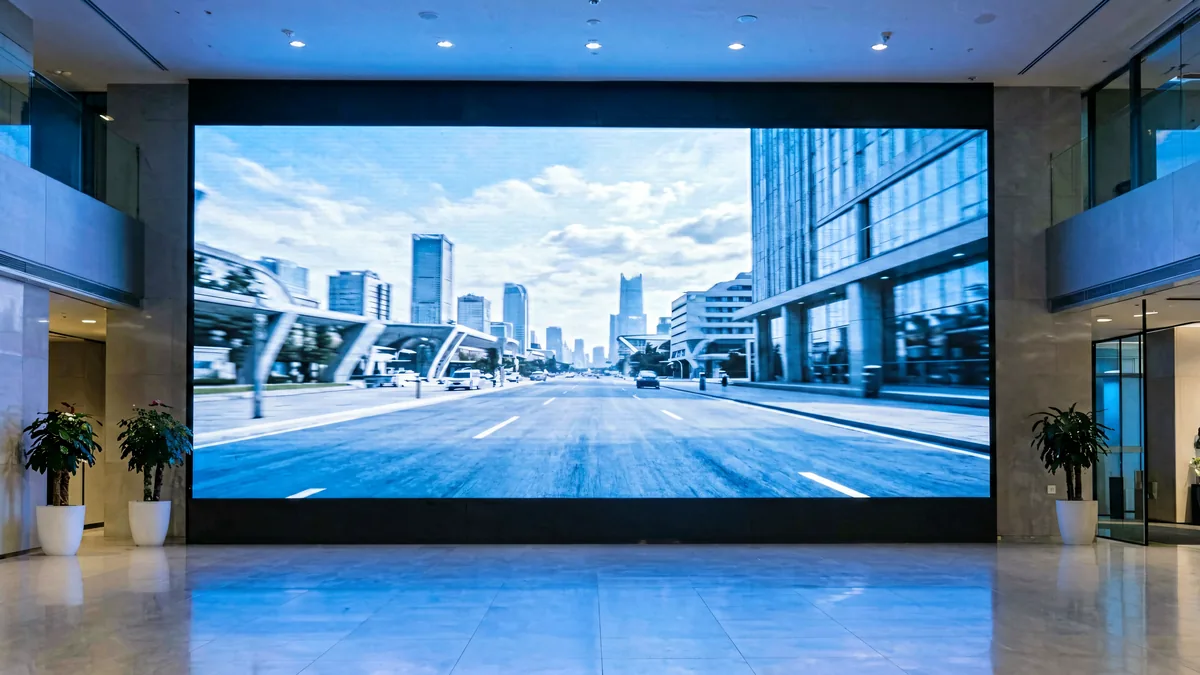
Indoor Fixed LED Display
Synchronous sending box plus receiving cards, sized for the wall’s total pixel load; processor only when multiple inputs are needed.
Indoor LED Screens →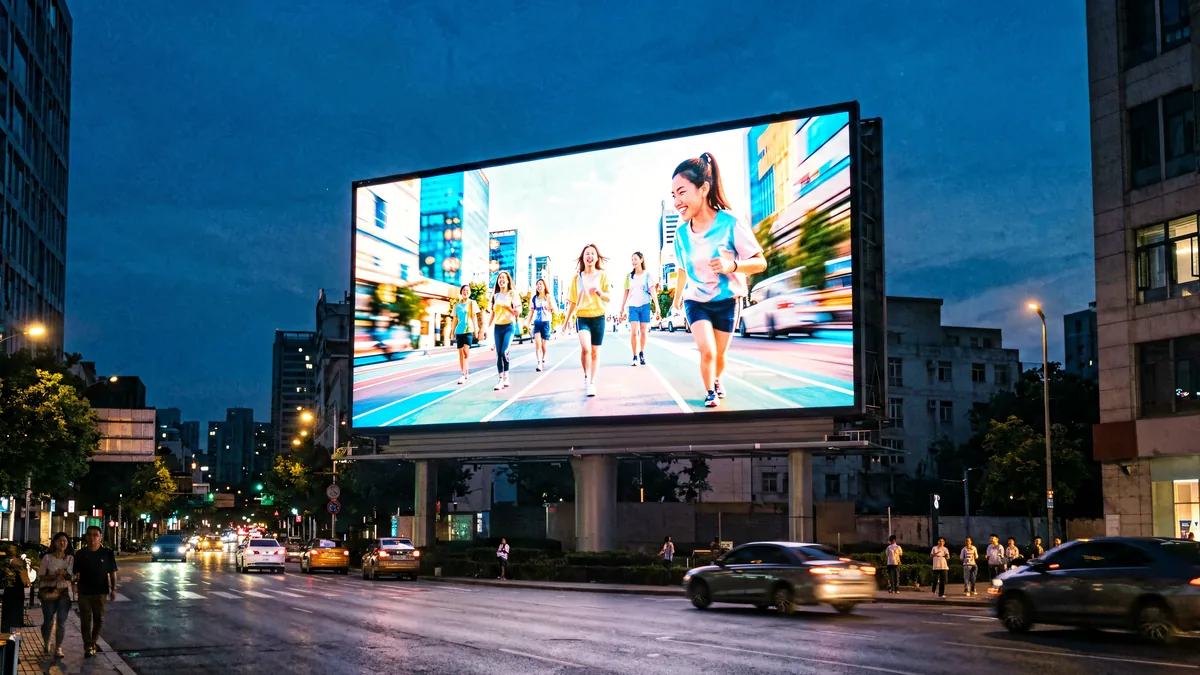
Outdoor Advertising LED Display
Async cards with Wi-Fi/4G or cloud-managed sending boxes — outdoor billboards usually play scheduled content, not live video.
Outdoor LED Screens →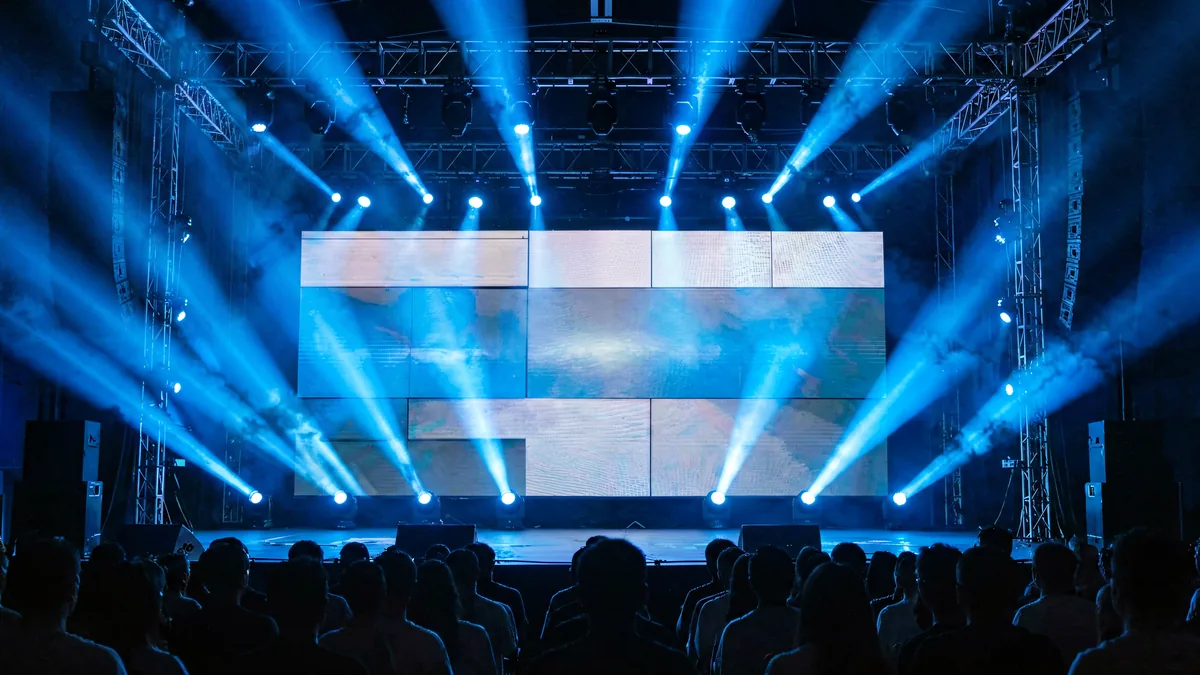
Stage Rental LED Display
Redundant video processors and hot-swappable sending boxes for zero-downtime live shows; spare receiving cards in every flight case.
Rental LED Displays →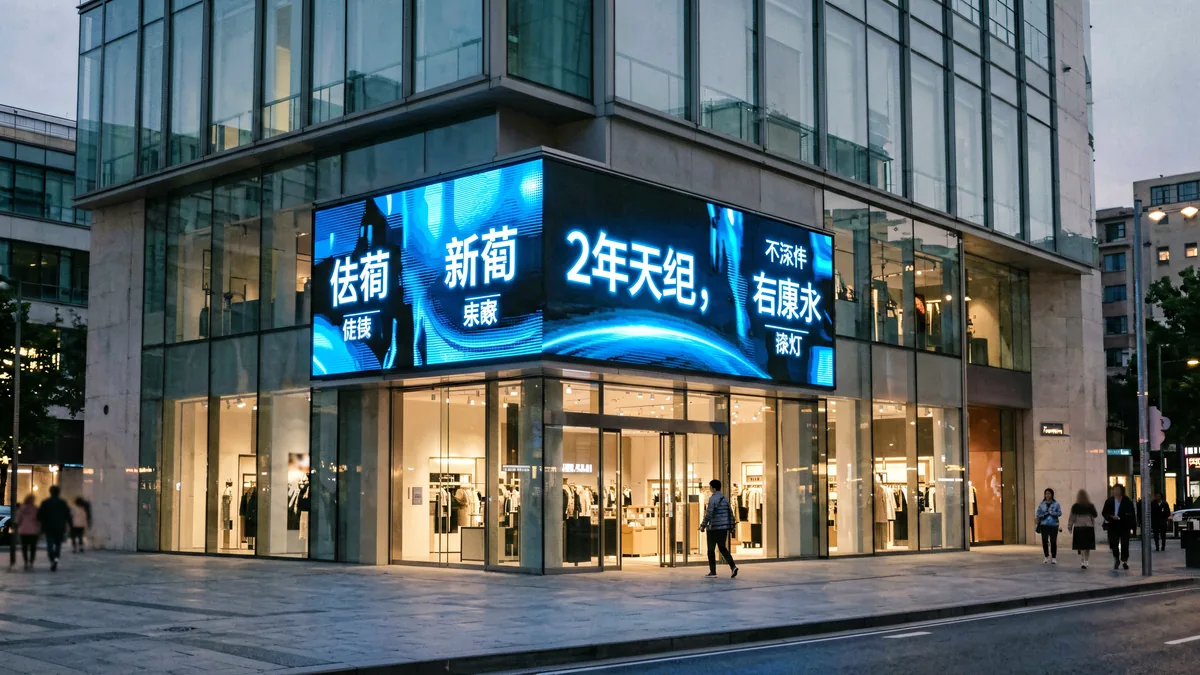
DOOH & Retail Digital Signage
Android media players with cloud content scheduling — content teams update screens across cities without touching the hardware.
LED Screen for Shopping Centers →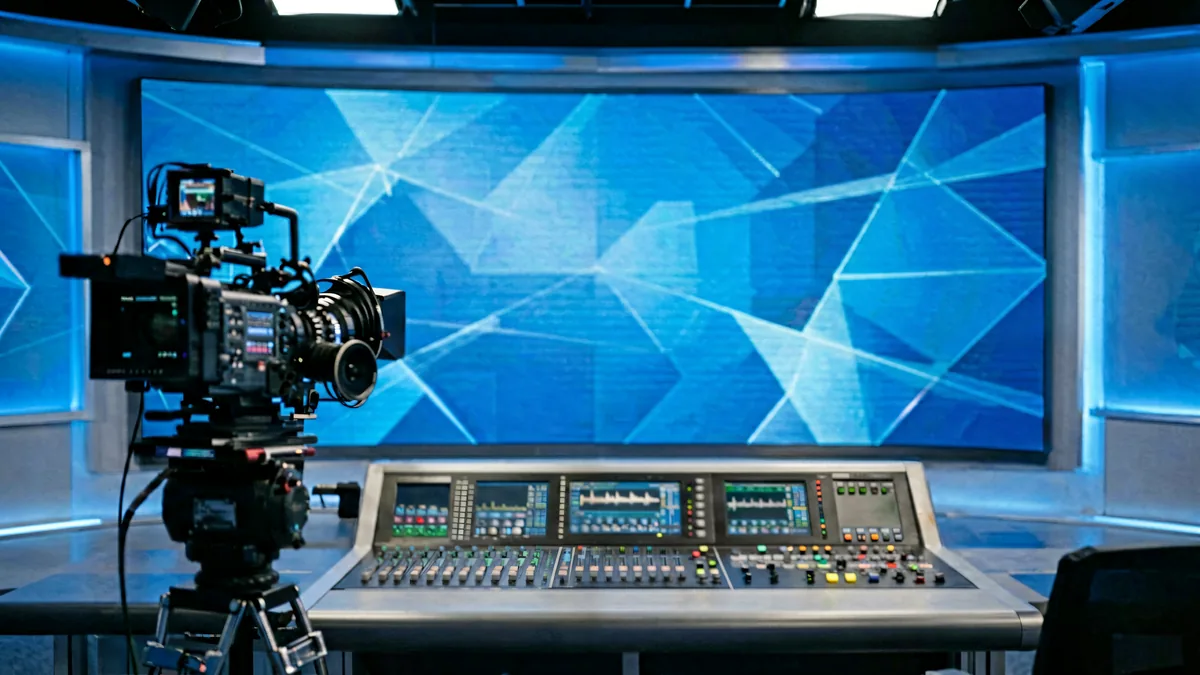
Broadcast & Conference
Genlock-capable processors with high refresh and low latency so studio cameras see a stable, flicker-free image.
LED Screen for Hotels & Conference →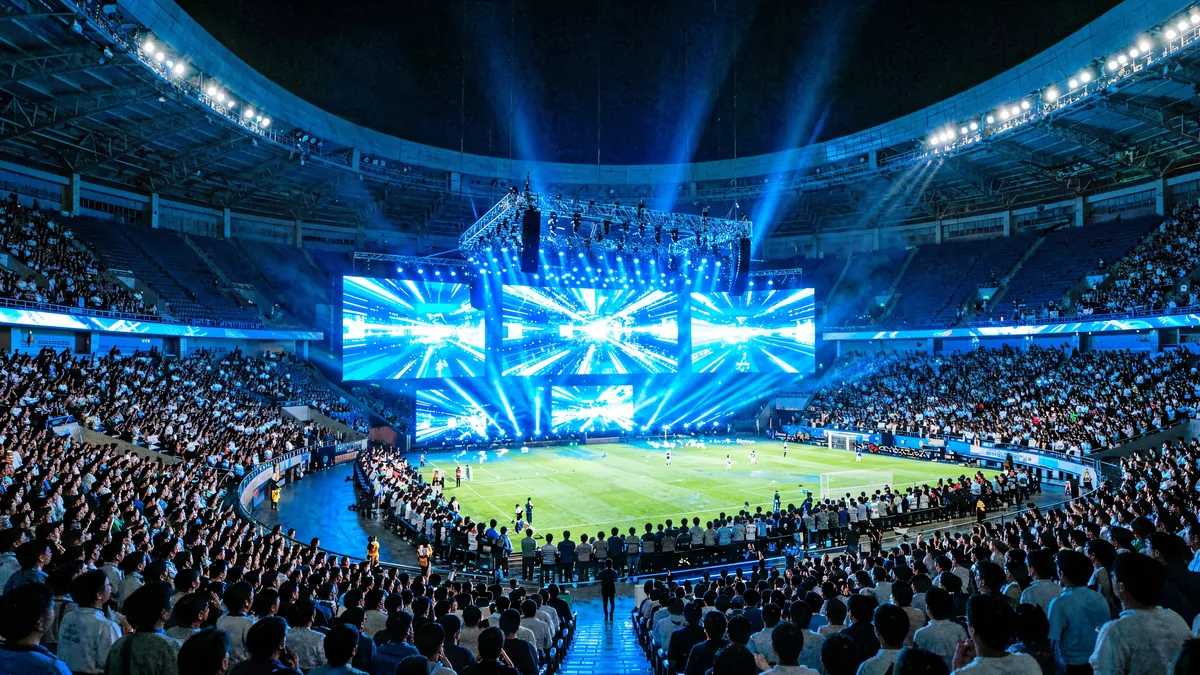
Events & Stadium Screens
High-capacity sending chains with fiber distribution across long distances, plus backup inputs for instant failover.
LED Stadium Screens →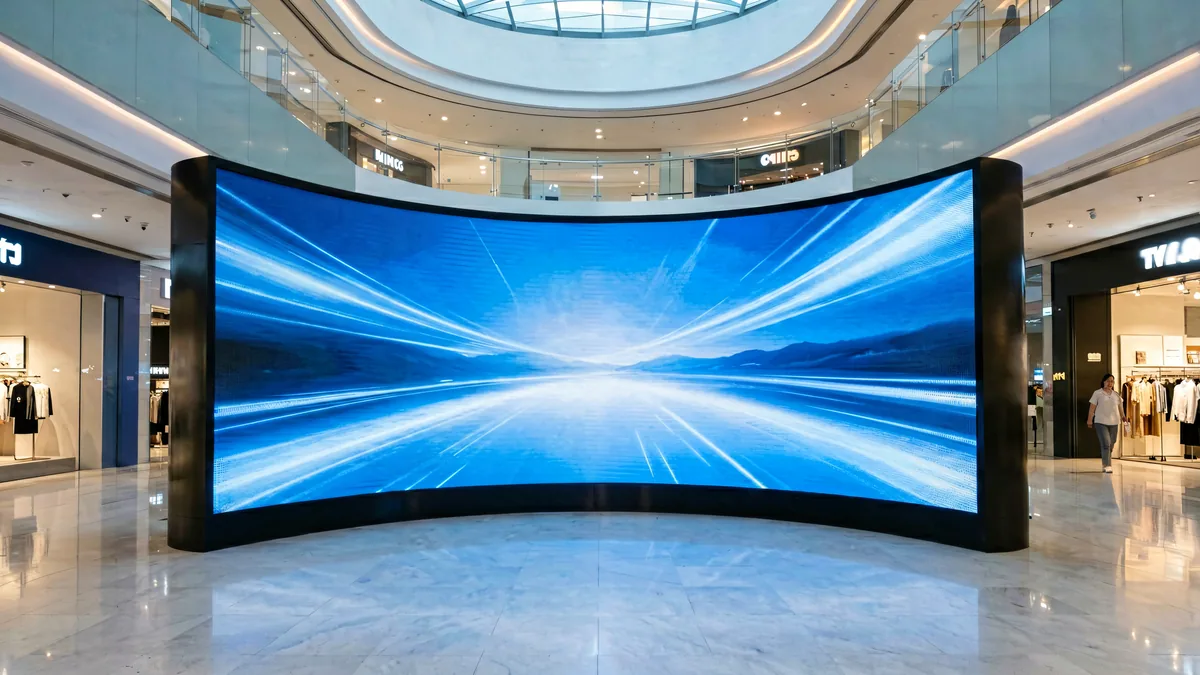
Commercial Display
All-in-one controllers keep installs clean — one box for processing, sending and remote monitoring in stores and lobbies.
Commercial LED Screens →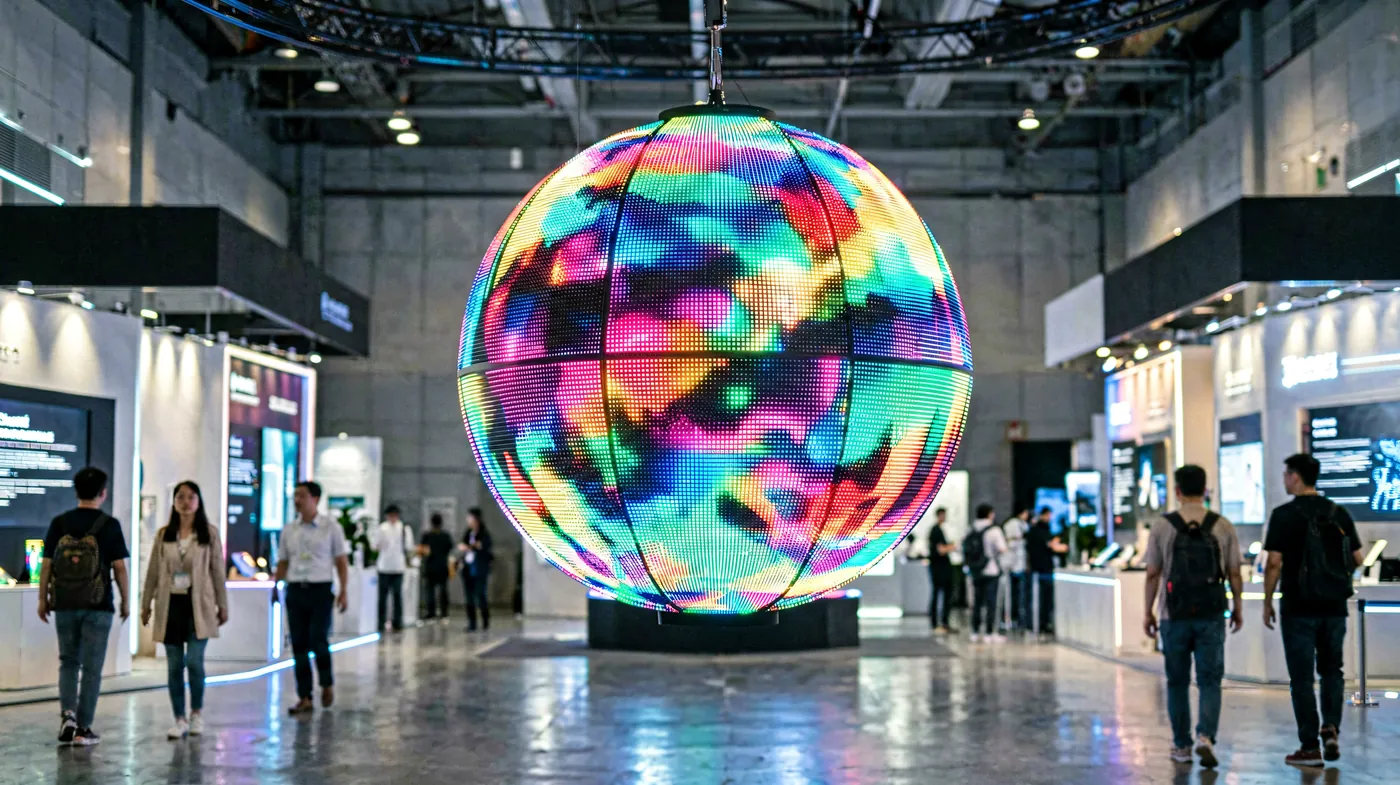
Creative & Special-Shape Displays
Special-shape controllers and media servers map content onto spheres, floors and domes — non-standard pixel maps are the norm here.
LED Sphere Display →How the Control System Affects LED Display Performance
The LED panel defines the ceiling; the control system decides how close the display gets to it.
LED Control System Buying Guide
This is a project-level buying guide, not a product picker. Follow the five steps and you will end up with a control architecture that matches the screen instead of a box that someone else picked.
LEGIDATECH quotes complete displays with the control system pre-configured — screens ship with receiving cards installed, rcfgx files loaded, and the whole chain tested before packing. Request a project quote →
LED Control System Knowledge Center
Guides from our engineering team, organized by what you are trying to do.
Brand Comparisons
Software & Configuration
Product & Lineup Guides
Setup & How-to
Troubleshooting
Applications & Integration
LED Control System Video Guides
Short demonstrations from the LEGIDATECH YouTube channel — receiving card configuration, screen files and field maintenance.
How to Read Back and Update the Receiving Card Program
How to Reload the rcfgx Screen Configuration File
How to Read Back a Configuration File from NovaLCT
How to Replace the Receiving Card on an LED Screen
The LED Control System Hub Network
This page is the top level of a topic cluster. Every brand hub below links back here, and each product page and guide connects to its brand hub — so you can move from general knowledge to model-level detail without leaving the structure.
From Control System to Complete LED Display Solutions
A control system is the core component of any LED display system — but it is only valuable inside a well-engineered screen. LEGIDATECH’s core business is complete LED display manufacturing: we build the cabinet, integrate the control chain, configure the screen, and ship a display that works on arrival.
Indoor Fixed LED Display
Fine-pitch walls for lobbies, control rooms and retail — control systems matched to resolution and viewing distance.
Indoor LED Displays →Outdoor Advertising LED Display
High-brightness billboards and signs with weather-hardened control hardware and remote content management.
Outdoor LED Displays →Stage Rental LED Display
Quick-lock rental cabinets with redundant processors and pre-configured flight cases for touring and events.
Rental LED Displays →LED Display Solutions
From single screens to multi-screen projects — design, control integration, installation and after-sales support.
All LED Display Solutions →Planning an LED display project?
Tell us the screen size, pixel pitch and content type — we will specify the complete control architecture and quote the full display.
Why Choose LEGIDATECH
LEGIDATECH is a professional LED screen manufacturer — and the control system is where our engineering shows up first. We ship displays, not parts.
LED Control System FAQ
What is an LED control system?
An LED control system is the hardware and software chain that converts a content source into the data stream that drives an LED display. In a typical system it includes a controller or video processor, a sending card or sending box, one receiving card per LED cabinet, and configuration software such as NovaLCT, LEDVISION, HDPlayer or AutoLED.
What is the difference between synchronous and asynchronous LED control?
Synchronous control plays a live source — PC, camera or broadcast feed — in real time through a sending card or sending box. Asynchronous control stores content on the controller or media player, so the screen plays on its own and is updated locally or over the cloud. Live video and camera-facing screens are synchronous; scheduled signs and kiosks are usually asynchronous.
How does an LED display control system work?
It follows five stages: the content source feeds a video processor or controller, which scales the image; a sending card or sending box packages the signal into Ethernet data; receiving cards on each cabinet decode it; and the cards drive the LED modules with the right brightness, grayscale and refresh timing. Configuration software maps every cabinet to its screen position.
What is an LED receiving card?
A receiving card is the circuit board mounted on each LED cabinet that receives data from the sending card and drives the LED modules directly. It stores calibration coefficients and controls grayscale and refresh for its cabinet. Its pixel capacity and module interface must match the cabinet design — for example, the NovaStar A8s drives 512×384 pixels.
What is an LED sending card or sending box?
A sending card packages the processed video signal into Ethernet data and distributes it to the receiving cards. A sending box is the standalone version with multiple Ethernet outputs and often built-in scaling, such as the Colorlight X4. It sits between the processor and the screen in the signal chain.
What does an LED video processor do?
An LED video processor switches between input sources, scales them to the screen’s native resolution, and adds features such as PIP/PBP layering, genlock and frame synchronization. It also applies image enhancement before the signal reaches the sending cards. Screens with multiple live sources almost always need one.
Which LED control system should I choose for my project?
Start from the screen: calculate the total pixel load, confirm the content type (live or stored), and check the cabinet’s receiving-card interface. Small scheduled screens suit asynchronous controllers; live and multi-source screens need synchronous sending boxes plus a processor. Matching brands to the cabinet design is a factory task — request a configuration from our engineers.
What is the difference between NovaStar, Colorlight, Huidu and Mooncell?
NovaStar is the synchronous reference ecosystem for rental and broadcast; Colorlight is strong in cost-effective receiving cards and cloud-managed sending boxes; Huidu leads in asynchronous cards and Android players; Mooncell focuses on video processors, media servers and special-shape control. Each is strongest in different project types, which is why we support all four.
How does the control system affect LED display performance?
The control system sets the refresh rate, grayscale depth, scaling quality and synchronization of the display. A mismatched chain produces flicker on camera, banding in gradients, tearing across cabinets or dropped frames. The panel defines the performance ceiling; the control system decides how much of it you actually see.
How do you program an LED display screen?
You configure the screen in the brand’s software — NovaLCT, LEDVISION, HDPlayer or AutoLED: define the cabinet layout and pixel pitch, map each receiving card to its position, set refresh and grayscale, then send the configuration file (rcfgx) to the cards. Factory-configured screens arrive with this already done.
Can I update LED screen content remotely?
Yes — asynchronous controllers and Android players support remote updates over Wi-Fi, 4G or cloud platforms such as ColorlightCloud, Huidu’s cloud apps and Mooncell’s server software. Synchronous screens play a live local source and are typically controlled from the connected computer or media player.
How much does an LED control system cost?
Cost depends on the system type, brand, resolution support and features such as scaling and genlock. A single asynchronous card is a small line item; a redundant processor rack for a rental screen costs far more. In B2B projects the control system is usually quoted as part of the complete display — request a project quote for a realistic figure for your screen.
Is a video wall controller necessary?
Every LED video wall needs control hardware to map content to its cabinets, but the form depends on the screen. Synchronous walls use sending boxes; scheduled walls use async players; multi-source walls add a video processor. See our guide on LED video wall controllers for the full decision path.
Do I need a control system for a small LED screen?
Yes — every LED screen needs at least a controller, even a one-square-meter sign. Small asynchronous screens often use a single control card with the receiving function integrated, while larger cabinets pair sending hardware with receiving cards. There is no LED display without some form of control system.
The Complete Guide to LED Display Control Systems
What Is an LED Control System — and Why It Defines the Screen
Ask any LED display engineer what makes the difference between a screen that looks great on day one and a screen that looks great five years later, and the answer is usually not the LEDs — it is the LED control system. The control system is the complete electronic and software chain that receives content, processes it, and distributes it to every pixel of the display. It decides the refresh rate your camera sees, the grayscale depth of the gradients, the way cabinets stitch together, and how easily the screen is maintained. An LED module is a commodity that several hundred factories can produce well. The control architecture around it is where engineering value — and long-term reliability — actually lives.
In a B2B project the control system also determines cost structure and serviceability. A screen with correctly sized receiving cards and a well-matched processor is easy to troubleshoot: faults are isolated to a single cabinet, a single card, a single cable. A screen with an undersized chain is a permanent source of flicker, dropped frames and service calls. This is why a professional LED screen manufacturer configures the control system at the factory, before the screen ships, instead of leaving it to whoever installs the wall.
Types of LED Control Systems
Control systems divide first into two families. Synchronous systems play a live source in real time: the PC, camera or broadcast feed drives the screen directly through a sending card or sending box, and the receiving cards follow every frame. This is how rental stages, broadcast studios and command centers work — the screen is an extension of the source. Asynchronous systems store content on the controller itself: a control card or media player holds videos and images, plays them on a schedule, and is updated over Wi-Fi, 4G or cloud. Outdoor billboards, retail signs and most DOOH networks are asynchronous because their content changes daily or weekly, not per frame.
Around these two families sit the supporting categories. Video processors sit at the front, switching and scaling multiple sources. All-in-one controllers merge processing and sending into one box. Sending boxes package the signal for the network; receiving cards decode it at each cabinet; and media players extend asynchronous systems with Android-grade scheduling and content management. Most real projects combine two or three of these — a processor, a pair of sending boxes and one receiving card per cabinet is the classic synchronous stack.
How LED Control Systems Work: The Five-Stage Signal Chain
Every screen, from a 1-square-meter shop sign to a stadium display, runs the same five-stage chain. Stage one is the content source: media player, PC, camera or broadcast feed. Stage two is processing: the video processor or controller receives the signal, switches between inputs, and scales it to the screen’s native resolution. Stage three is sending: the sending card or sending box packages the processed signal into Ethernet data packets addressed to the screen’s cabinets. Stage four is receiving: the receiving card on each cabinet decodes the data and drives its modules with correct brightness, grayscale and refresh timing. Stage five is the LED cabinet itself, lighting up in sync with every other cabinet.
Two facts about this chain matter more than any spec sheet. First, capacity flows like water: it is limited by the narrowest stage. A 4K processor feeding a 2.3-megapixel sending box cannot deliver 4K; a receiving card that runs out of pixel capacity shows a dark or scrambled cabinet. Second, configuration is part of the system. The screen file — the rcfgx configuration that maps each receiving card to its cabinet position — is as important as the hardware. A correct chain with a wrong configuration produces the same symptoms as a broken one.
Synchronous vs Asynchronous: How to Choose
The decision is content, not preference. If the screen shows live video, camera feeds, or anything that changes frame by frame, it must be synchronous — asynchronous players store files and cannot follow a live source. If the screen shows scheduled content — advertisements, menus, announcements, wayfinding — asynchronous control is simpler, cheaper to run and far easier to update remotely. The middle ground is hybrid: synchronous walls that also have a media player for fallback content, or asynchronous cards with HDMI input that can display a live source when connected. For outdoor advertising, asynchronous is the default; for rental and broadcast, synchronous is non-negotiable; for fixed commercial screens, the answer depends on whether content is live or scheduled.
Controllers vs Video Processors
These two terms are often used interchangeably, but they do different jobs. A controller is the device that manages the screen: it holds the configuration, maps cabinets and drives the sending chain. A video processor is a front-end device that switches and scales sources, adds PIP/PBP, and syncs frames — it does not know or care about the screen’s cabinet map. Many products merge both roles, which is where the confusion starts. The practical question for a buyer is: how many live sources will the screen show, and at what resolutions? One PC source can often go straight to a sending box; three sources and a laptop backup need a processor. Rental screens add a second question — redundancy — and the processor is usually where backup inputs and instant failover live.
Sending Cards vs Receiving Cards
Sending and receiving cards are the two ends of the same data pipeline. The sending card (or its standalone version, the sending box) sits at the control end: it receives the processed video, packages it, and drives one or more Ethernet outputs to the screen. The receiving card sits at the screen end, inside each cabinet: it decodes the data and drives the LED modules. The sizing rules are different at each end. Sending hardware is sized by total screen resolution and output count; receiving cards are sized by cabinet pixels, scan mode and module interface. Spare-parts strategy also differs: sending boxes rarely fail, while receiving cards are the most common field replacement in the whole chain — which is why every serious project ships with spares.
Major Brands: NovaStar, Colorlight, Huidu and Mooncell
The four brands that define today’s control ecosystem each occupy a different position. NovaStar is the synchronous reference: its sending boxes, receiving cards and VX/MCTRL processors are the default in rental and broadcast, and NovaLCT is the configuration tool most engineers learn first. Colorlight competes with a cost-effective receiving-card ecosystem, capable sending boxes and the ColorlightCloud remote platform — strong in fixed commercial and outdoor advertising where budget and cloud management dominate. Huidu leads the asynchronous side: Wi-Fi and 4G control cards, Android players and dual-mode controllers managed through HDPlayer and HDSet, the go-to for outdoor signs and kiosks. Mooncell focuses on processing and creative control: video processors, multimedia servers and special-shape controllers that map content onto spheres, floors and domes. None of these is “the best” in the abstract — each wins specific project types, which is exactly why a manufacturer supports all four.
How to Choose an LED Control System for a B2B Project
Professionals select control architecture from the screen, in this order. First, define the content type — this fixes synchronous or asynchronous. Second, calculate the total pixel load: width times height in pixels, because processor output capacity and sending-box port counts are rated in megapixels. Third, match the receiving cards to the cabinet design: pixel capacity, scan mode and the module interface must align before ordering. Fourth, plan the physical chain: Ethernet cascade distances, fiber conversion for long runs, and redundancy requirements for rental and mission-critical installs. Fifth, verify software and support: configuration tools, cloud management and spare-parts availability decide the long-term cost. The most common B2B mistake is sizing the chain from the screen’s physical size instead of its pixel load — a 5m × 3m screen doubles its pixel count when the pitch moves from P2.5 to P1.5.
Applications: How Control Changes by Use Case
Indoor fixed walls prioritize image quality and clean installation: a synchronous sending box and well-matched receiving cards, with a processor added only for multi-source operation. Outdoor advertising prioritizes remote content and weather resilience: asynchronous cards with 4G or cloud-managed sending boxes inside weather-protected cabinets. Rental and stage screens prioritize redundancy and speed: hot-swappable processors, backup inputs and spare receiving cards in every flight case. Broadcast adds genlock and high refresh so cameras see a stable image. DOOH networks prioritize scheduling: Android players with cloud content management update screens across cities. Creative displays — spheres, floors, domes — need special-shape controllers and servers that handle non-standard pixel maps. The control system changes shape with the application even when the cabinets look similar.
LED Display Integration: Why the Control System Must Match the Cabinet
This is the part most online guides miss, and it is the part a display manufacturer can never skip. The receiving card’s pixel capacity must cover its cabinet; the module interface must match the hub board; the scan mode must suit the driver ICs; the refresh and grayscale settings must suit the application; and the cabinet’s power and signal wiring must leave room for the card. When any of these mismatch, the screen shows it immediately — dark modules, scrambled cabinets, flicker on camera. Factory integration means the cards are installed, the rcfgx files are loaded and the whole chain is tested on the real cabinets before packing. That is the difference between a screen that powers up on arrival and a screen that needs an engineer’s visit.
Troubleshooting LED Control Systems
Control faults fall into a small taxonomy, and working through it solves most issues without a service call. Cabinet-level problems — one dark, flickering or scrambled cabinet — point to its receiving card, its hub board or its data cable, and are fixed by swapping the card or re-seating the cable. Whole-screen problems — nothing displayed or wrong content — point to the sending chain: the source, the processor, the sending box or the configuration file. Image-quality problems — banding, tearing, camera flicker — point to settings: refresh rate, grayscale depth or synchronization. Remote problems — cannot connect, content not updating — point to network and cloud configuration. The discipline is to change one thing at a time and keep a known-good screen file on hand; a saved rcfgx resolves more field issues than any hardware replacement.
B2B Project Considerations
For a B2B buyer, the control system should be evaluated like any other capital equipment: total cost of ownership, not sticker price. Cheap sending hardware that limits the screen to 8-bit grayscale degrades the image you bought the panel for. Receiving cards without spares turn a 20-minute swap into days of downtime. Configuration software without English documentation becomes an internal training cost. And a control chain that leaves no expansion headroom forces a full replacement when the screen grows. The professional answer to all of this is a factory-configured system with documented architecture, loaded screen files and a spare-parts kit — which is how LEGIDATECH ships every display, from a small church screen to a stadium wall.
Conclusion
The LED control system is the engineering core of an LED display. Choose it from the screen’s pixel load and content type, match every stage of the chain to the cabinets, and buy it as part of a configured display rather than as loose parts. Whether the project ends up on NovaStar, Colorlight, Huidu or Mooncell hardware, the deciding factor is the same: how well the whole chain — source, processor, sending, receiving and cabinet — works together. That is the system we build at the factory, and the reason our screens arrive ready to show content, not ready for troubleshooting.
Get Your LED Display Project Quoted by the Factory
Send us your screen size, pixel pitch and content type. Our engineers will specify the complete LED display control system and quote the full display — indoor, outdoor or rental.
Get a Free LED Display QuoteFactory-direct pricing · Response within 2–4 business hours · Control system pre-configured