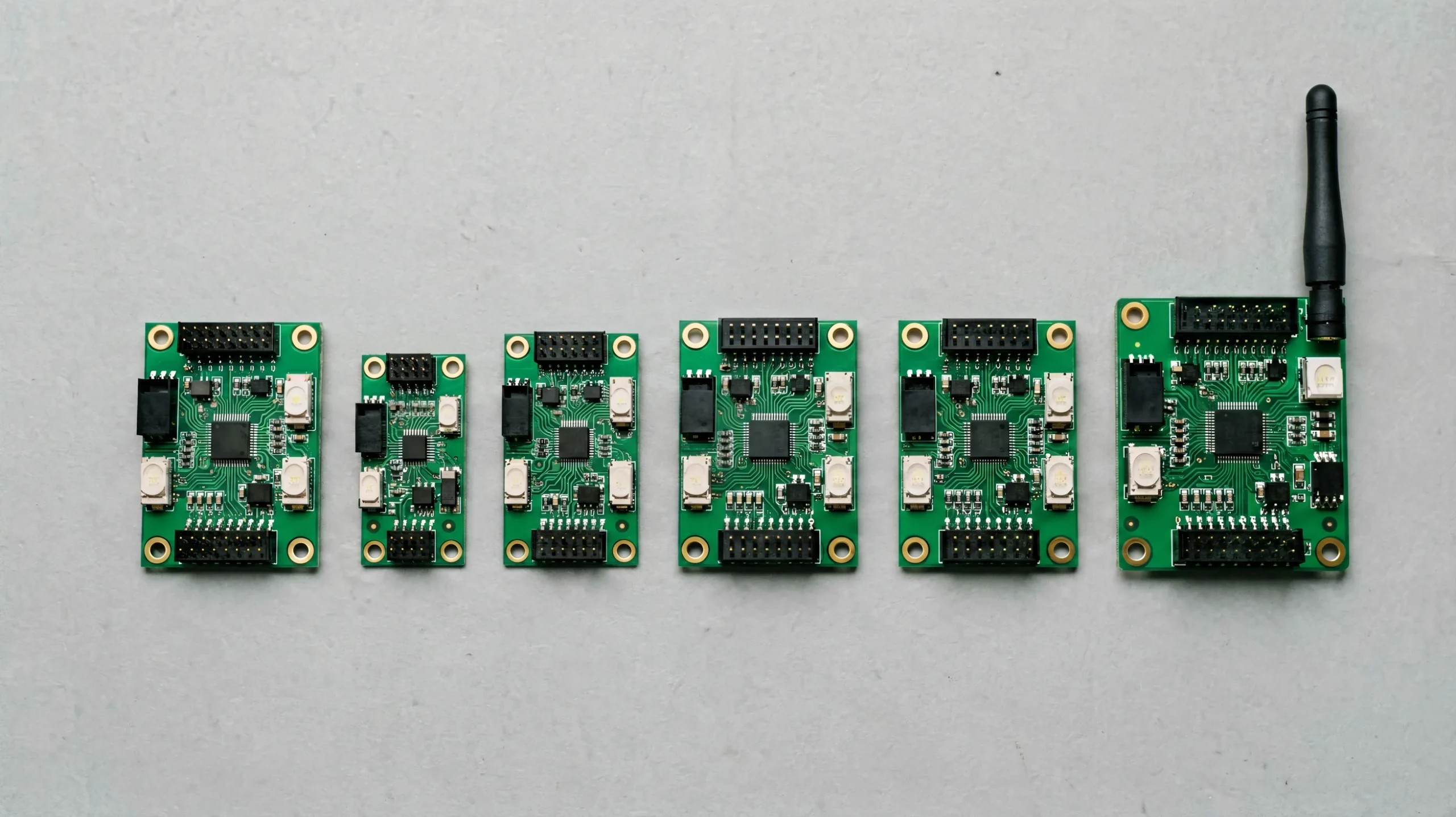
Choosing the right Huidu LED controller is the step that determines how a signage project will run for years: whether content updates over WiFi or U-disk, how many pixels the system can drive, and whether the screen can ever show live video. Huidu’s lineup spans seven product families — asynchronous players, WiFi cards, single-color boards, receiving cards, video processors, and WiFi modules — and each solves a different project profile. This guide maps the full lineup, corrects a common sizing mistake found in some selection articles, and gives you a repeatable five-step workflow for choosing the right model.
Huidu LED Controller Lineup at a Glance
Huidu (Shenzhen Huidu Technology, 灰度科技) organizes its controllers by letter code, and reading the code is half of the selection job. The naming tells you the product family and its role in the system. For background on how these parts work together as a system, see our guide to what a Huidu control system is.
| Series | Role | Representative Models | Typical Use |
|---|---|---|---|
| HD-A | Asynchronous full-color player | A3, A3L, A4L, A5L, A6L | Indoor/outdoor advertising, menu boards, media walls |
| HD-C | Asynchronous full-color with built-in WiFi | C16C, C36C, C16L, C10, C30 | Storefronts, pole screens, distributed signage networks |
| HD-D | Single/dual-color controller | D15, D16 | Text signs, running-message boards, price displays |
| HD-E | Entry-level full-color with cloud | E62, E63, E66 | Small retail displays, community boards |
| HD-R | Receiving card | R708, R712, R716 | Inside cabinets, fanning data to LED modules |
| HD-VP | Synchronous video processor | VP210, VP410, VP620, VP830 | Live video, stage, control-room walls |
| WF | WiFi module | WF1, WF2, WF4 | Adding wireless access to compatible controllers |
The most useful first filter is architecture: asynchronous controllers (A, C, D, E series) play stored content without a PC; the VP series renders live video. Everything else is sizing and connectivity.
Asynchronous Full-Color Players: HD-A and HD-C Series
These two families cover the majority of Huidu signage projects. Both play full-color video and images autonomously; the difference is connectivity and positioning.
HD-A Series: The Workhorse Players
The A series is Huidu’s core asynchronous line, graded by pixel loading capacity. The published capacities are 0.65 million pixels for the HD-A3L and HD-A4L, 1.3 million for the HD-A5L, and 2.3 million for the HD-A6L. In practice: a P4 screen at 128×256 resolution is about 0.03M pixels — well within an A3L — while a large P2.5 indoor wall can approach the A6L’s ceiling. Models in this family on our product pages include the HD-A3 asynchronous controller, the HD-A5 dual-mode controller, and the HD-A6L Android player.
HD-C WiFi Series: Built-in Wireless
The C series is the family that most generic selection articles omit — and it is often the right answer for storefront and network projects. Models such as the HD-C16C and HD-C36C integrate the WiFi radio on the card itself, so no separate WF module is needed: the controller creates a WiFi access point for phone-based setup through the LEDArt app, joins an existing wireless network for cluster sending, and reports to the XiaoHui cloud platform for multi-site management. Our HD-C16C WiFi control card page documents the configuration in detail. The C series also includes higher-capacity models (C16L, C10, C30) for larger full-color screens.
A Series vs C Series: Which to Pick
| Criterion | HD-A Series | HD-C Series |
|---|---|---|
| Connectivity | LAN / optional WF module / U-disk | Built-in WiFi + U-disk |
| Best fit | Higher-capacity walls, project flexibility | Storefronts, pole screens, distributed networks |
| Setup | HDPlayer over network | HDPlayer or LEDArt app over WiFi |
Rule of thumb: if the installer cannot easily reach the screen with a cable on every visit, choose a WiFi-integrated C-series card.
Single-Color and Entry-Level Series: HD-D and HD-E
HD-D Series for Text and Monochrome Signs
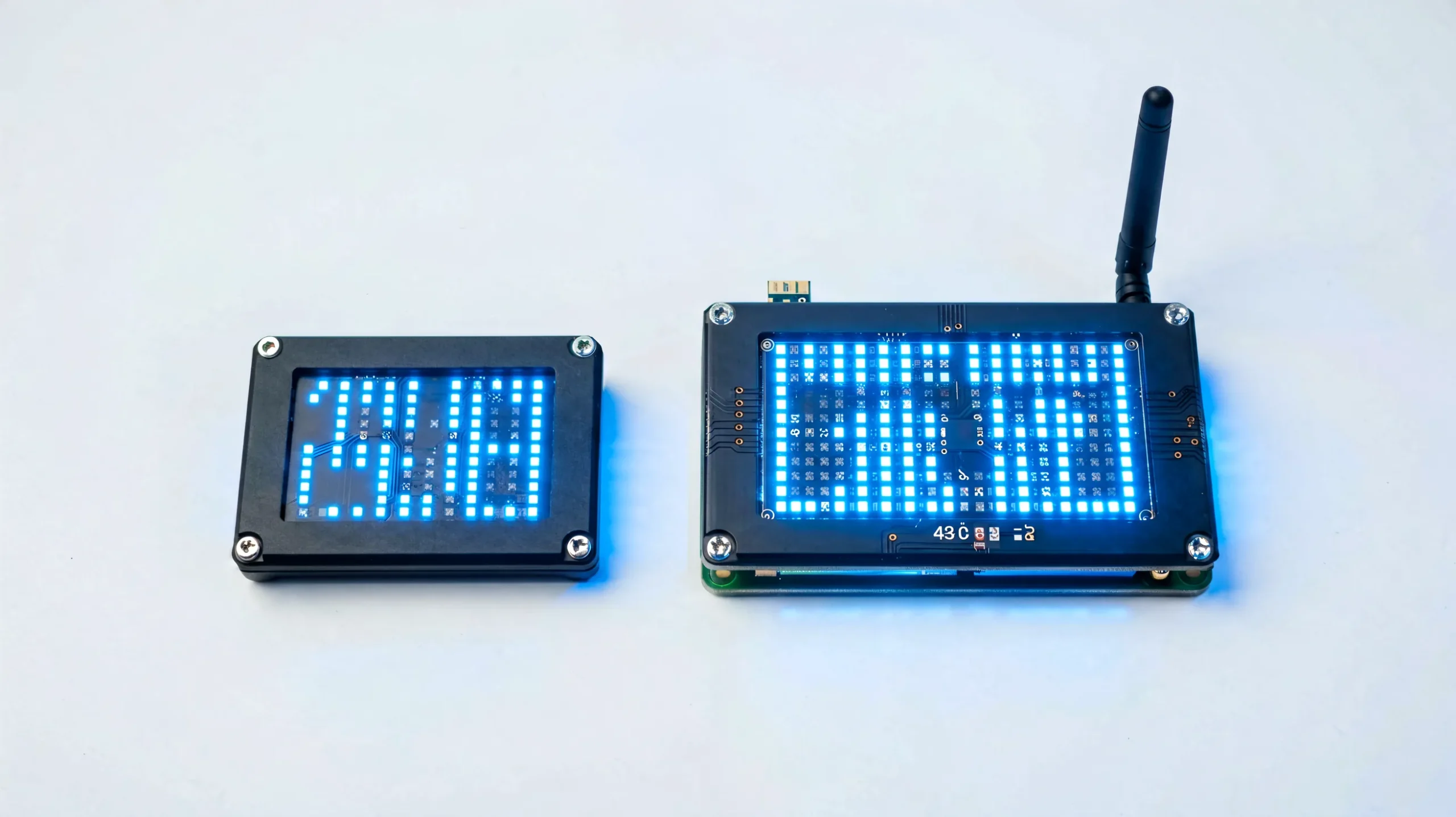
The HD-D family (D15, D16) drives single- and dual-color boards — running-message signs, pharmacy crosses, gas-station price displays, school notice boards. These projects need text, clocks, and simple graphics rather than video, and the D series delivers that at the lowest system cost. They are configured with HD2020, the single-color software counterpart to HDPlayer. Configuration for these cards also runs through HDSet — see our Huidu HDSet software guide.
HD-E Series for Small Full-Color Screens
The E series (E62, E63, E66) sits between the D and A lines: small full-color screens — the published reference is 128×128 or 192×192 resolution classes — with cloud connectivity. It fits retail counter displays, community boards, and small promotional screens where the A series would be oversized.
Series-to-Pixel-Pitch Reference
| Controller Series | Recommended Pixel Pitch | Approx. Resolution Class |
|---|---|---|
| HD-D | P8–P16 (monochrome) | ≤ 128×512 |
| HD-E | P4–P10 (small full-color) | ≤ 512×512 |
| HD-A3L / A4L | P2.5–P6 | ≤ 0.65M pixels |
| HD-A5L | P2–P5 | ≤ 1.3M pixels |
| HD-A6L | P1.8–P4 | ≤ 2.3M pixels |
Receiving Cards: The HD-R Series and Sizing Rules
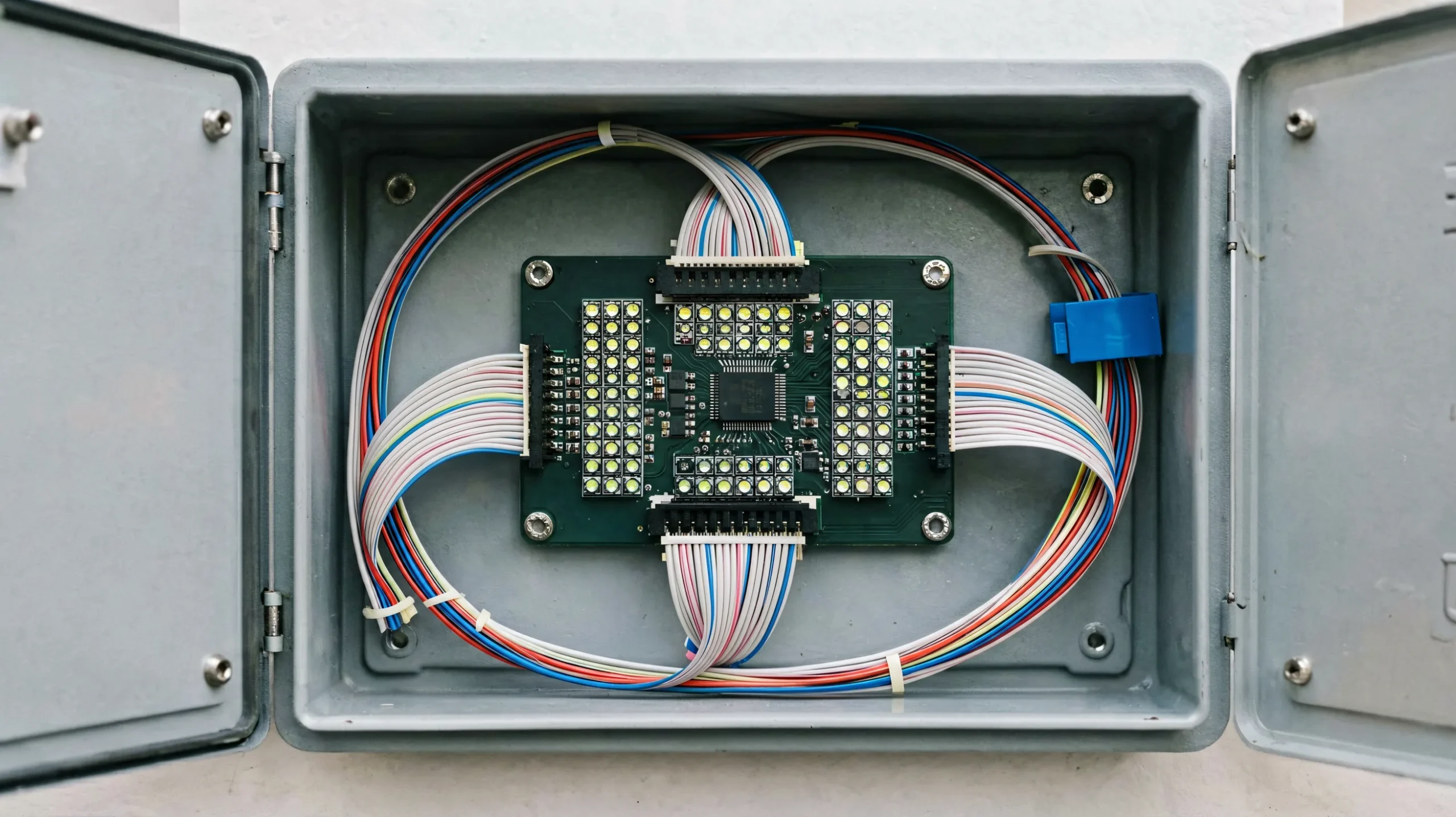
In multi-cabinet screens, the controller feeds receiving cards inside each cabinet, and the receiving cards fan the signal out to the modules. Huidu’s R series covers this role: the R708 for compact displays, the R712 as the versatile mid-range card, and the R716 for large or complex screens.
How to Calculate Loading Capacity — Correctly
A sizing error appears in some selection guides: multiplying width × height × 3 “for RGB”. That is wrong. A controller’s loading capacity is already expressed in pixels — the total resolution it can drive. Calculate width × height of the screen, compare that number to the card’s pixel capacity, and leave headroom. For a screen of 320×192 = 61,440 pixels, a 0.65M-pixel controller is oversized; for 1,920×1,080 = 2,073,600 pixels, you are already past a 1.3M-pixel card and need the 2.3M class or multiple controllers.
A worked example makes the rule concrete. A storefront P4 screen of 192×96 resolution is 18,432 pixels: an HD-E or a small A-series card covers it comfortably. A shopping-center P2.5 wall at 1,152×768 is 884,736 pixels: that is past the 0.65M class and needs the HD-A5L’s 1.3M rating or higher. A full-HD 1,920×1,080 wall is 2,073,600 pixels: the 2.3M-class HD-A6L is the minimum, and larger walls split across multiple controllers or receiving-card groups. The same arithmetic sizes the receiving cards per cabinet: a 128×128-pixel module cabinet (16,384 pixels) runs on one standard receiving card, while a 256×256 cabinet pushes a mid-range card to its limit.
When a screen misbehaves, one of the first checks is whether the receiving card still holds the right program. The video below shows the read-back and update procedure.
The Synchronous Line: HD-VP Video Processors
Every series above plays stored content. When the screen must show live video — a stage backdrop, a broadcast wall, a control room — Huidu’s HD-VP processors take over, with the HD-VP210 as the entry model and the VP410, VP620, and VP830 scaling upward. The architectural difference is explained in our guide to synchronous and asynchronous LED displays. For the brand-level decision between ecosystems, see our Huidu vs NovaStar comparison. For projects that may start as scheduled signage but later add live feeds, note that the two architectures are not interchangeable after the fact — the controller choice follows the content plan from day one.
WiFi Modules and Remote Management
For A-series cards without built-in WiFi, the WF module family (WF1, WF2, WF4) adds wireless access. Paired with the LEDArt app and the XiaoHui cloud platform, this turns a set of standalone screens into a remotely managed network: content publishing, status monitoring, and brightness scheduling from a single dashboard. In field practice, the U-disk path still matters: on screens without any network route — rooftop billboards, highway signage — the operator exports the program from HDPlayer to a U-disk and the controller imports it on insertion. Many Huidu cards also treat U-disk storage as an extension of playback memory for long playlists.
Because Huidu controllers ship with default WiFi passwords that are publicly documented, changing them on every installation is a basic commissioning step — the full password reference and reset procedure is in our Huidu HDPlayer setup guide. For a systematic fault-finding path when a configured screen misbehaves, see our Huidu troubleshooting guide. Software for every card class is free and consolidated in the Huidu software download center.
Firmware Matching and Configuration Files
Firmware is the dimension most selection guides miss entirely, and it matters in the field: Huidu publishes firmware matched to controller model and driver chip, and Huidu’s own training material includes a quick-lookup table for choosing the right firmware file. Before commissioning, verify the controller’s firmware version against the official release notes for that model; after any controller replacement, reload the saved configuration file rather than re-mapping the screen by hand. The video below demonstrates restoring a configuration file to a receiving card.
Huidu LED Controller Selection Workflow: Step by Step
- Playback type — scheduled content (asynchronous A/C/D/E series) or live video (VP series)? This decision is architectural and cannot be patched later.
- Color depth — monochrome or dual-color text boards go to the HD-D series; full-color goes to A, C, or E.
- Pixel load — width × height, then compare to the card’s rated capacity with headroom (not ×3).
- Connectivity — hard-to-reach sites need built-in WiFi (C series) or a WF module; isolated sites use U-disk updates.
- Growth margin — leave pixel capacity and network options for future expansion; the hardware cost difference is small compared with a re-spec.
The video below shows the cabinet level where receiving cards live, giving the full physical context for step three.
For controller commissioning across brands, our LED display controller setup guide covers the common workflow.
FAQ: Huidu LED Controller Selection
Which Huidu controller should I choose?
Start with playback type: live video needs the HD-VP series; scheduled content uses asynchronous cards. Then pick by color (HD-D for mono, A/C/E for full-color), pixel load, and whether the site needs built-in WiFi (HD-C series).
What software is used for HUIDU controllers?
HDPlayer for full-color asynchronous controllers, HD2020 for single-color cards, HDSet for configuration, plus HDSign and HDShow. The LEDArt app covers phone-based control.
What is the difference between the HD-A and HD-C series?
Both are asynchronous full-color players. The C series integrates the WiFi radio on the card (models like the HD-C16C and HD-C36C), while the A series uses LAN or an external WF module. The A series also scales to higher pixel capacities.
How many pixels can a Huidu controller drive?
It depends on the model: the HD-A3L/A4L class is rated at 0.65M pixels, the HD-A5L at 1.3M, and the HD-A6L at 2.3M. Calculate your screen as width × height and leave headroom.
What receiving card do I need for my cabinet?
Divide the cabinet’s pixel count by the receiving card’s capacity and round up. The R708 fits compact displays, the R712 is the mid-range standard, and the R716 handles large or complex screens.
Does Huidu make WiFi controllers?
Yes — the HD-C series (HD-C16C, HD-C36C, and others) has built-in WiFi, and the WF1/WF2/WF4 modules add WiFi to compatible A-series cards.
What is the default WiFi password of a Huidu controller?
The default WiFi password is 88888888, with lc12345678 used on some models. Change it during commissioning and store the new password in the project documentation.
How do I update Huidu controller firmware?
Through HDPlayer’s firmware update function, using firmware matched to the controller model and driver chip. Huidu’s official training material provides a lookup table for matching firmware files.
What are the benefits of HUIDU controllers?
Autonomous playback without an on-site PC, WiFi and cluster management, U-disk updates for isolated sites, and a free software toolchain — a cost-efficient platform for fixed and distributed signage.
Is Huidu cheaper than NovaStar?
For asynchronous signage, Huidu hardware is typically positioned lower than an equivalent NovaStar asynchronous setup. For synchronous professional systems, NovaStar remains the benchmark — the two brands occupy different market segments.
Can Huidu controllers run synchronous displays?
Yes. The HD-VP210, HD-VP410, HD-VP620, and HD-VP830 video processors are Huidu’s synchronous line for live video applications.
What is the HD-E series used for?
The HD-E series (E62, E63, E66) powers small full-color screens — retail counter displays, community boards, and compact promotional signs — with cloud connectivity at an entry price point.
Conclusion
The Huidu LED controller lineup maps cleanly to project profiles once you read the letter codes: HD-A for scalable asynchronous walls, HD-C for WiFi-connected signage, HD-D for monochrome text, HD-E for small full-color, HD-R receiving cards inside every cabinet, HD-VP for live video, and WF modules for wireless retrofit. Sizing is arithmetic — width × height against rated pixel capacity, with margin — and firmware matching completes the commissioning checklist. As an LED screen manufacturer integrating Huidu control systems into factory-built displays, LEGIDATECH supplies the correct controller, pre-loaded configuration files, and field support for every project — from a single storefront card to a national billboard network.
Explore the Huidu LED Control System Hub
For the complete Huidu picture — product categories, comparison table, HD-VP series guide, applications, selection logic and FAQs — visit the Huidu LED Control System: Complete Guide & Product Hub.