


Huidu LED Control System: Complete Guide for LED Display Projects
What the Huidu LED control system is, how its video processors, asynchronous controllers and Wi-Fi control cards drive LED displays, and how to choose the right Huidu device for your project — explained by LEGIDATECH, an LED screen manufacturer. We are not a Huidu retailer: we integrate Huidu control hardware into complete LED display systems.
Factory-direct · Pre-configured control systems · 24-hour engineering response
1. What Is the Huidu LED Control System?
The Huidu LED control system is the family of video processors, asynchronous controllers, dual-mode controllers and Wi-Fi control cards that convert content into the pixel data an LED screen displays — with a particular strength in cost-efficient asynchronous and wireless control.
Huidu Technology, based in Shenzhen, designs LED control hardware and software with a different center of gravity from its competitors: while NovaStar leads synchronous professional ecosystems, Huidu’s strongest position is asynchronous playback, Wi-Fi control and dual-mode (sync + async) devices — the architecture behind most advertising signage, storefront displays and distributed screen networks.
- Video processors (HD-VP series) — 2-in-1 and 3-in-1 units that combine video processing with a sending card, and often USB playback, in one chassis. The 3-in-1 concept (processor + sending card + U-disk playback) is a Huidu signature.
- Asynchronous controllers (HD-A3, HD-C36C) — store content locally and play it without a connected PC, ideal for signage networks where content changes daily rather than per second.
- Dual-mode controllers (HD-A5) — run asynchronously for scheduled content and switch to live HDMI input automatically when a source is connected.
- Android media players (HD-A6L) — full Android 11.0 platform for app-driven content, multi-window playback and HDMI splicing.
- Wi-Fi control cards (HD-C16C) — compact cards configured and updated wirelessly through the HDPlayer software and LEDArt mobile app.
For the full brand background and system-level explanation, read What Is the Huidu Control System?
2. Huidu Product Categories
Six categories cover every Huidu model documented on this site. Each links to its dedicated product page or guide.
LED Video Processors
HD-VP210, HD-VP410, HD-VP620, HD-VP830 — 2-in-1/3-in-1 processing with 1.3M to 5.2M pixel loading, HDMI/DVI/DP/SDI inputs and 2–8 Gigabit outputs.
Asynchronous Controllers
HD-A3 and HD-C36C — standalone playback from onboard storage, Wi-Fi publishing and USB updates for signage networks without a PC on site.
Dual-Mode Controllers
HD-A5 — asynchronous playback with automatic HDMI live-input switching and hardware auto-scaling, in one controller.
Android Media Players
HD-A6L — Android 11.0 platform with 2.6M pixel capacity, multi-window playback and HDMI splicing for app-driven digital signage.
Wi-Fi Control Cards
HD-C16C — compact full-color control card with 120,000 pixel loading, 4 GB storage, Wi-Fi configuration and U-disk expansion for retail and community displays.
Software & Downloads
HDPlayer, HDSet and the LEDArt app — our download center page plus two in-depth software guides cover setup, passwords, firmware and troubleshooting.
Receiving cards: Huidu’s R-series receiving cards (HD-R512, HD-R708, HD-R712, HD-R716) complete the synchronous chain on the cabinet side. They are not covered by dedicated pages on this site — for card count calculation and loading math that applies to any brand, see how to calculate receiving cards and sending cards.
3. Featured Huidu Products
A technical reference to the nine Huidu models documented on this site — processor class first, then the asynchronous family. Each card links to its full product page with specifications and application details.
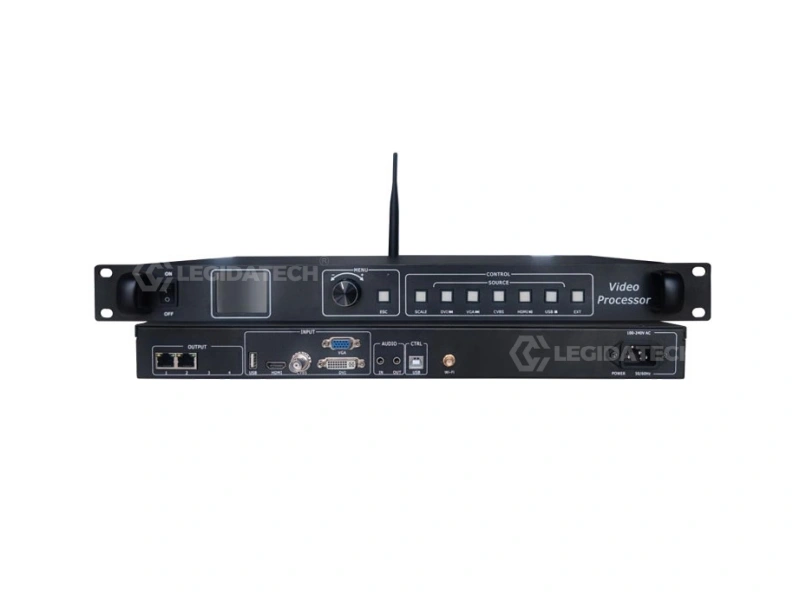
HD-VP210 — 3-in-1 Processor
1.3M pixels · 2 Gigabit ports · USB playback · 1080p input. Entry video wall and small advertising screens.
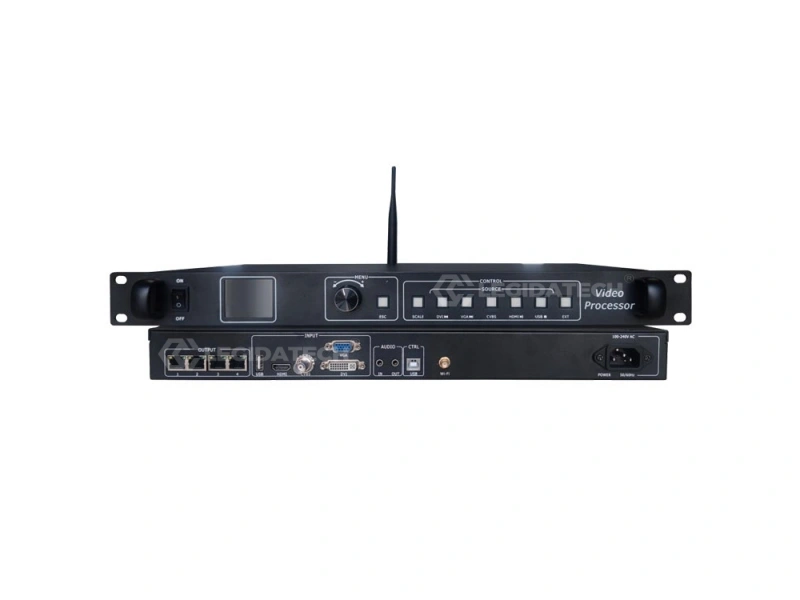
HD-VP410 — 3-in-1 Processor
2.6M pixels · 4 Gigabit ports · 1080p input. Medium LED video walls and larger fixed displays.
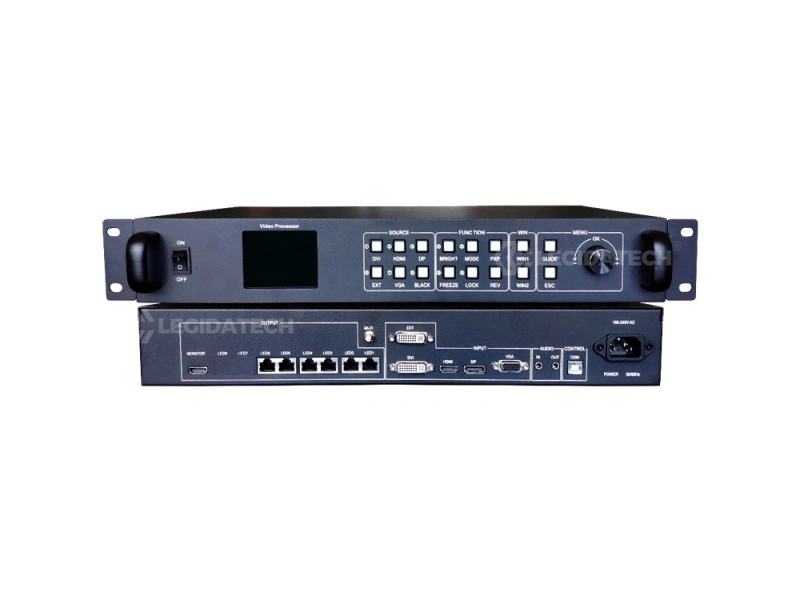
HD-VP620 — 4K Processor
3.9M pixels · native 4K input · 6 Gigabit ports · PIP/POP. Professional stage, studio and conference walls.
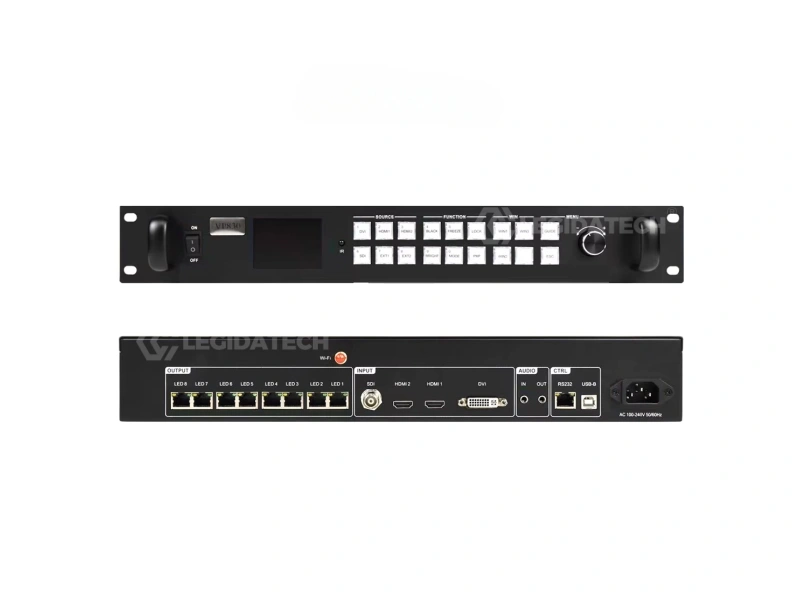
HD-VP830 — Large-Scale Processor
5.2M pixels · 2×HDMI + DVI + SDI · 8 Gigabit ports · 3-window display. Large professional LED projects.
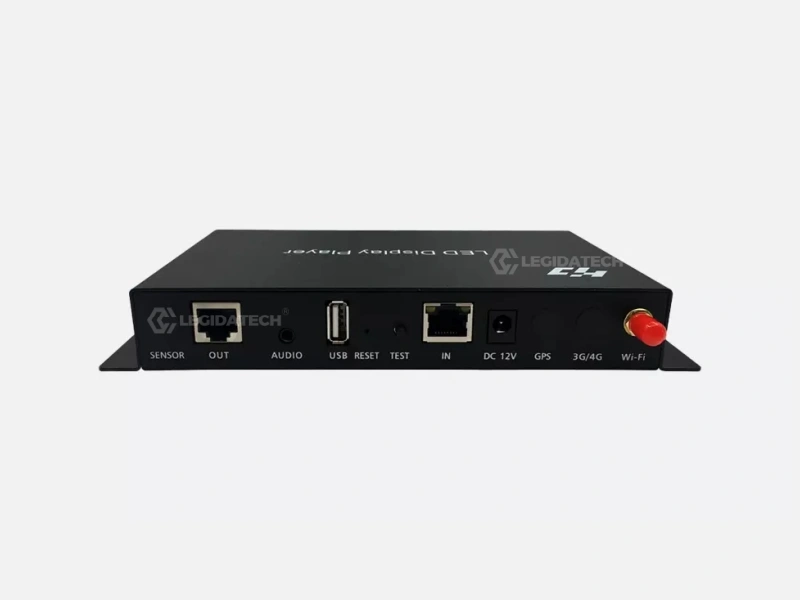
HD-A3 — Asynchronous Controller
655,360 pixels · 8 GB storage · Wi-Fi + 4G optional. Standalone signage playback, no PC required.
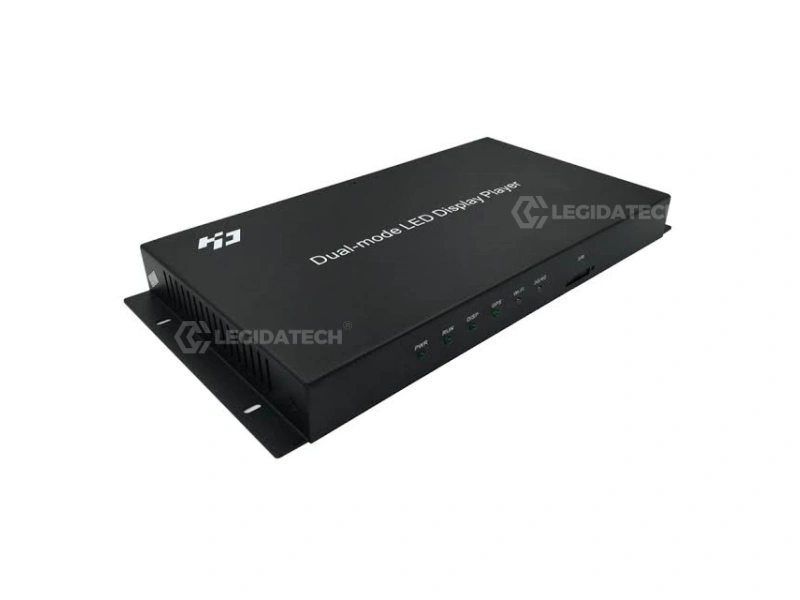
HD-A5 — Dual-Mode Controller
1.31M pixels · async + HDMI sync auto-switching · built-in hardware scaling. Hybrid signage with live capability.
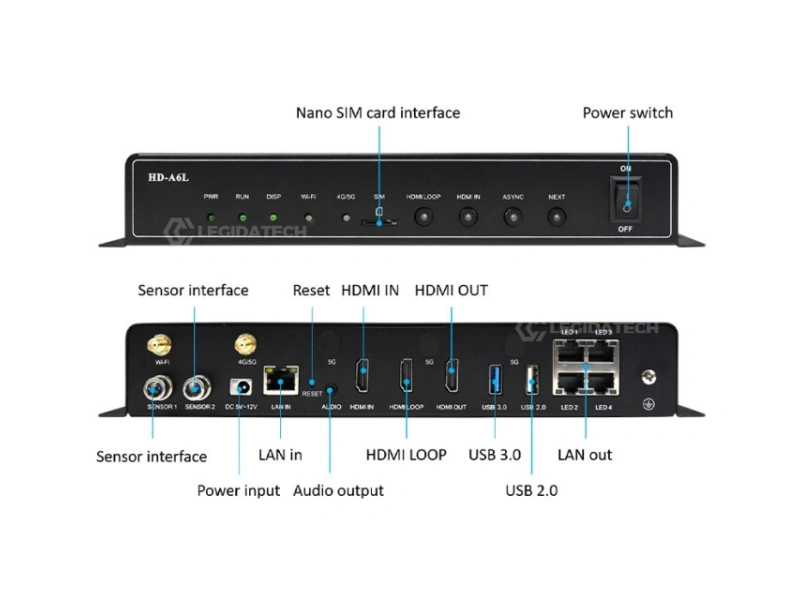
HD-A6L — Android Player
Android 11.0 · 2.6M pixels · 2×4K multi-window · HDMI splicing. App-driven digital signage.
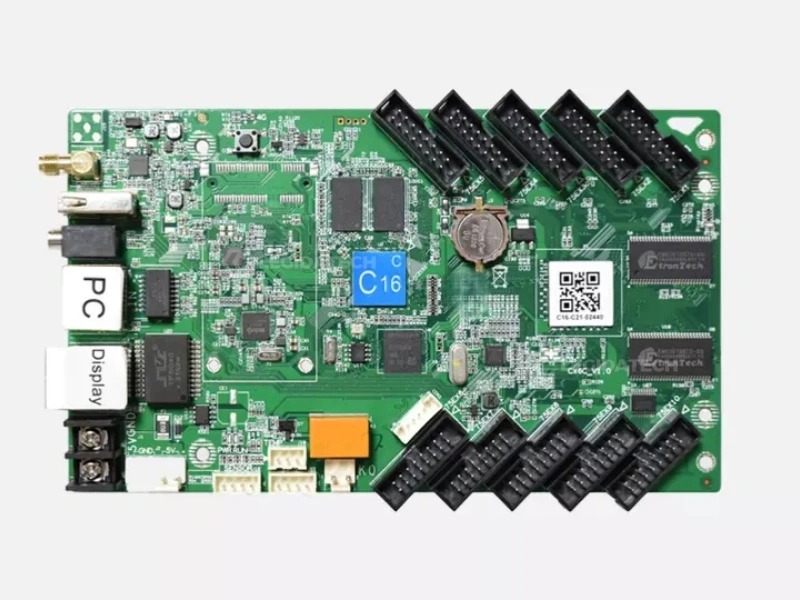
HD-C16C — Wi-Fi Control Card
120,000 pixels · 4 GB + USB · Wi-Fi publishing. Restaurant menus, retail and community displays.
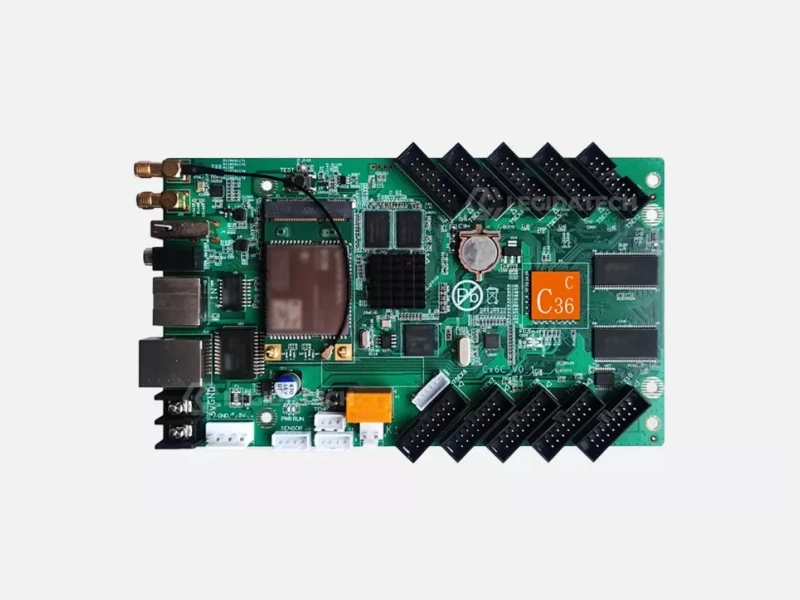
HD-C36C — Asynchronous Card
520,000 pixels · 1080P hardware decoding · Office document playback · cloud management.
4. Huidu Product Comparison
Verified parameters from the linked product pages, so you can see at a glance which model class fits which project. All figures below come from the specification tables published on each page.
| Model | Category | Max Pixel Loading | Key Inputs / Outputs | Best For |
|---|---|---|---|---|
| HD-VP210 | 3-in-1 video processor | 1.3M px (1280×1024, max 3840×1920) | HDMI / DVI / VGA / CVBS / USB · 2 Gigabit | Small-medium LED displays, USB playback |
| HD-VP410 | 3-in-1 video processor | 2.6M px (1920×1024, max 3840×1920) | HDMI / DVI / VGA / CVBS / USB · 4 Gigabit | Large LED video walls |
| HD-VP620 | 2-in-1 video processor | 3.9M px · native 4K input | HDMI / DVI / DP / VGA / EXT · 6 Gigabit · PIP/POP | Professional stage, studio, conference |
| HD-VP830 | 2-in-1 video processor | 5.2M px (max 8192 width) | 2×HDMI + DVI + SDI · 8 Gigabit · 3-window | Large professional LED projects |
| HD-A3 | Asynchronous controller | 655,360 px (1280×512, max 4096×2048) | 8 GB · Wi-Fi built-in · 4G optional · 60 Hz | Standalone signage, no PC on site |
| HD-A5 | Dual-mode controller | 1,310,720 px (1280×1024, max 16384×2048) | HDMI auto-scaling · 2×1 Gigabit · 8 GB · 60 Hz both modes | Signage with automatic live-input switching |
| HD-A6L | Android media player | 2.6M px (max width 65,536) | Android 11.0 · 2 GB/16 GB · HDMI IN + LOOP · multi-window 2×4K | App-driven digital signage, splicing |
| HD-C16C | Wi-Fi control card | 120,000 px (384×320, max 8192×512) | 4 GB + USB · Wi-Fi · static–1/64 scan · 60 Hz decode | Menus, retail, community displays |
| HD-C36C | Asynchronous card | 520,000 px (1024×512, max width 8192) | 1080P hardware decode · Wi-Fi · U-disk · LAN · cloud | Document playback, indoor/outdoor signage |
Reading the table: “3-in-1” = video processing + sending card + USB playback in one unit; “2-in-1” = processing + sending (professional class). Asynchronous devices store and play content locally; dual-mode adds automatic HDMI switching. Detailed comparison tables for each model are on the product pages.
5. Huidu HD-VP Series Guide
The HD-VP series is Huidu’s video processor family. Four models form a clean ladder: each step up roughly doubles pixel capacity and adds professional features. Understanding the ladder is how you avoid over-buying or under-specifying.
HD-VP210 · 1.3M pixels
Entry class with 2 Gigabit outputs and USB playback. Right for shop-window walls, small advertising screens and installations where the operator wants U-disk content updates without software. 1080p input ceiling.
HD-VP410 · 2.6M pixels
Double the loading of the VP210 with 4 Gigabit outputs — the sweet spot for medium fixed walls, lobbies and retail displays up to about 2.6 million pixels.
HD-VP620 · 3.9M pixels · 4K
The professional step: native 4K input, 6 Gigabit outputs and PIP/POP dual-picture. This is where Huidu enters stage, studio and conference work — multi-source switching instead of single-picture playback.
HD-VP830 · 5.2M pixels · 3-window
Top of the family: 8 Gigabit outputs, SDI input alongside HDMI/DVI, three-window composition and Wi-Fi/RS232/IR control. For large professional LED projects where one chassis must drive the whole wall.
Which VP Model Fits?
Multiply your wall’s width × height in pixels, then match the ladder: ≤1.3M → VP210, ≤2.6M → VP410, ≤3.9M with 4K sources → VP620, up to 5.2M → VP830.
Ask Our Engineers6. How to Choose a Huidu LED Controller
Selection is a checklist, not a preference. Work through these nine dimensions in order and the right Huidu device falls out of the answers.
Screen Size
Total wall dimensions set the pixel budget. A 1280×1024 wall is 1.31M px — HD-A5 or VP410 class. A 3840×2160 wall is 8.29M px — beyond a single Huidu VP; the chain must be split across processors or a larger platform chosen.
Resolution
Multiply width × height. Match the ladder: 655K (HD-A3), 1.3M (VP210/A5), 2.6M (VP410/A6L), 3.9M (VP620), 5.2M (VP830). Under-specifying forces chained units; over-specifying wastes budget.
Input Sources
List every source the wall must accept. One HDMI feed → any model works. Broadcast switcher with SDI → VP830. 4K camera or media server → VP620/VP830. Multiple live sources → PIP/POP required.
Output
Gigabit port count defines cabinet distribution: 2 ports (VP210) for compact walls, 4 (VP410), 6 (VP620), 8 (VP830) for large walls with long cabinet chains.
Processing Capability
Scaling, PIP/POP, multi-window and 4K decoding are processor features. A single-feed retail screen needs none; a conference wall with laptop + camera + signage windows needs VP620-class composition.
Async vs Sync Control
Live content (stages, conferences, control rooms) requires synchronous processing — the HD-VP series. Scheduled content that must survive network outages requires asynchronous devices — HD-A3, HD-C36C, HD-C16C. HD-A5 covers both in one unit.
Application
Advertising and DOOH → asynchronous + Wi-Fi publishing. Retail and restaurants → C-series cards. Stage, events, conference → VP620/VP830. See Section 8 for the full application mapping.
Installation
Pre-configured systems (receiving card mapping, Wi-Fi credentials and templates loaded at the factory) turn commissioning from days into hours. A controller you must configure from scratch costs more than its price difference.
Maintenance
Remote management matters after installation: Wi-Fi + cloud publishing (LEDArt/HDPlayer) means content and firmware updates without site visits. Configuration file recovery — see the video below — is part of routine maintenance for any synchronous chain.
For the complete model-by-model selection walkthrough, see our Huidu LED controller lineup guide. For brand-neutral sending card math, use how to choose an LED sending card.
7. Huidu in LED Display Systems
A Huidu device never works alone — it is one stage in a five-stage signal chain. Understanding where each Huidu product sits in this chain is the difference between buying a box and engineering a system.
Content Source
PC, media player, U-disk, Android app, camera or broadcast feed
Controller / Video Processor
HD-VP series (sync) or HD-A/C series (async) — scaling, playback, scheduling
Sending Device
Built into 2-in-1/3-in-1 VP processors, or standalone sending hardware
Receiving Card
Huidu R-series (HD-R512/R708/R712/R716) inside each cabinet
LED Cabinet
LED modules, power supplies and structure — the visible screen
Three integration points decide system quality. First, the processor’s pixel budget must cover the wall’s native resolution — every Gigabit port and cabinet chain is calculated from this number before hardware is ordered. Second, receiving cards and cabinets must be matched: card loading capacity, module scan type and cabinet mounting all have to align. Third, configuration is data, not guesswork — mapping files, Wi-Fi credentials and content templates are loaded and burn-in tested at the factory in a factory-integrated system.
This is exactly why control hardware and cabinets should come from one LED screen manufacturer: the chain is validated as a system before it ships, not assembled for the first time on site.
8. Huidu Applications Across LED Display Types
Different display types impose different control requirements. Here is how Huidu’s lineup maps onto the main LED display applications — and which control choice each one favors.
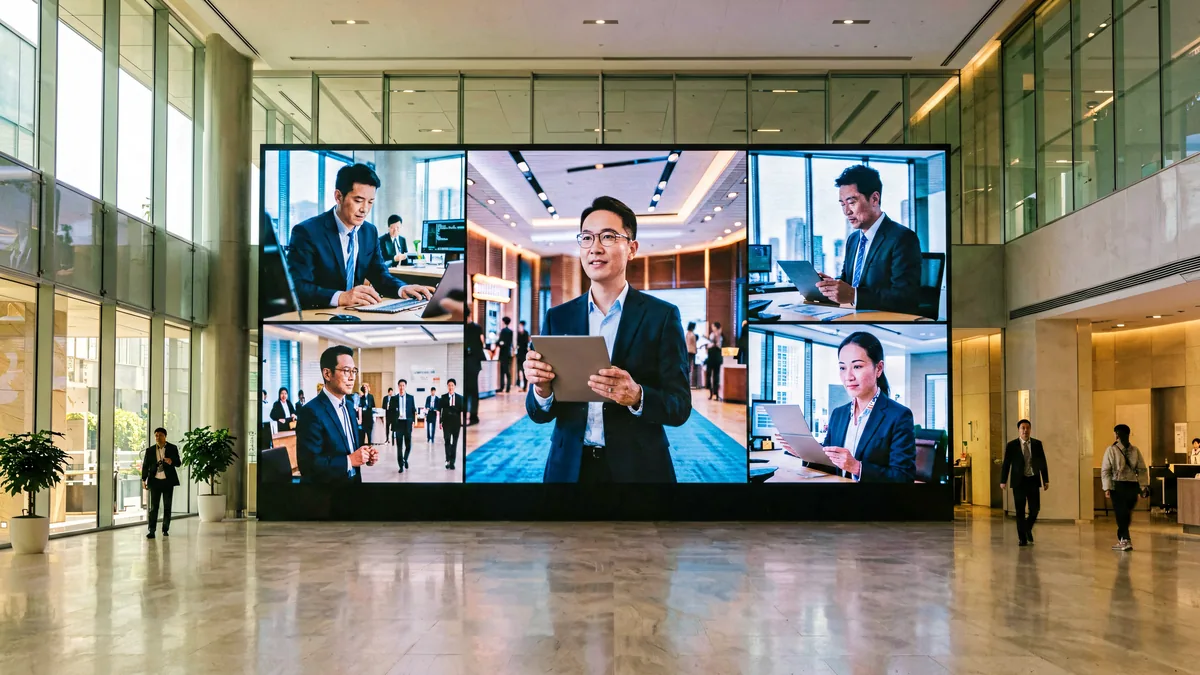
Indoor LED Display
Lobby, retail and corporate walls up to 2.6M px suit the VP410; larger indoor walls step to VP620/VP830. Fixed installations favor factory pre-configuration.
Outdoor LED Display
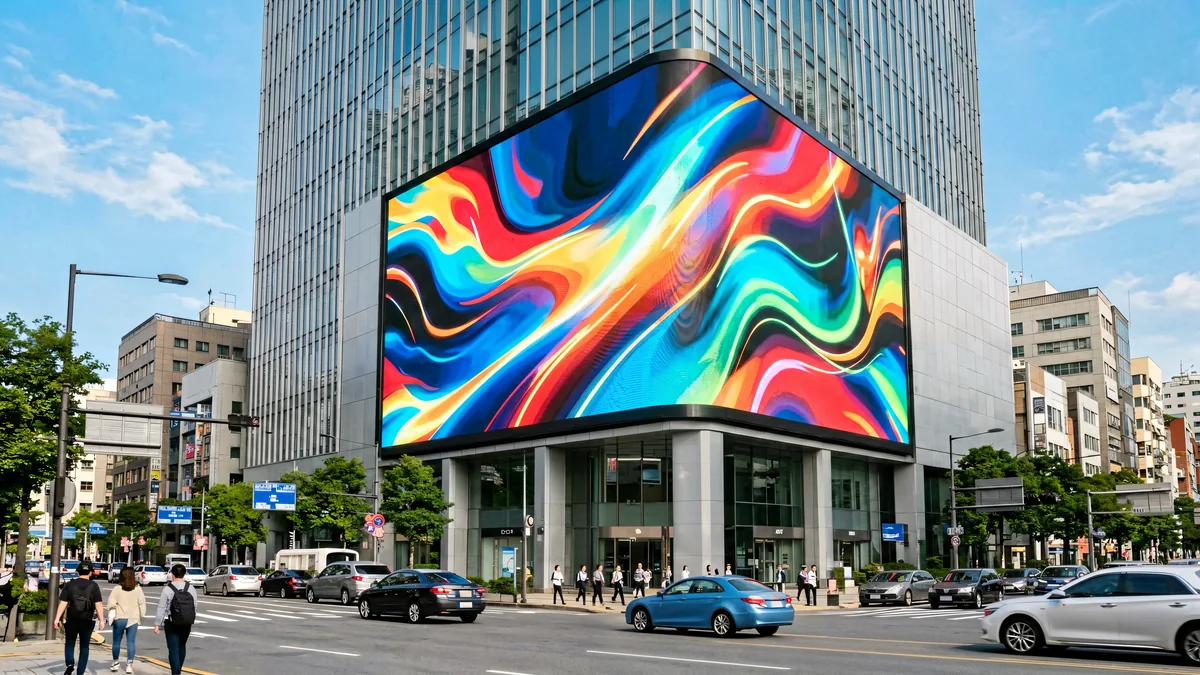
Outdoor billboards favor asynchronous or dual-mode control — content updates over Wi-Fi/4G, playback survives network outages, and the HD-A5’s HDMI auto-switching covers live moments.
Rental LED Display
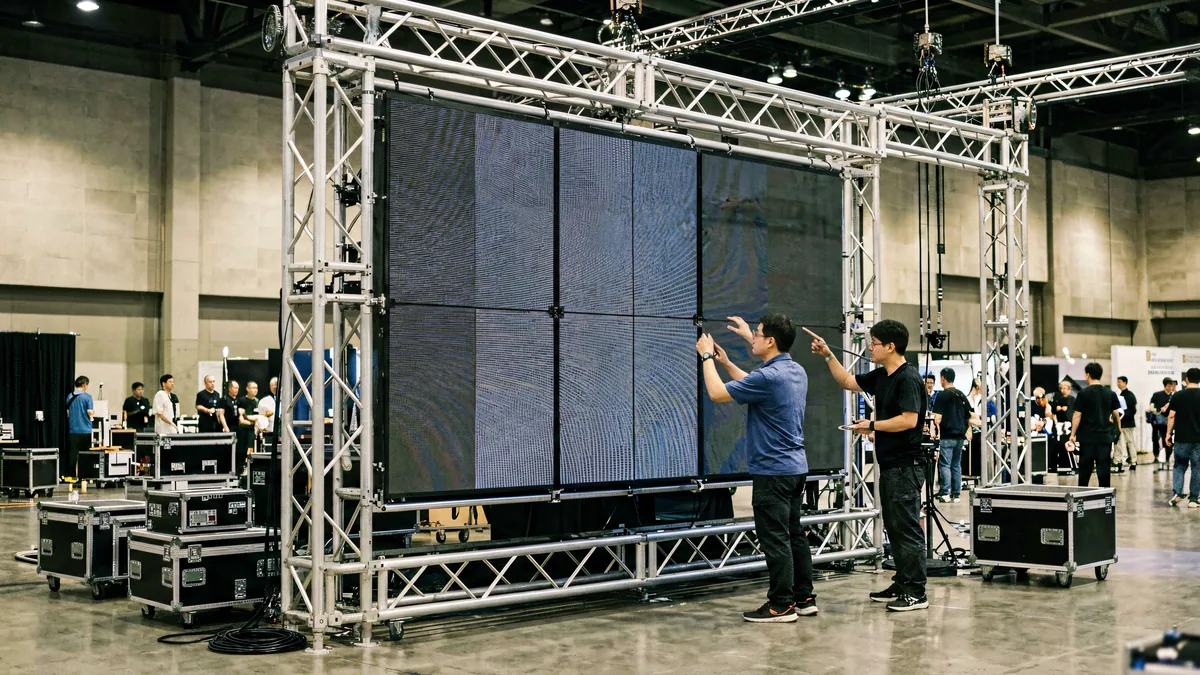
Rental walls need fast rigging and reliable live switching — the 2-in-1 VP620/VP830 compact the chain to one chassis. USB playback on the VP210/410 covers standalone event loops.
Advertising
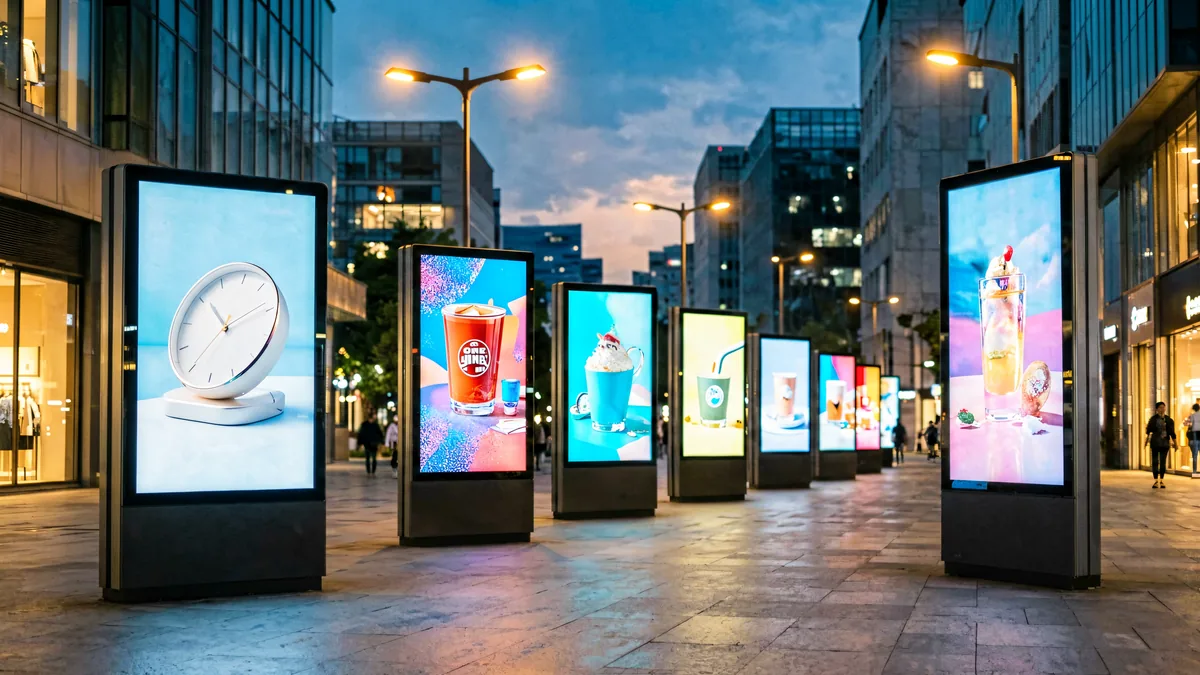
Distributed billboard networks are Huidu’s home ground: HD-A3/C36C asynchronous cards with cloud publishing, Wi-Fi updates and scheduled playlists across many screens from one account.
Commercial Display
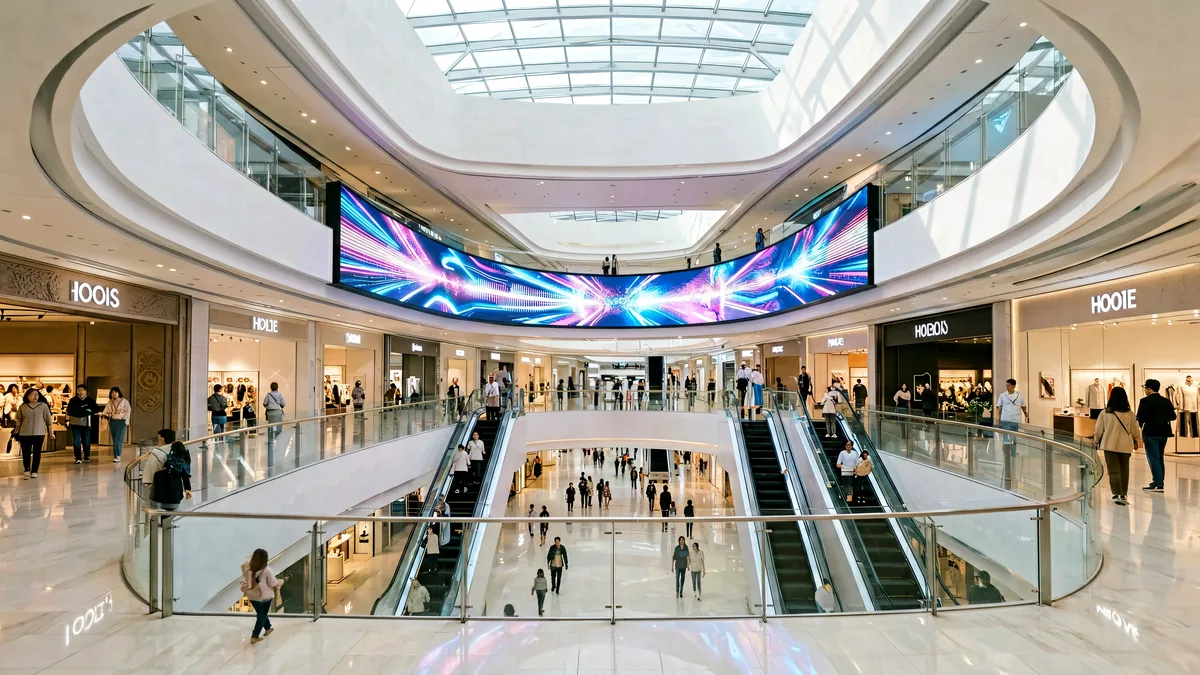
Storefronts, restaurants and malls use the C-series cards for menus and promotions, stepping to the Android-based HD-A6L when apps and multi-window content are required.
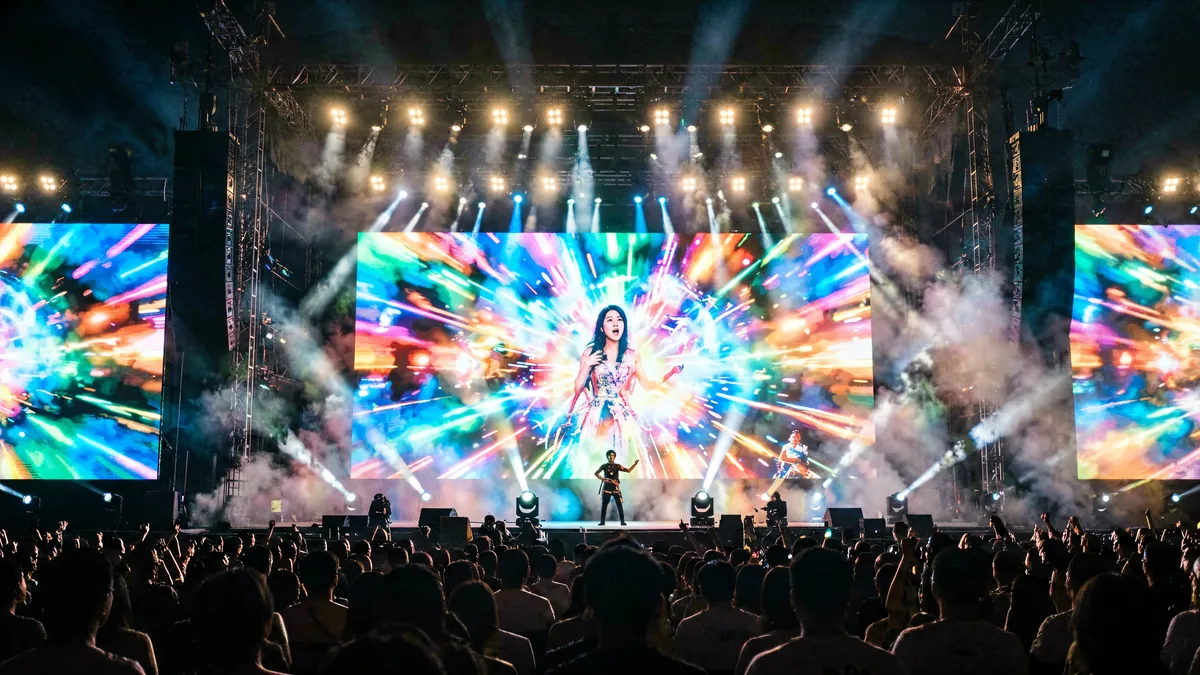
Stage
Concert and stage walls need multi-source switching, 4K sources and low-latency processing — the VP620 with PIP/POP or the VP830 with SDI input and 3-window composition.
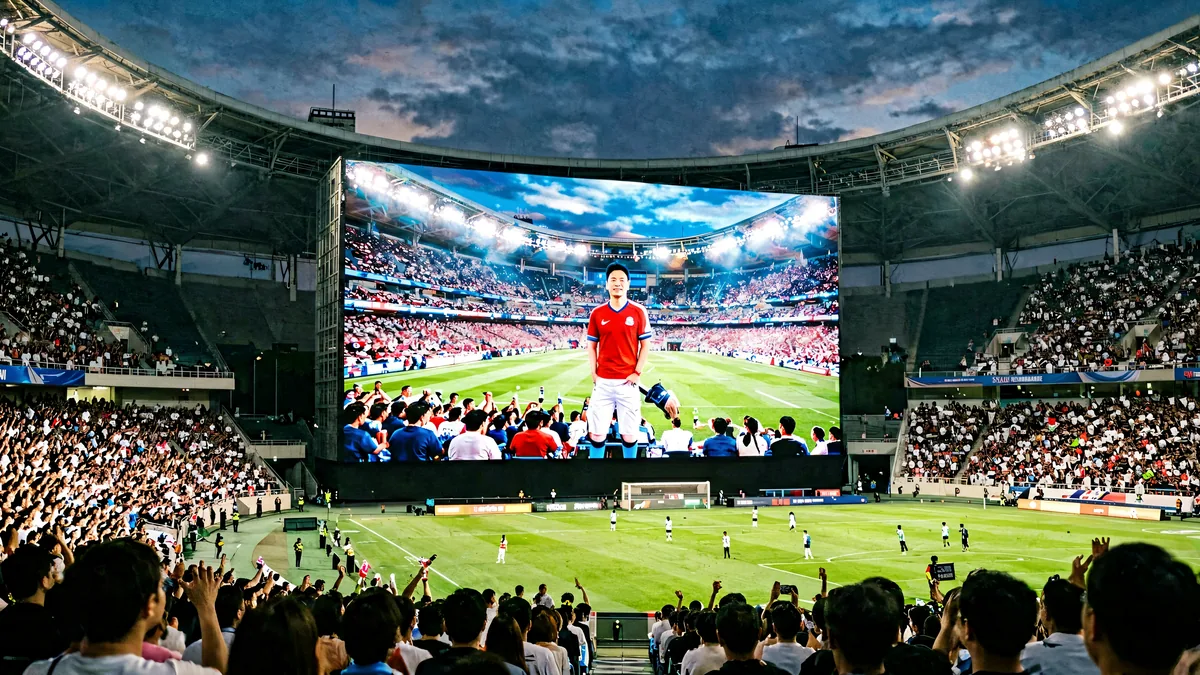
Events
Stadiums, exhibitions and festivals combine live feeds with scheduled content — synchronous VP processors for the show, asynchronous devices for perimeter and concourse screens.
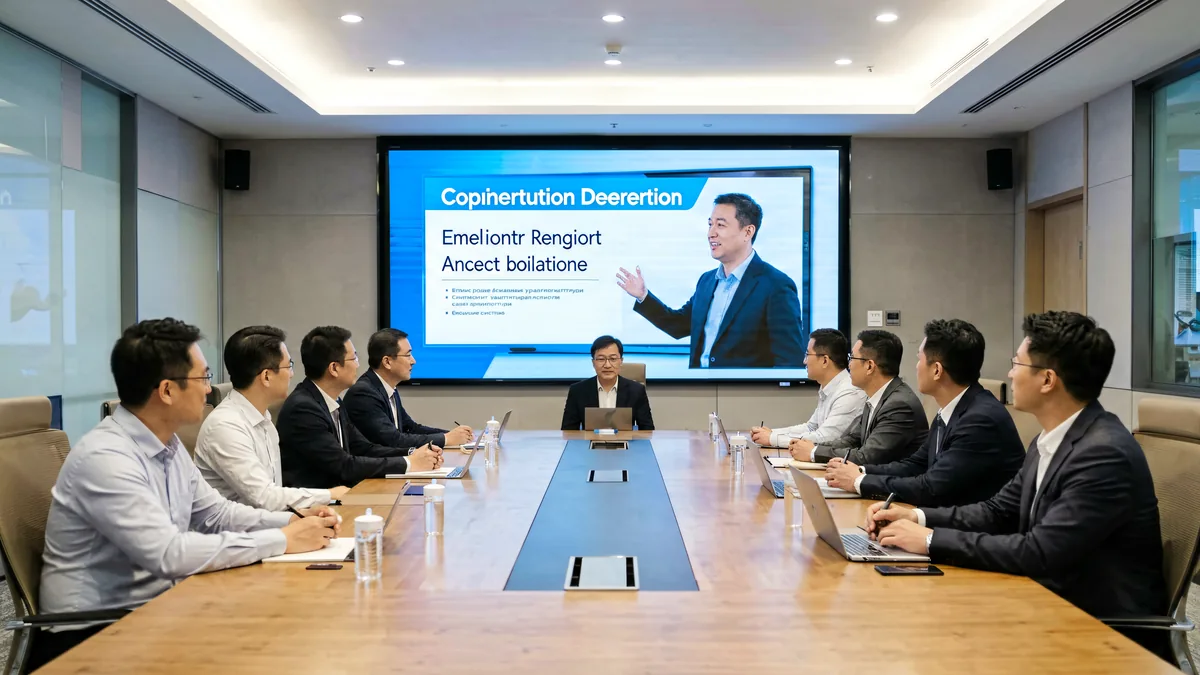
Conference
Meeting rooms mix laptop HDMI, signage windows and video calls — VP620-class PIP/POP composition, with the Android HD-A6L as the app-driven alternative for huddle spaces.
Custom Application?
Send us your screen size, pixel pitch, content sources and network setup — our engineers will specify the complete Huidu control chain.
Discuss Your Project9. Huidu vs NovaStar / Colorlight / Mooncell
Buyers evaluating LED control systems shortlist these four brands. Each is strong in different territory — the choice is about which architecture your project needs, not which brand “wins” in the abstract.
Huidu vs NovaStar
NovaStar leads synchronous professional applications — rental, broadcast, control rooms — with the largest software ecosystem. Huidu leads cost-efficient asynchronous and Wi-Fi control for signage networks. Neither is universally better; the project decides.
Huidu vs Colorlight
Colorlight’s X series is strong in synchronous fixed and rental installs with LEDVISION tooling; Huidu differentiates with asynchronous-first devices, dual-mode switching and Android players that Colorlight’s lineup does not emphasize.
Huidu vs Mooncell
Mooncell’s strength is 2-in-1 synchronous processors and special-shape control (sphere, dome, floor); Huidu’s is asynchronous publishing and Wi-Fi ecosystems. Creative projects lean Mooncell; signage networks lean Huidu.
Cross-brand references: NovaStar hub · What is NovaStar? · What is Colorlight? · NovaStar vs Colorlight.
10. Huidu Knowledge Center
Six in-depth guides written from a manufacturer’s perspective — organized by what you are trying to do.
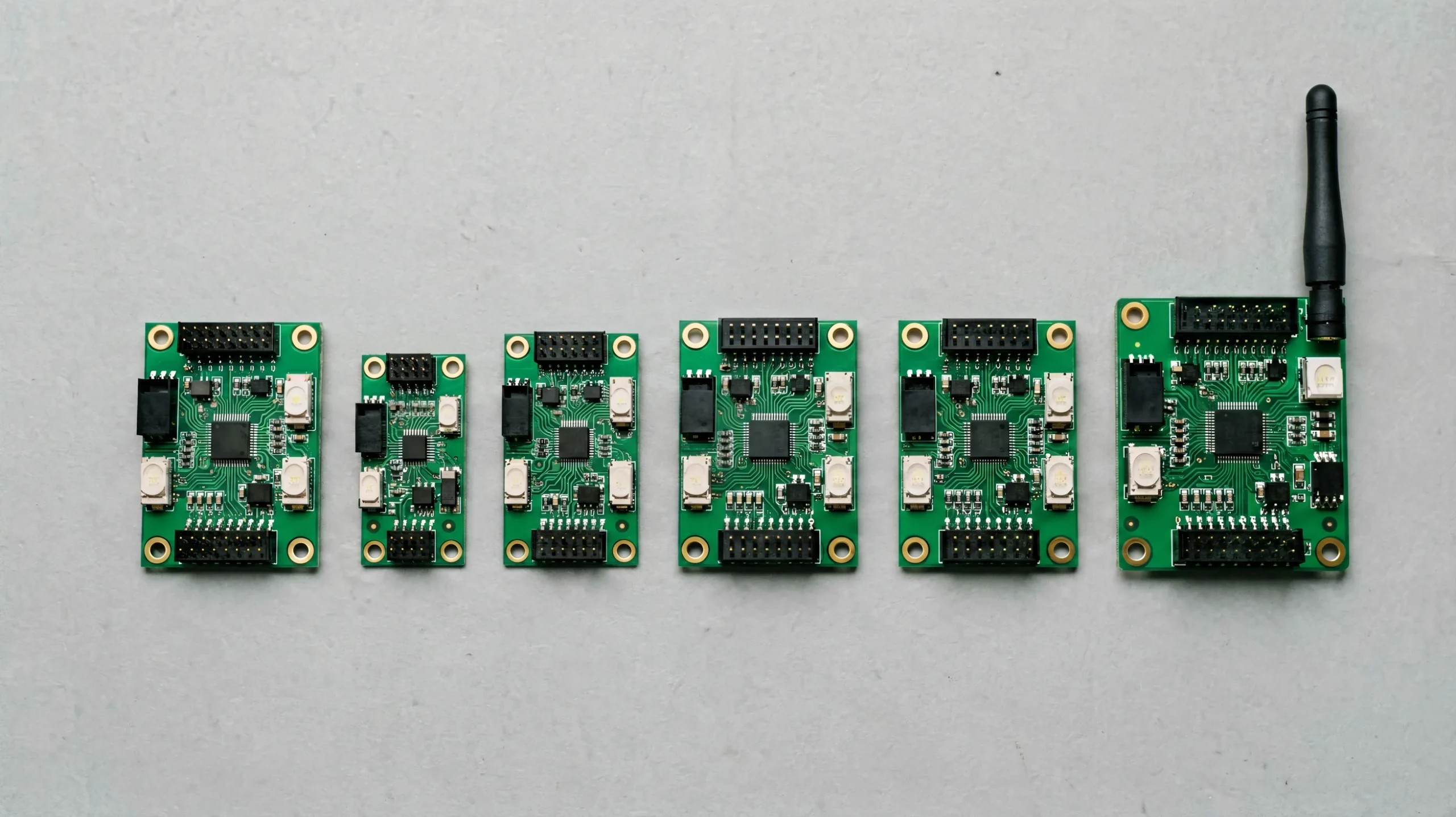 Product Guides
Huidu LED Controller Lineup: Complete 2026 Selection Guide
Every category and model, pixel-capacity tables and a decision path from project to device.
 Technical Guides
Huidu HDSet Software: Complete Guide to the Huidu Software Family
HDSet, HDPlayer and LEDArt — which software pairs with which hardware, version notes and setup.
 How-to
Huidu HDPlayer: The Complete Setup Guide
Download, default passwords, Wi-Fi settings, Smart Setting and step-by-step configuration.
 Comparisons
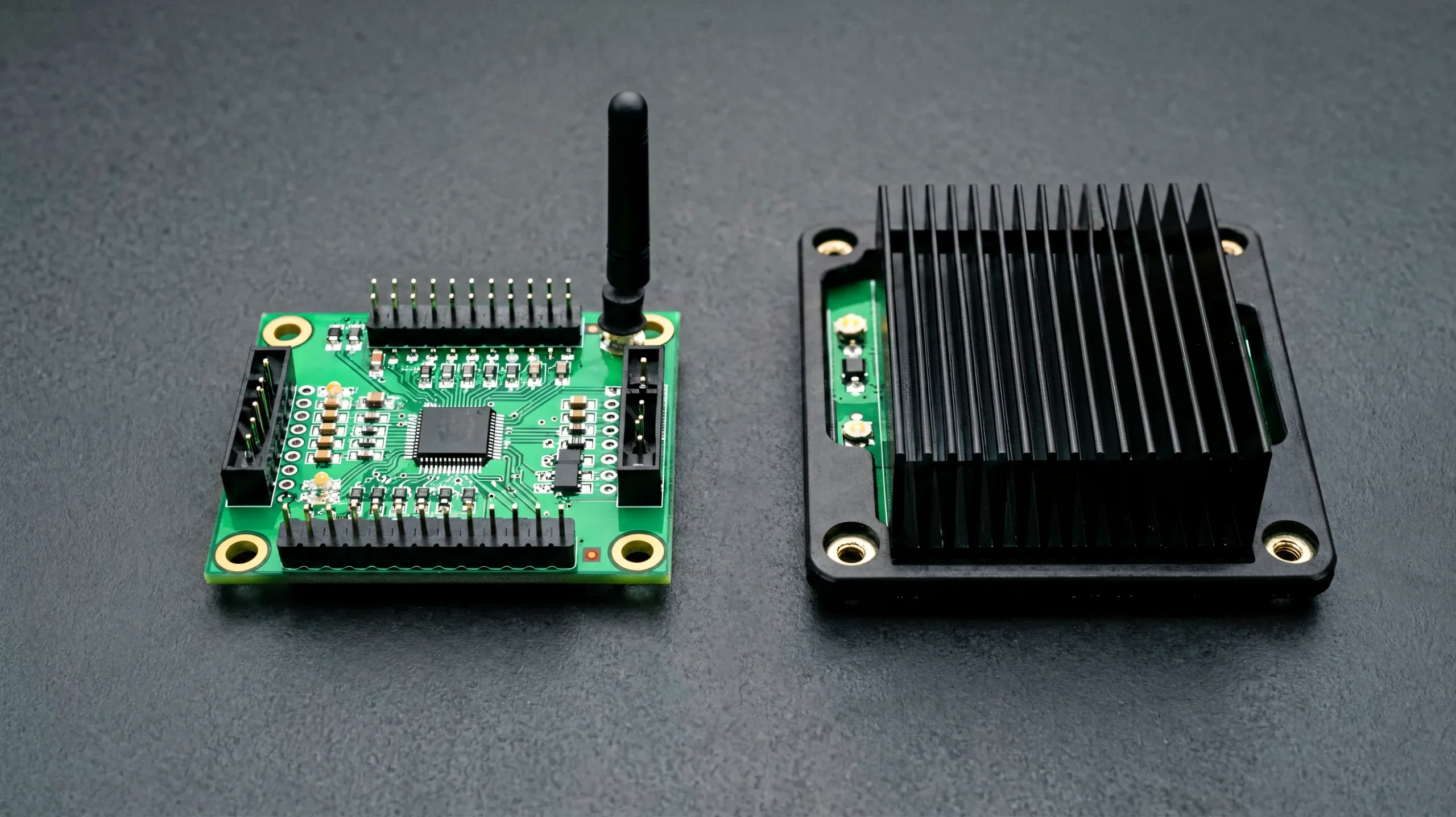
Huidu vs NovaStar: Which LED Control System Fits Your Project?
Architecture, software ecosystems, pixel capacity and cost-efficiency compared project by project.
 Troubleshooting
Huidu Troubleshooting: Complete Guide to Common Huidu LED Display Problems
Seven fault categories, diagnosis flow and fixes — from no picture to Wi-Fi failures.
 Getting Started
What Is the Huidu Control System? Complete Guide
The brand-level explainer: how Huidu fits the LED control landscape, its product philosophy and system overview.
11. Huidu Video Learning Center
Four videos covering Huidu configuration and LED system maintenance — the VP210 setup from the official Huidu channel, plus three field procedures from the LEGIDATECH channel.
HD-VP210 setup from connection to configuration — official Huidu channel (9:59).
Complete LED display installation including control system setup — LEGIDATECH.
Configuration recovery: reloading the rcfgx file — LEGIDATECH.
Receiving card maintenance: reading back the card program — LEGIDATECH.
12. Why Control Systems Matter for LED Displays
The control system is the least visible part of an LED display — and the most common cause of underperformance. From a factory perspective, here is what the control layer determines.
Image Quality
Grayscale depth (256–65,536 levels on Huidu devices), color processing and calibration storage define how smooth and uniform the picture is — before the LED quality even matters.
Resolution
The controller’s pixel ceiling is a hard limit. A 1.3M-pixel VP210 cannot drive a 4K wall; the chain must be specified to the wall’s native resolution from day one.
Refresh Rate
High refresh and 60 Hz frame rates depend on the controller’s output timing and the receiving card’s scan support — the difference between clean video and camera-visible flicker.
Content Management
Wi-Fi publishing, cloud platforms, U-disk updates and scheduled playlists turn a screen into a managed network — Huidu’s asynchronous architecture is built exactly for this.
Screen Stability
Asynchronous playback keeps content running when the network drops; redundant sending paths and factory burn-in testing remove the failure modes that visible downtime is made of.
Installation
A pre-configured system (mapping, Wi-Fi credentials and templates loaded at the factory) turns commissioning from days into hours — the single largest installation cost variable.
Maintenance
Remote firmware updates, configuration file recovery and cloud monitoring mean most maintenance happens without a site visit. See the video below for configuration recovery.
System Compatibility
Control hardware, receiving cards and cabinets must be matched — scan type, loading capacity and mounting. Single-source systems eliminate the integration risk entirely.
Project Reliability
One warranty, one support contact and hardware tested together: reliability is engineered at the system level, not bought as a component property.
Related engineering guides: LED display controller setup guide · LED video wall controller guide · receiving card calculation.
13. LEGIDATECH LED Display Solutions
The Huidu control system is one layer of what we deliver. LEGIDATECH is an LED screen manufacturer that builds the complete display around it — cabinets, modules, power, structure and control — sized to your screen dimensions, viewing distance, application, brightness, pixel pitch and control requirements.
Indoor Fixed LED Display
Lobby, retail, conference and worship walls from P0.9 to P3.9, factory pre-configured with Huidu or your preferred control brand.
Outdoor Advertising LED Display
Billboards and building wraps with Huidu asynchronous networks — Wi-Fi/4G content publishing, scheduled playlists and weatherproof engineering.
Stage Rental LED Display
Rental cabinets with fast-rig hardware and VP620/VP830-class live processing for events and productions.
Also explore: all LED display solutions · custom LED display · about LEGIDATECH.
14. Huidu LED Control System — Frequently Asked Questions
What is a Huidu LED control system?
A Huidu LED control system is the family of Huidu video processors, asynchronous controllers, dual-mode controllers, Wi-Fi control cards and receiving cards that convert content into the pixel data an LED screen displays — with a particular strength in asynchronous playback and wireless content management for signage networks.
What is the Huidu HD-VP210 used for?
The HD-VP210 is a 3-in-1 video processor — video processing, sending card and USB playback in one unit — rated for up to 1.3 million pixels with 2 Gigabit outputs. It is used for small and medium LED displays such as shop windows, small advertising screens and entry-level video walls, with the convenience of U-disk content updates.
What is the difference between Huidu HD-VP210 and HD-VP410?
Pixel capacity and output count: the HD-VP210 loads up to 1.3 million pixels through 2 Gigabit ports, while the HD-VP410 loads up to 2.6 million pixels through 4 Gigabit ports. Both are 3-in-1 processors with 1080p input; the VP410 simply drives twice the screen area.
Which Huidu controller is suitable for a large LED screen?
Match the wall’s pixel count to the processor ladder: up to 2.6M pixels → HD-VP410; up to 3.9M with 4K sources → HD-VP620; up to 5.2M → HD-VP830. Walls beyond 5.2M pixels are split across multiple processors. For large asynchronous billboards, the HD-A5 dual-mode controller (1.31M px) or multiple HD-A3/C36C units are typical.
What is the difference between Huidu and NovaStar?
NovaStar leads synchronous professional applications — rental, broadcast and control rooms — with the industry’s largest software ecosystem. Huidu leads cost-efficient asynchronous and Wi-Fi control for signage networks, with dual-mode and Android devices that NovaStar does not emphasize. Neither is universally better; the project type decides. Full analysis: Huidu vs NovaStar comparison.
How does a Huidu controller work with an LED display?
The Huidu controller sits between the content source and the LED cabinets. A synchronous HD-VP processor scales the incoming video and packages it into Gigabit Ethernet streams; receiving cards inside each cabinet decode the streams and drive the LED modules. Asynchronous devices instead store content locally and drive the cabinets directly on a schedule.
What software is used for Huidu controllers?
Three tools cover the ecosystem: HDPlayer (asynchronous card configuration, program editing and Wi-Fi publishing), HDSet (video processor setup, Smart Setting and screen mapping) and the LEDArt mobile app (wireless configuration and password management). See the Huidu software guide for the full version matrix.
What is the difference between asynchronous and synchronous Huidu controllers?
A synchronous controller requires a live video source and displays exactly what the source outputs — the HD-VP series. An asynchronous controller stores content locally and plays it on a schedule without a PC — the HD-A3, HD-C36C and HD-C16C. Dual-mode devices (HD-A5) do both, switching to live HDMI automatically when a source is connected.
What is the default Wi-Fi password for Huidu LED controllers?
Most Huidu devices ship with a default Wi-Fi password of 88888888 (or lc12345678 on some models), with software passwords 168 or 888. We always change these defaults during factory configuration — see the HDPlayer setup guide for the full password table and reset procedure.
Does LEGIDATECH sell Huidu controllers separately?
We are an LED screen manufacturer, not a Huidu retailer or authorized distributor. Huidu hardware is supplied as part of complete LED display projects — specified, pre-configured and burn-in tested together with the cabinets it drives. For standalone controller purchases, Huidu’s official site lists distribution channels.
15. Huidu LED Control Systems in Depth: Architecture, Selection and System Integration
This section is the long-form technical reference behind the page above — written for integrators, procurement engineers and display manufacturers who need to understand Huidu hardware as a system, not a list of boxes.
Huidu Control Architecture: Where Each Device Lives
Every LED display, from a restaurant menu board to a stadium wall, follows the same five-stage signal path: content source, controller or video processor, sending device, receiving card, and LED cabinet. What differs between Huidu’s product families is how much of that chain each device absorbs — and that is the first thing to understand when specifying hardware.
The HD-VP series collapses the middle of the chain. A “2-in-1” processor such as the VP620 or VP830 merges video processing and sending into one chassis: the incoming HDMI/DVI/DP/SDI signal is scaled and composed, then packaged into Gigabit Ethernet streams for the cabinets. A “3-in-1” device — the VP210 and VP410 — adds USB playback on top, so the same unit can drive a live signal or loop content from a U-disk without a PC. For an installer, each stage that merges means one less box, one less cable run and one less failure domain.
The asynchronous families — HD-A3, HD-C36C, HD-C16C — replace the live-source stage entirely. Content is published over Wi-Fi, LAN or U-disk into onboard storage, and the device plays it on a schedule. The architecture is what makes distributed signage economical: one operator, one cloud account, dozens of screens, zero PCs on site. The HD-A5 dual-mode controller sits between the two worlds, running asynchronously until an HDMI source appears and switching to live automatically.
The receiving card stage completes the chain on the cabinet side. Huidu’s R-series cards (HD-R512, HD-R708, HD-R712, HD-R716) decode the incoming stream and drive the modules, with loading capacities and scan support matched to the cabinet design. Card count is pure arithmetic — total pixels divided by per-card capacity — but cabinet geometry often forces more cards than arithmetic suggests, which is where experienced system design earns its value.
The HD-VP Ladder: Pixel Math Before Brand Preference
The HD-VP series is best understood as a four-step ladder, and each step is defined by numbers. The VP210 loads up to 1.3 million pixels through 2 Gigabit ports — a 1280×1024 wall or smaller. The VP410 doubles this to 2.6 million pixels on 4 ports. The VP620 changes class rather than just scale: 3.9 million pixels, six ports, and — critically — native 4K input with PIP/POP dual-picture, which is what stage and conference work actually needs. The VP830 tops the family at 5.2 million pixels, eight ports, SDI input and three-window composition for large professional projects.
Three rules govern ladder selection. First, the wall’s native resolution is the ceiling: a 4K wall of 8.29 million pixels exceeds any single Huidu VP, so the design must either split the wall across processors or move to a different platform — deciding this after cabinets are ordered is expensive. Second, input requirements change the class: 1080p sources work on any model, but a 4K camera or SDI switcher immediately narrows the choice to the VP620 or VP830. Third, output port count maps to cabinet distribution: more ports mean shorter chains and simpler wiring on large walls.
Asynchronous vs Synchronous: Two Different Systems
The distinction that confuses most first-time buyers is synchronous versus asynchronous control. A synchronous system requires a live source connected at all times — everything shown is exactly what the source outputs, frame for frame. It is the correct architecture for stages, conferences and any wall whose content changes live. An asynchronous system stores content locally and plays it without a source: the network publishes the playlist, but playback survives the network. That property — content survives the network — is the entire reason asynchronous billboards and storefront networks exist.
Choosing wrongly is expensive in both directions. A synchronous chain on a billboard requires an always-on PC at the site and loses playback on every outage; an asynchronous card behind a stage wall cannot follow a live camera. The HD-A5’s dual-mode design acknowledges exactly this tension: scheduled playback by default, live HDMI the moment a source is connected, with hardware auto-scaling so the transition needs no operator. For hybrid projects — a retail wall that runs promotions all day but shows a live product launch at 6 PM — this is frequently the most economical correct answer.
Sending and Receiving Cards: The Distribution Layer
In Huidu’s 2-in-1 and 3-in-1 processors, the sending stage is embedded; in asynchronous devices, the controller drives cabinets directly. The receiving card layer remains separate in both cases: R-series cards inside each cabinet decode the stream and drive the LED modules. Loading capacity, scan type support and calibration storage are the three parameters that matter. Card count follows total-pixel arithmetic — a 2.6M-pixel wall with 256×256-class cards means dozens of cards — and physical cabinet geometry then reconciles the arithmetic with reality.
Maintenance is the layer’s hidden cost. Receiving card programs (the mapping and scan configuration) occasionally need read-back and restoration after faults — the process of reading a card’s configuration and rewriting it is routine field work, and a factory that pre-loads correct card programs removes the most common first-install failure entirely.
Software: HDPlayer, HDSet and the LEDArt App
Huidu’s software family splits along the same line as the hardware. HDPlayer manages asynchronous devices: program editing, screen grouping, Wi-Fi publishing, firmware updates and system settings, with default passwords that every installer should change (documented in our setup guide). HDSet configures the synchronous side: Smart Setting for module mapping, screen parameters and processor setup. The LEDArt mobile app handles wireless configuration — Smart Setting from a phone, Wi-Fi credential changes, and remote checks — which turns site commissioning into a one-person job.
For B2B buyers, the software layer carries two practical consequences. First, configuration quality determines commissioning time: correct Smart Setting means a wall lights up on first connection; hand-built mapping means a day of troubleshooting. Second, the software is where compatibility claims are tested — firmware, card program and configuration tool versions must align, and a factory that controls this alignment removes a failure class the buyer never sees.
Wi-Fi and Cloud Publishing in Practice
Huidu’s asynchronous ecosystem is built around wireless operations, and the workflow is worth understanding in detail because it changes the economics of screen management. The operator edits a program in HDPlayer on a Windows PC — playlist, layout, timing, brightness schedule — then publishes it over the network to one screen or a group. On site, the LEDArt app on a phone connects to the controller’s Wi-Fi for the same job without a laptop: Smart Setting, credential changes, content checks. Cloud-connected setups extend the reach to screens in other cities from one account.
Security defaults are the operational detail most buyers miss. Huidu devices ship with well-known default passwords — software passwords 168 or 888, Wi-Fi passwords 88888888 or lc12345678 depending on model — and a screen deployed with defaults is a screen anyone nearby can reprogram. Factory configuration should always include credential changes before shipping, and the reset procedure (documented in our HDPlayer setup guide) should be part of the handover documentation.
Network planning completes the picture. Wi-Fi publishing suits sites with staff phones and reliable access points; 4G modules (HD-A3) cover billboards with no network at all; LAN and U-disk remain the fallback everywhere. Firmware updates ride the same channels as content, so a screen network’s firmware hygiene is only as good as its publishing routine — which is why remote management capability is a selection criterion equal to pixel capacity for distributed signage projects.
Selection Logic: Nine Questions in Order
Controller selection is arithmetic before it is opinion. Screen size and resolution produce the pixel budget that sets the processor class. Input sources then refine the choice — a single HDMI feed allows any model; SDI or 4K sources narrow to the top of the ladder. Output requirements map to port count. Processing capability (scaling, PIP/POP, multi-window) is matched to what the wall must show, not what the hardware can do. The asynchronous-versus-synchronous decision is made from the content model, not the hardware catalog. Application and installation realities — pre-configuration, Wi-Fi credentials, network conditions — and the maintenance model (remote updates versus site visits) complete the picture.
Most under-specification we see comes from skipping the pixel math; most over-spending comes from buying processing features a single-feed wall will never use. The nine-question sequence in Section 6 exists to prevent both.
Worked Selection Examples
Three real project shapes show the nine questions in action. A restaurant chain with three menu boards of 512×512 pixels needs 262,144 pixels per screen — beyond the HD-C16C’s 120,000-pixel ceiling, so each screen takes an HD-C36C (520,000 pixels, 1080P hardware decoding), all three published from one HDPlayer account over Wi-Fi, with menu changes made from a phone. No PCs, no on-site visits, and playback continues through network outages.
A conference room wall at 1920×1080 (2.07M pixels) with laptop HDMI and a 4K camera feed: the pixel count alone would allow the HD-VP410, but the 4K source pushes the choice to the HD-VP620 — native 4K input and PIP/POP lets the laptop and camera share the wall simultaneously. A church or outdoor billboard of 640×240 pixels (153,600) with weekly content changes is an asynchronous case: one HD-A3 (655,360-pixel ceiling) with an optional 4G module, publishing from the office instead of a PC at the site.
Finally, a large event stage wall of 3.7 million pixels with an SDI switcher: the HD-VP830 is the only single-chassis answer — 5.2M-pixel capacity, SDI input and eight Gigabit ports, with three-window composition for live feeds plus graphics. In each case the device follows from the project’s numbers, not from a preference for a model name.
Applications: How the Control Choice Changes by Display Type
Indoor fixed displays optimize for image quality and stability: a 3-in-1 processor sized to the wall, factory pre-configuration, calibration done once. Outdoor advertising displays add environmental and network constraints: asynchronous playback that survives outages, Wi-Fi or 4G publishing, and dual-mode switching where live moments matter. Rental and stage displays invert the priorities: setup speed, live switching and reliability under pressure — which is why the 2-in-1 VP620 and VP830 compact the chain to one chassis. Commercial and retail displays favor the C-series cards for menus and promotions, stepping to the Android HD-A6L where apps and multi-window content are required.
Events and conference rooms mix both worlds: a synchronous processor for the main wall, asynchronous devices for perimeter and concourse screens, one publishing account across all of them. This is the ecosystem pattern Huidu’s architecture serves best — and it is also the pattern where buying hardware and cabinets from one supplier pays off most, because the publishing workflow, the card programs and the cabinet electronics were designed together.
System Integration: Why the Chain and the Cabinets Should Be One Project
In a factory-integrated system, control hardware and cabinets are specified, assembled and burn-in tested together. Card mapping and Wi-Fi credentials are loaded at the factory; the complete chain runs a 24-hour burn-in before crating. On site, commissioning becomes connection and verification rather than debugging — the difference between a half-day install and a two-day one.
Integration also unifies warranty and support. When cabinets, cards, processors and power come from one LED screen manufacturer, one support team owns every layer of the signal path. The LED industry has no universal plug-and-play standard between control brands and cabinet electronics — every combination is a small integration project. Choosing a manufacturer that specifies the control system as part of the display removes that risk class entirely, because the integration was done once, in engineering, before your wall existed.
Finally, keep the brand landscape in view when planning: Huidu is one of four major control ecosystems, alongside NovaStar, Colorlight and Mooncell. The right choice is the ecosystem whose architecture — synchronous broadcast, network signage or creative special-shape control — matches how the screen will actually be operated. Huidu’s asynchronous-first architecture earns its place wherever content is scheduled, distributed and remotely managed; our engineers specify it for exactly those projects, and pair it with the appropriate processor class when the same wall must also handle live sources.
Build Your LED Display Around the Right Huidu Control System
Tell us your screen size, pixel pitch, application and content sources — LEGIDATECH will engineer the complete solution: Huidu control chain, cabinets, modules, power and structure, pre-configured and factory tested.
Start Your LED Display Project InquiryFactory-direct pricing · 24-hour quotation · Worldwide shipping from Shenzhen
LED Control System Hub Network
This page is part of the LEGIDATECH LED control system knowledge hub. Compare all four major control system brands in one place.
Explore the LED Control System Hub →