An LED video wall controller is the device that receives video signals from your computer, media player or camera system and drives the LED screen’s receiving cards, turning them into one synchronized display. Choosing the right one comes down to four numbers and one question: your screen’s total pixels, your input sources, your operating mode (live or scheduled), and whether you buy an all-in-one controller or a separate sending card. This 2026 buying guide walks through each decision with comparison tables, real model positioning and the mistakes that cost B2B buyers the most. If you want the hardware basics first, our LED video wall controller fundamentals guide covers how processors, sending cards, and receiving cards work together.
A buying decision for an LED video wall controller rests on four figures: total pixel load (plus 15% headroom), input sources, operating mode, and whether you need an all-in-one unit or a separate sending card. All-in-one controllers suit live, multi-source walls; pure sending cards suit single fixed sources at lower cost. This guide’s five steps take you from pixel math to brand choice, then list the mistakes that cost buyers the most.
What Is an LED Video Wall Controller and What Does It Do?
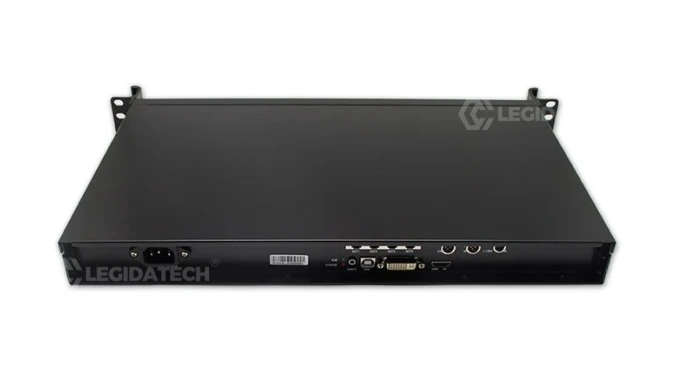
An LED video wall controller is the “brain” of an LED display system. It takes incoming video (HDMI, DVI, SDI, DisplayPort or fiber), scales and processes the image, then pushes pixel data over Ethernet to the receiving cards mounted on every LED module. Because the signal path is what decides whether your screen is sharp, stable and easy to operate, controller selection matters as much as panel selection on any commercial installation.
Three terms get confused in this industry, so let’s separate them before we go further (for the full breakdown see our LED sending card guide):
| Component | What it does | When you need it |
|---|---|---|
| Video processor | Scales, switches and layers multiple input sources; handles PIP, seamless switching, color management and Genlock | Multiple sources, live events, broadcast/XR, or creative layouts |
| Sending card | Takes one processed signal and distributes pixel data to receiving cards over Ethernet | Single-source fixed installations where the source already matches screen resolution |
| All-in-one LED video wall controller | Processor + sending card in a single box | Most rental, stage and commercial projects that want one device and simple cabling |
- Signal role — a video processor scales, switches and layers sources but does not drive LED cabinets; delivering pixel data to the receiving cards is the controller’s or sending card’s job.
- Chain position — the processor sits upstream and is optional; the controller or sending card is always the final stage before the receiving cards.
- Buying impact — a processor-only purchase still needs a separate sending card, while an all-in-one LED video wall controller avoids the second device.
One important note for search clarity: a generic “video wall controller” often refers to processors for LCD video walls used in control rooms. This guide covers LED video wall controllers — devices built to drive LED cabinets directly. If you are comparing LED screens against LCD walls first, see our LED video wall overview.
How to Choose an LED Video Wall Controller in 5 Steps
Step 1. Calculate your pixel load first
Everything else depends on one number: your screen’s total pixel count. Compute it from your screen dimensions and pixel pitch:
Total pixels = width (m) ÷ pitch (m) × height (m) ÷ pitch (m), or simply cabinet pixels × cabinet count for modular walls.
Then add roughly 15% headroom so the controller is never running at its limit. Examples:
| Screen | Total pixel load | Minimum controller class |
|---|---|---|
| P2.5 indoor, 10 m² (≈ 1.6M pixels) | ≈ 1.6M | Entry all-in-one or sending card (2–4 Ethernet ports) |
| P3.91 rental wall, 60 cabinets (128×128 px each) | ≈ 0.98M | Compact sending card or rental-style all-in-one |
| P4 outdoor, 50 m² billboard | ≈ 3.1M | Mid-range controller with 6+ Ethernet ports |
| P1.86 fine-pitch wall, 20 m² | ≈ 5.8M | High-end controller with 10+ ports or 10G fiber output |
Under-sizing the controller is the most common failure in this category: you get blank areas, dead cabinets or a wall that cannot run at full refresh. Over-buying a flagship controller for a small menu board wastes budget you could spend on panels.
Step 2. Choose the architecture: all-in-one or pure sending card
| Factor | All-in-one LED controller | Pure sending card |
|---|---|---|
| Video scaling and switching | Built in | No — source must match screen resolution |
| Multiple inputs / PIP layers | Yes (2–6+ depending on model) | Single input path |
| External processor needed | No | Yes, for multi-source setups |
| Best for | Live events, venues, multi-source projects | Fixed single-source walls on a budget |
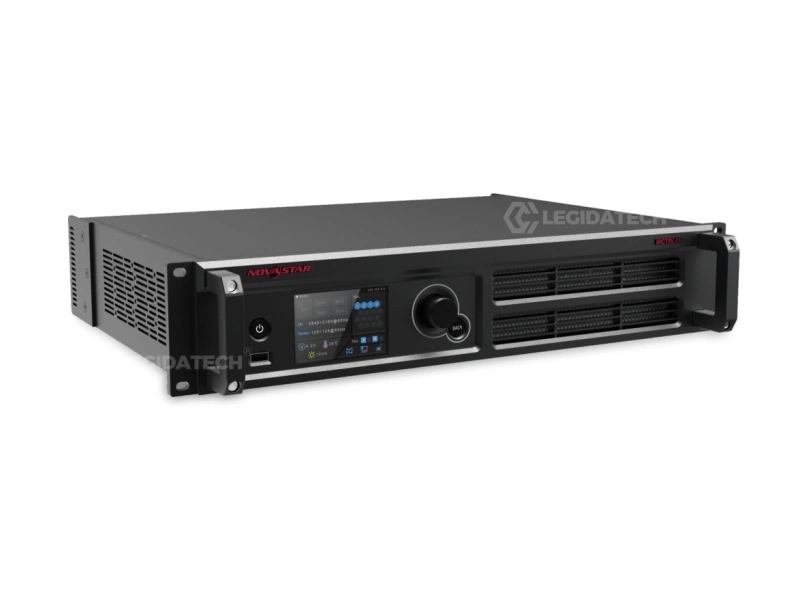
The decision rule is simple: if your wall is always fed by one laptop or media player at a fixed resolution, a pure sending card saves money and works perfectly. If you switch between a laptop, camera and backup source during a live show or meeting, buy an all-in-one controller. And if you already own a separate video scaler or switcher, do not pay for processing twice — a sending card is enough. See how the two architectures compare in practice in our VX vs MCTRL all-in-one vs sending controller comparison.
Step 3. Synchronous or asynchronous control?
Synchronous controllers mirror a live computer or processor output in real time — required for live video, stage events, church services and real-time monitoring. Asynchronous controllers store content (advertising loops, menus, welcome screens) internally and play it on schedule without a connected computer — the standard choice for storefronts and advertising boards. Many Huidu and Mooncell models do both, switching between live input and scheduled playback, which is ideal for screens that do double duty as an advertising display by day and a live screen by night.
Step 4. Match the specifications to your wall
- Max pixel load — must exceed your Step 1 number with headroom
- Ethernet output ports — more ports = higher load and redundancy options (2–16 typical)
- Inputs — HDMI, DVI, SDI, DisplayPort or 10G fiber; check 4K@60 support and how many simultaneous inputs you need
- Layers/windows — for conference rooms showing slides + video call + logo at once, or broadcast multiviewers
- Seamless switching — milliseconds, no black frames, for live events
- HDR and color management — 3D LUT, white balance and gamut tools matter for advertising and broadcast work
- Genlock sync — essential when cameras will film the wall (broadcast studios, XR stages); without it cameras capture rolling black bars
- Refresh rate and grayscale support — match the receiving cards and driver ICs in your panels (≥1920 Hz general use, higher for rental and camera-facing work)
For a model-by-model walk through one major brand, start with our NovaStar controller buyers guide.
Step 5. Map to your application
| Application | What matters most | Typical controller class |
|---|---|---|
| Retail storefront / digital signage | Asynchronous playback, remote scheduling, low cost | Entry asynchronous controller or media player combo |
| Conference room / lobby display | HDMI ease of use, stability, maybe 2 windows | Entry all-in-one |
| Rental / stage / live events | Fast setup, seamless switching, multiple inputs, backup options | Mid-to-high all-in-one with Genlock and redundancy |
| Outdoor advertising billboard | 24/7 stability, remote management, budget control | Asynchronous or hybrid controller with remote cloud publishing |
| Broadcast studio / XR / control room | Genlock, low latency, redundancy, HDR | High-end all-in-one or processor + sending card |
| Creative / special-shape screens (sphere, dome, floor, 3D) | Special-shape mapping support | Dedicated creative controllers |
What’s the Difference Between an LED Controller, a Video Processor, and a Sending Card?
Buyers frequently over-spend because they do not know where each device’s job ends. In a full system the signal chain is: source → video processor (optional) → sending card/controller → receiving cards → LED modules. Rules of thumb:
- One fixed source, resolution already matches the wall → sending card only, no processor, no all-in-one premium.
- Multiple sources or live switching → all-in-one controller, or a separate processor in front of a sending card.
- Already own a scaler/switcher → send its output into a sending card; never buy processing twice.
- Need scheduled offline playback → asynchronous controller or media player; a pure synchronous box cannot do this.
If your project also involves choosing receiving cards or an entire control system, our LED display controller setup guide covers commissioning, and the receiving-card side is documented in our LED display control system hub.
Which LED Video Wall Controller Brand Should You Choose?
Five brands cover the vast majority of LED video wall controller projects. Position them by your budget and use case, not by name alone:
| Brand | Positioning | Strength | Price level | Full guide |
|---|---|---|---|---|
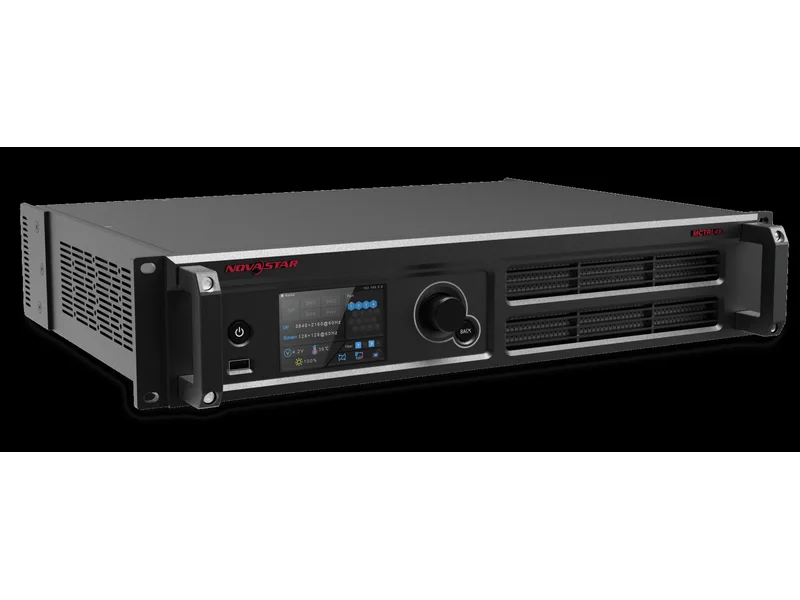
| NovaStar | Premium, de-facto standard for rental and fine-pitch | Brand recognition, software ecosystem, Genlock and redundancy options | Highest | NovaStar hub · MCTRL lineup |
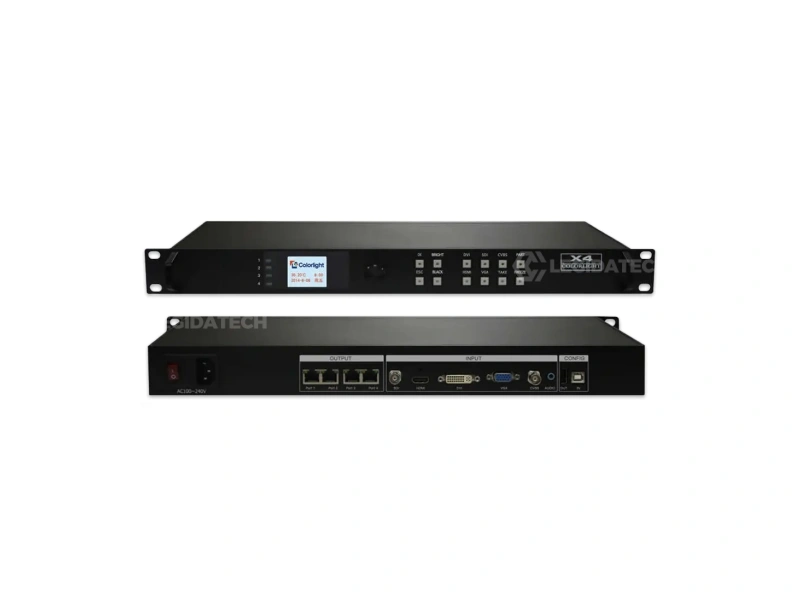
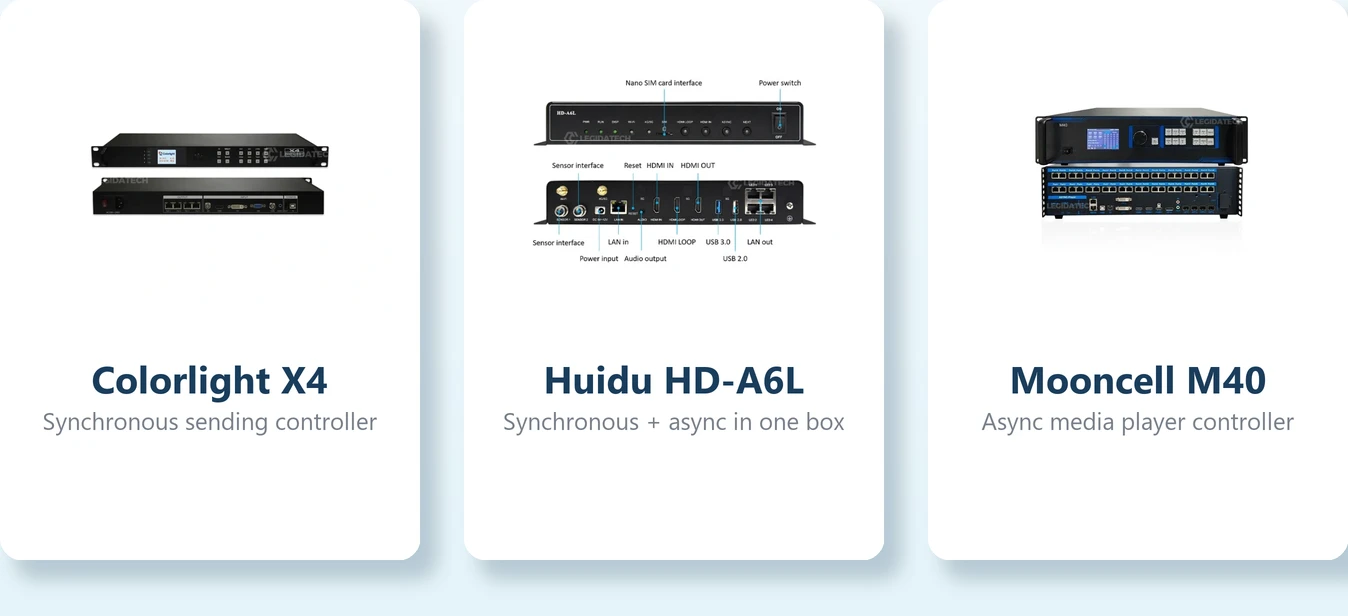
| Colorlight | Best value in the mid range, wide model spread | Model breadth from small indoor to 10M+ pixel walls | Mid | X-series lineup · price guide |
| Huidu | Cost-effective, async-first, popular in advertising | Synchronous + asynchronous in one box at low cost | Budget–mid | Huidu lineup guide |
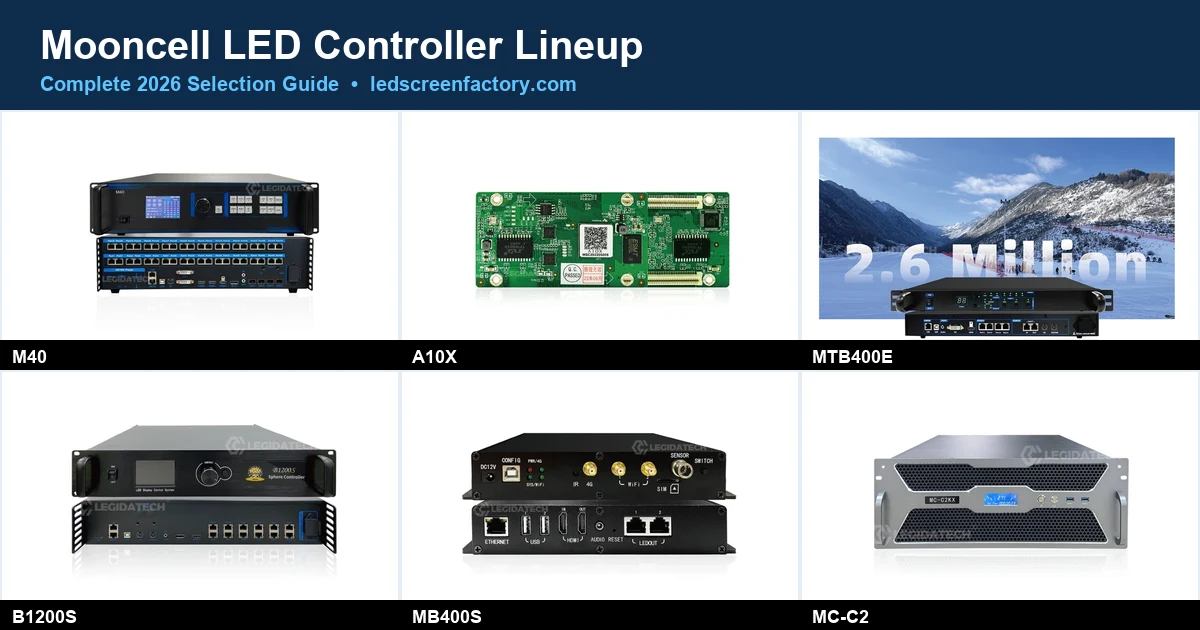
| Mooncell | Creative and special-shape control specialist | Sphere, dome, ring, floor and 3D screen control | Mid–high | Mooncell lineup guide |
| Linsn | Reliable workhorse for fixed installations | Stable large-scale fixed walls, strong China market base | Budget–mid | Linsn guide |
What actually separates brands in the field is rarely the spec sheet — it is the software ecosystem: how easy mapping is, whether you can read back and save configurations, remote cloud publishing options for async screens, and how responsive support is when a rental screen must go live in two hours. For a head-to-head of the three most specified brands see our Mooncell vs NovaStar vs Colorlight comparison, and for the software layer that runs these controllers, the Huidu, Colorlight and Linsn control system guides explain each ecosystem.
What Mistakes Should You Avoid When Buying an LED Controller?
- Buying under your pixel load — the single most expensive error; a wall that cannot run at full refresh or full area is a wall that cannot do its job.
- Using an asynchronous controller for live video (or paying for synchronous capability on a scheduled advertising screen) — match the operating mode to the content workflow, not the other way round.
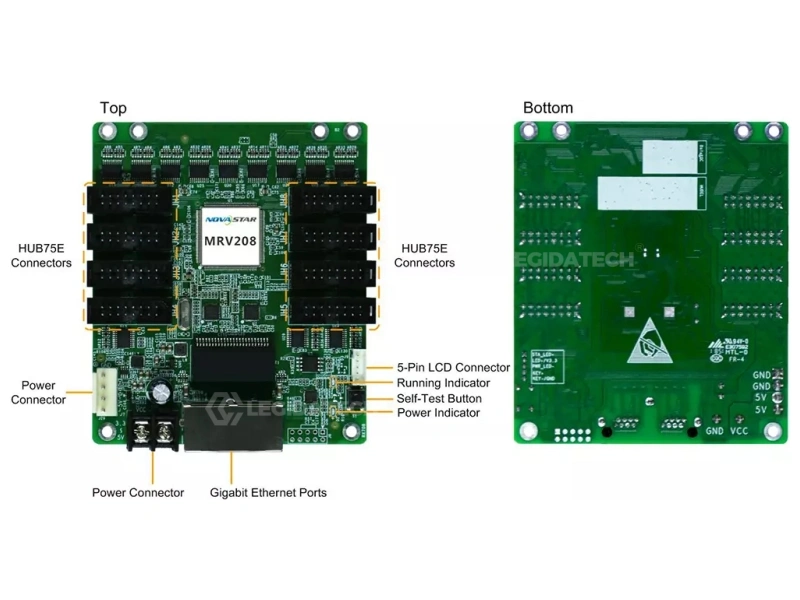
- Ignoring receiving card and driver IC compatibility — the controller, receiving cards and modules must speak the same protocol and support the refresh/grayscale you are paying for.
- Buying brand instead of fit — a premium flagship driving a 2 m² menu board is wasted budget; a budget card driving a broadcast wall is wasted money in downtime.
- Forgetting cable distance limits — standard Ethernet runs are fine up to roughly 80–100 m; beyond that plan fiber or a distributed topology.
- Not saving configuration files — losing the mapping and parameter file after commissioning turns every future repair into a re-commissioning job. Always read back and back up the config (see the video below).
How Do You Set Up an LED Video Wall Controller? (Quick Start Video)
Once your controller is selected, correct commissioning is what keeps a rental or installed wall reliable. This LEGIDATECH tutorial shows how to read back and update the receiving card program with NovaLCT, including why saving the configuration file matters before the screen ships to site:
What Do Buyers Ask About LED Video Wall Controllers? (FAQ)
How much does an LED video wall controller cost?
A basic sending card starts around $60–150. Entry all-in-one controllers run roughly $125–600, mid-range units for rental and multi-source work $600–3,000, and high-end processors for broadcast or ultra-large walls can reach $10,000+. Price scales with pixel capacity, input flexibility and features like Genlock and redundancy — so fix your pixel load first, then your budget band. For the most demanding camera-facing builds, our virtual production LED wall cost guide breaks down the full ICVFX budget, processing layer included.
What is the difference between a video controller and a sending card?
A sending card only distributes pixel data from one processed signal to the receiving cards. A video controller (all-in-one) adds scaling, input switching, layers and image processing on top of that distribution. If your sources need switching or processing, you need a controller; if the signal is already perfect, a sending card is enough.
How many pixels can an LED video wall controller drive?
Capacity ranges from a few hundred thousand pixels on small asynchronous controllers to over 10 million pixels on flagship models with multiple Ethernet ports or 10G fiber output. Divide your screen’s total pixels by the controller’s maximum load and add ~15% headroom to be safe.
Do I need a video processor for my LED wall?
Only if you have multiple sources to switch between, need live seamless switching, or require Genlock and advanced color management. A single-laptop LED wall runs fine on a controller or sending card alone.
Can one controller run both an outdoor billboard and a rental screen?
Only if it has enough Ethernet ports and pixel capacity for whichever screen is larger — controllers are usually matched to one screen per project. For a billboard that also needs scheduled playback, choose an asynchronous or hybrid controller rather than a pure synchronous rental unit.
Which controller brand is best for LED displays?
For premium rental and fine-pitch work most integrators choose NovaStar; for value-for-money commercial walls Colorlight; for cost-effective advertising with async playback Huidu; and for creative or special-shape screens Mooncell. Match the brand to the job and verify compatibility with your receiving cards and software before ordering.
Why does my LED screen show black bars or cut-off areas after connecting a new controller?
Almost always a pixel load or resolution mismatch: the controller cannot drive the full area, or the receiving card program does not match the module scan configuration. Re-check your Step 1 pixel math and read back the receiving card program (see the video above) to confirm the configuration file is correct.
Still not sure which LED video wall controller fits your screen? Send us your panel size, pixel pitch and signal sources — as an LED screen factory we spec and ship complete controller-matched systems daily, and we will recommend the exact model and configuration for your project.