Buy the wrong LED controller and one of two things happens: either your wall shows dead pixels because the controller can’t handle the load, or you paid $2,000 for a flagship unit to drive a display a $300 controller could handle. This guide eliminates both mistakes.
We’ll walk through a 3-step decision framework that our engineers at LEGIDATECH use to specify controllers for projects ranging from 1m² retail displays to 400m² stadium walls. No guesswork — just your pixel count, your source type, and your feature requirements. That framework covers NovaStar only; our LED video wall controller buying guide applies the same steps across Colorlight, Huidu, Mooncell, and Linsn.
Step 1: Calculate Your Pixel Count (2 Minutes)
Before looking at any controller, you need one number: total pixels. Everything else depends on this.
Total Pixels = Wall Width (px) × Wall Height (px)
Pixels per cabinet = Cabinet Width (px) × Cabinet Height (px)
Total Pixels = Cabinet Count × Pixels per Cabinet
Example: P3.91 rental cabinet (500×500mm, 128×128 pixels). Wall = 5m × 3m = 10 cabinets × 6 cabinets = 60 cabinets. Total pixels = 60 × (128×128) = 983,040 pixels.
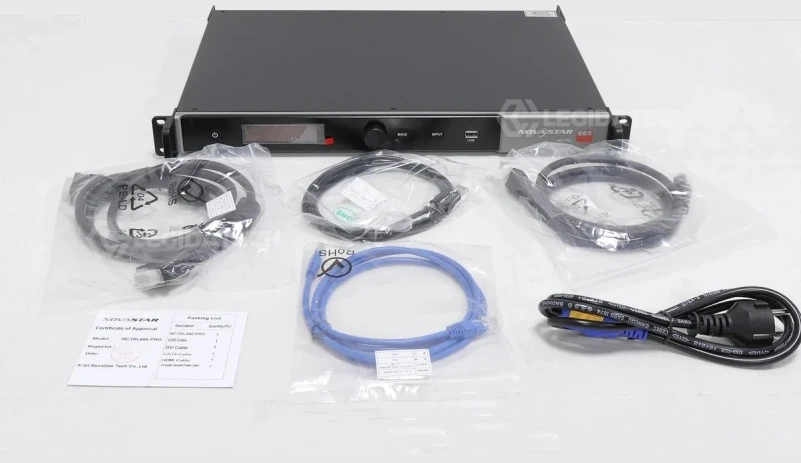
For a detailed walkthrough with more examples, see our receiving cards and sending cards calculation guide.
Step 2: Choose Your Architecture — VX or MCTRL?
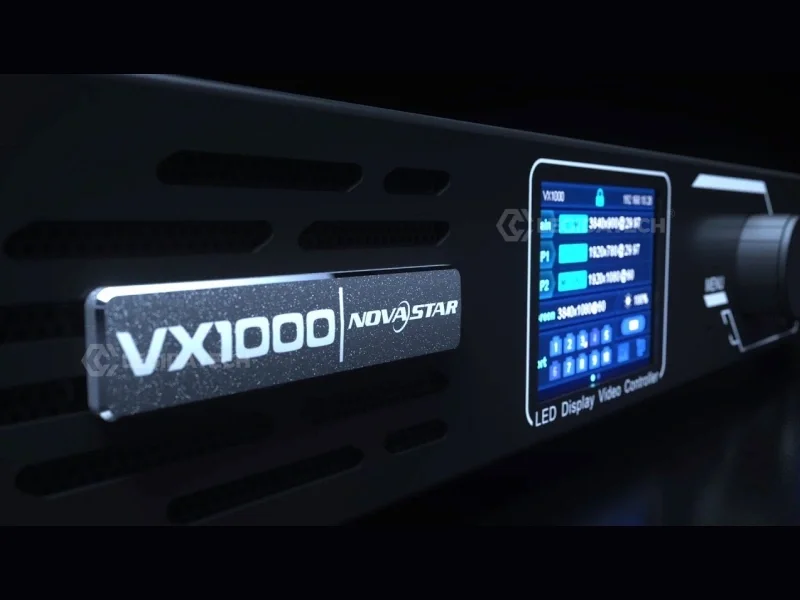
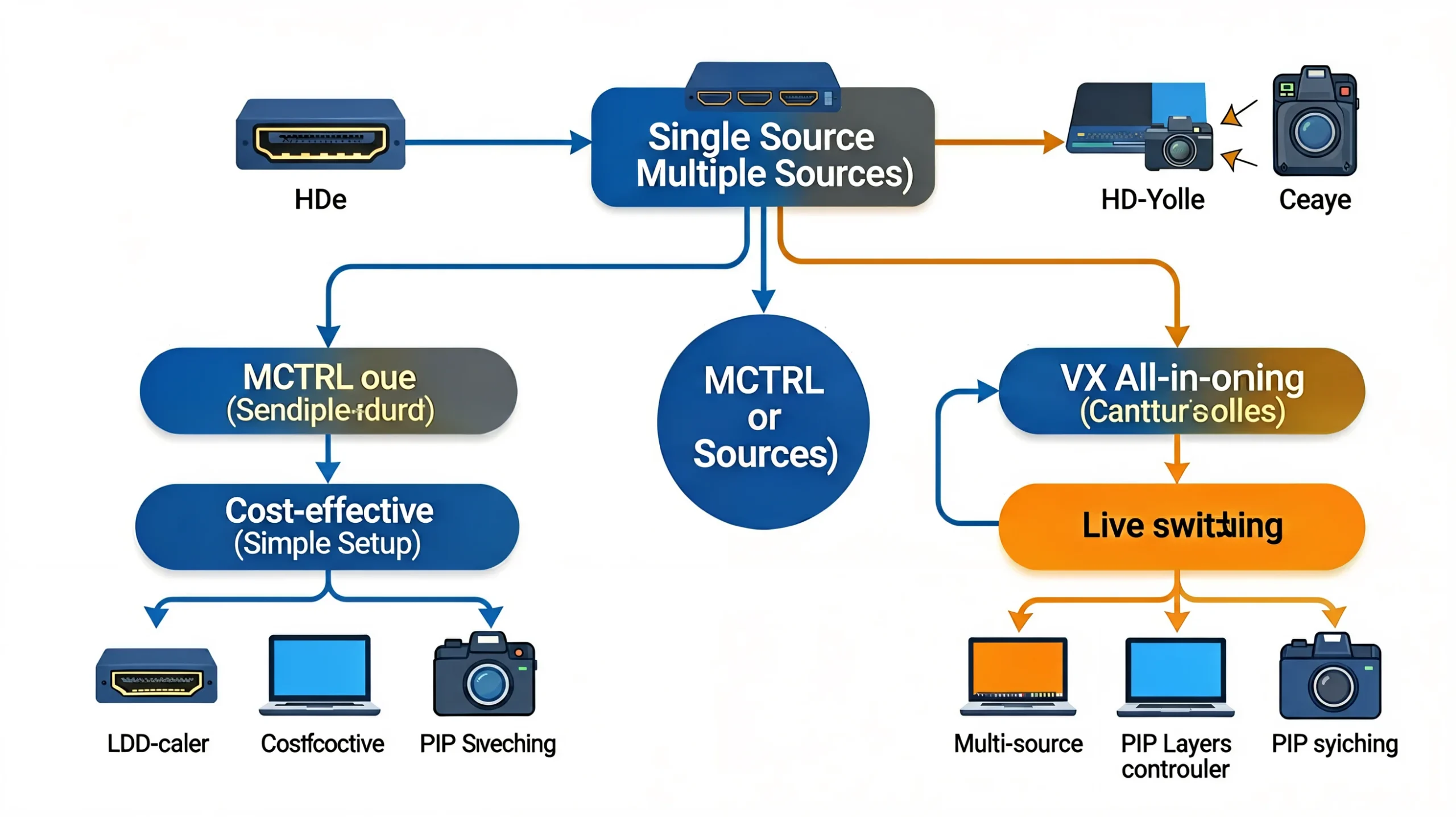
This is the single most important decision. NovaStar makes two controller families, and they solve different problems:
| VX Series | MCTRL Series | |
|---|---|---|
| Type | All-in-One (processor + sender) | Pure Sending Controller |
| Video scaling? | ✅ Yes | ❌ No |
| Multiple inputs? | ✅ Auto-switching | ❌ Single input |
| PIP / layers? | ✅ 2–6 layers | ❌ None |
| HDR10/HLG? | ❌ No | ✅ MCTRL4K only |
| 3G-SDI input? | ✅ VX1000 | ✅ MCTRL660 Pro only |
| Price range | $400–$2,700 | $120–$2,500 |
| Best for | Multi-source, multi-layer, live switching | Single-source, fixed-resolution, cost-sensitive |
Quick Decision: VX or MCTRL?
- One video source, fixed resolution, lowest budget? → MCTRL
- Multiple sources, need to switch live, need PIP? → VX
- Need HDR10/HLG? → MCTRL4K (only option)
- Need 3G-SDI input? → MCTRL660 Pro or VX1000
- Already own a video scaler/switcher? → MCTRL (don’t pay for processing twice)
Full comparison: see our VX vs MCTRL Series guide.
Step 3: Match Your Pixel Count to a Controller
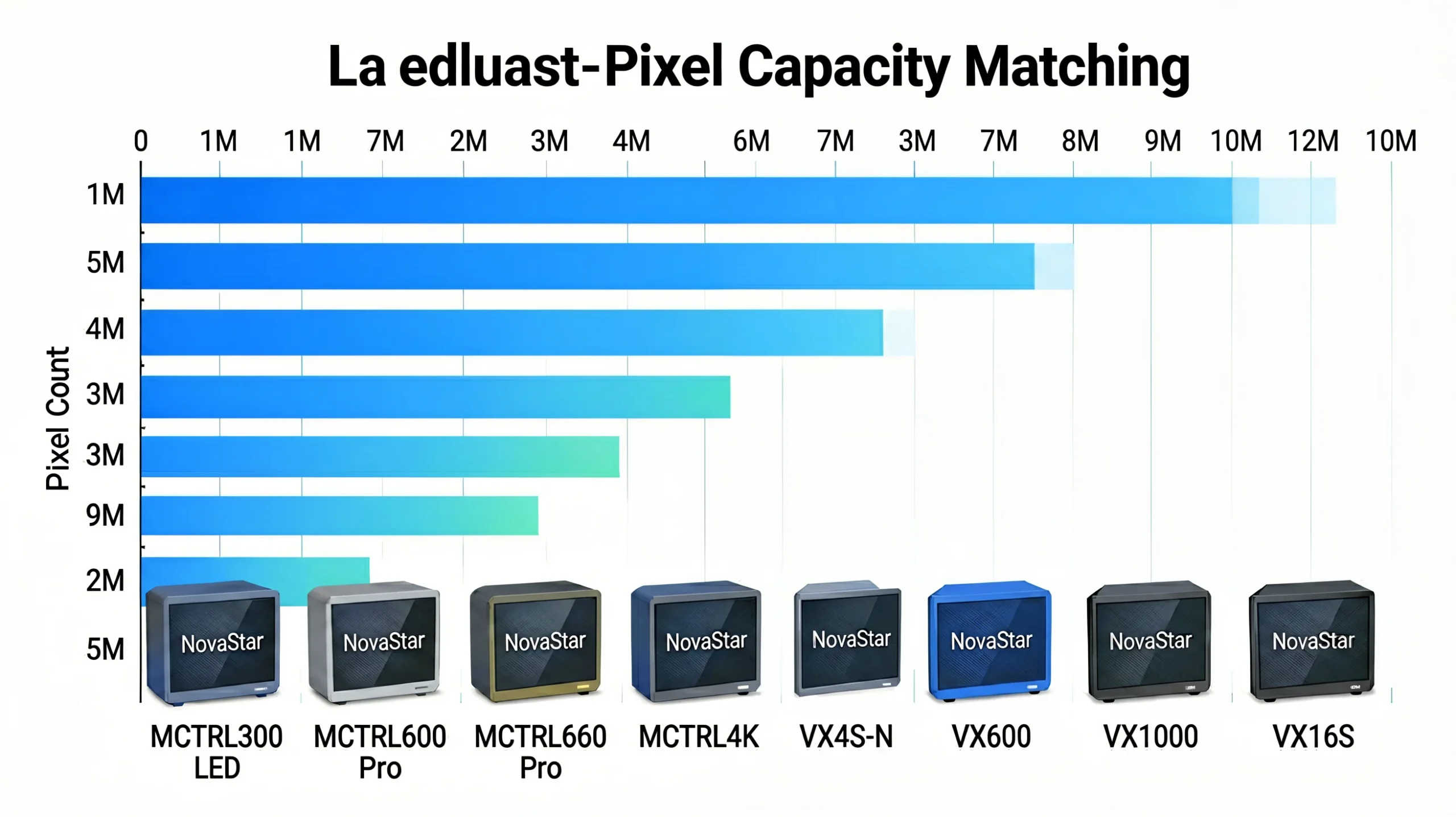
Now plug your pixel count into this table:
| Your Pixel Count | MCTRL Option | VX Option | Price Range |
|---|---|---|---|
| Under 1.3M | MCTRL300 | VX4S-N | $120–$600 |
| 1.3M – 2.3M | MCTRL600 or MCTRL660 | VX4S-N or VX600 | $200–$1,200 |
| 2.3M – 2.6M | MCTRL600 | VX600 | $200–$1,200 |
| 2.6M – 3.9M | 2× MCTRL600 or MCTRL660 Pro | VX600 | $400–$1,200 |
| 3.9M – 6.5M | MCTRL660 Pro or 3× MCTRL600 | VX1000 | $650–$2,100 |
| 6.5M – 8.8M | MCTRL4K | VX16S or 2× VX1000 | $1,500–$2,500 |
| 8.8M – 10.4M | 2× MCTRL4K | VX16S | $1,500–$5,000 |
| Over 10.4M | 2+ MCTRL4K | 2+ VX16S or VX1000 | $4,000+ |
The “Don’t Cascade More Than 3” Rule
Cascading multiple controllers is technically possible but adds complexity. As a rule of thumb: if you need more than 3 units, upgrade to a single higher-capacity controller. Four cascaded MCTRL660 Pros cost $2,600–$3,400 and create GENLOCK sync headaches. One MCTRL4K costs $2,000 and eliminates all of that.
Step 4: Layer on Feature Requirements
Pixel count gets you to the right tier. These features pin down the exact model:
| If You Need… | Your Only Options Are… |
|---|---|
| HDR10 / HLG | MCTRL4K (no VX model supports HDR) |
| 3D Stereoscopic | MCTRL4K or VX1000 (with EMT200 emitter) |
| 3G-SDI Input | MCTRL660 Pro (native SDI) or VX1000 |
| GENLOCK Sync | MCTRL660 Pro, VX1000, or MCTRL4K |
| Sub-1ms Latency | MCTRL660 Pro (Bypass), VX1000 (Bypass), MCTRL4K |
| Fiber Output (10km+) | MCTRL660 Pro (2× 10G SFP+), VX1000 (2× 10G), MCTRL4K (4× 10G) |
| Fiber Converter Mode | MCTRL660 Pro (built-in, saves $200–$400/link) |
| Multi-Unit Hot Backup | MCTRL300 (only model with this) |
| Audio Input + Light Sensor | MCTRL600 (only mid-tier with both) |
| Ultra-Portable (under 1.5 kg) | MCTRL300 (1.04 kg, fits in a laptop bag) |
| Lowest Power (under 10W) | MCTRL300 (3W) or MCTRL600 (6.6W) |
Step 5: Check Your Budget Against Reality
Here’s what you can get at each budget level — including the accessories you actually need:
| Budget (per unit) | Best MCTRL | Best VX | What You Sacrifice |
|---|---|---|---|
| $150–$300 | MCTRL300 | — | No HDMI, no audio, 2 ports only, 8-bit only |
| $300–$600 | MCTRL600 | VX4S-N | No Genlock, no fiber, no HDR |
| $600–$900 | MCTRL660 Pro | — | No HDR/3D, 2.3M pixel cap |
| $900–$1,200 | — | VX600 | No Genlock, lower capacity than VX1000 |
| $1,800–$2,100 | — | VX1000 | No HDR, no native 4K×2K (needs Pro for that) |
| $2,000–$2,500 | MCTRL4K | — | No SDI, no fiber converter mode, 2U chassis |
Decision Scenarios: Real Project Examples
Scenario A: Rental Company, Mixed Events
Situation: You do corporate keynotes (single laptop source), galas (2–3 sources with PIP), and occasional broadcast (SDI camera feed). Walls range from 2m×1.5m to 8m×5m.
Recommendation: Stock MCTRL600 for single-source gigs ($200–$400, lightweight, simple) and VX1000 for multi-source events ($1,800, layers, SDI, Genlock). Total controller fleet investment: ~$3,000–$5,000 for 2–3 units covering 90% of event types.
Scenario B: Fixed Installation — Corporate Lobby
Situation: P1.9 fine-pitch lobby wall, 5m×2.8m (~2,632×1,474 = 3.9M pixels). Single media player source, 24/7 operation.
Recommendation: VX600 ($800–$1,200). Single-source today, but the built-in scaler future-proofs for content format changes. MCTRL600 would work today but requires source to output exact wall resolution — which marketing teams frequently change.
Scenario C: Broadcast Studio with LED Wall
Situation: P2.6 broadcast LED wall, 8m×4.5m (~3,077×1,731 = 5.3M pixels). Live camera feed via SDI, must be GENLOCK-synced to studio cameras. HDR10 required.
Recommendation: MCTRL4K ($2,000–$2,500). Only option that combines 8.8M capacity + HDR10/HLG + GENLOCK. Requires external SDI-to-HDMI converter (~$300) since MCTRL4K has no native SDI. If budget-constrained and HDR not mandatory: MCTRL660 Pro ($650–$850) for native SDI + GENLOCK, but needs 2 units cascaded for 5.3M pixels (~$1,500 total).
Scenario D: Small Church / House of Worship
Situation: P3.91 LED wall, 3m×2m = 768×512 = 393K pixels. Single laptop source (HDMI). Budget-sensitive. Volunteers operate it.
Recommendation: MCTRL300 ($120–$300). 1.3M capacity is more than enough. HDMI-to-DVI adapter ($5). Simple setup — connect laptop, power on, done. VX features (layers, switching) would never be used in this scenario.
The Complete NovaStar Controller Map
Here’s every NovaStar controller in one visual hierarchy, from entry-level to flagship:
| Tier | MCTRL (Pure Sending) | VX (All-in-One) | Starting Price |
|---|---|---|---|
| Entry | MCTRL300 — 1.3M px, 2 ports | VX4S-N — 2.3M px, 4 ports | $120 |
| Mid-Value | MCTRL600 — 2.6M px, 4 ports, audio+light | VX600 — 3.9M px, 6 ports, 4K input | $200 |
| Mid-Standard | MCTRL660 — 2.3M px, 4 ports, rugged | — | $350 |
| Broadcast | MCTRL660 Pro — 2.3M, SDI+GENLOCK+fiber | — | $650 |
| High-End | — | VX1000 — 6.5M, 3 layers, Genlock, 3D | $1,800 |
| Very Large | — | VX16S — 10.4M, 16 ports | $1,500 |
| Flagship | MCTRL4K — 8.8M, HDR+3D+16 ports+4×fiber | — | $2,000 |
Receiving Cards: Don’t Forget These
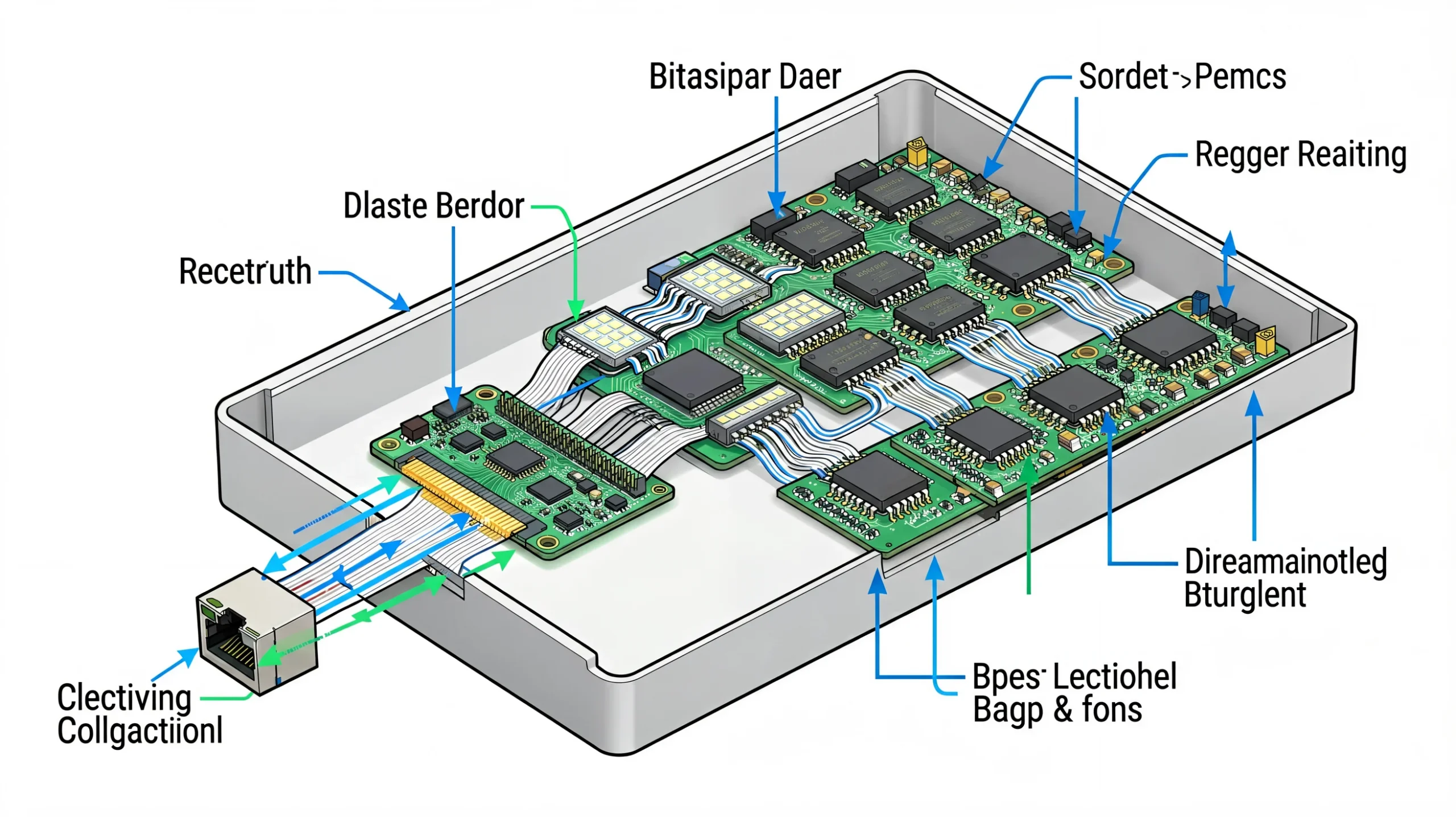
Your sending controller is only half the equation. Receiving cards go in each LED cabinet. Here’s a quick guide:
- Standard projects: NovaStar A5s (512×384 = 196,608 px/card, $15–$25 ea.)
- HDR projects: NovaStar A8s or A10s Plus (required for MCTRL4K HDR, $25–$40 ea.)
- Calculation: Total Pixels ÷ Receiving Card Capacity = cards needed. Always add 1–2 spares.
For the complete receiving card calculation guide: see our detailed walkthrough.
The 5 Most Expensive Mistakes Buyers Make
#1 — Buying a VX for a Single-Source, Fixed-Resolution Display
A VX1000 ($1,800) driving a church display that shows one laptop feed indefinitely. The MCTRL300 ($150) would do the same job. Money wasted: $1,650.
#2 — Buying an MCTRL for a Multi-Source Live Event
Then scrambling to find an external scaler at the venue. A VX600 ($800) eliminates this headache and costs less than MCTRL600 ($250) + decent scaler ($1,000).
#3 — Not Checking the Per-Port Limit
An MCTRL600 can load 2.6M pixels total — but 650K per port. Stack 800K on one port and 450K on the others, and port 1 fails. Always balance pixel load across ports.
#4 — Cascading 4 Mid-Tier Controllers Instead of Buying 1 Flagship
4× MCTRL660 Pro at $3,000 total for a 4K wall. 1× MCTRL4K at $2,200. The single controller is cheaper AND simpler. Cascade only when you already own the hardware.
#5 — Buying from the Wrong Channel
Factory-direct pricing saves 20–40% vs. distributors — and includes pre-shipment burn-in testing. An MCTRL4K at $2,200 factory-direct costs $3,600+ on Amazon. Same unit, $1,400 difference. See our MCTRL4K price guide for the full breakdown.
Frequently Asked Questions
“My pixel count is right at the limit of a controller. Should I upgrade?”
If you’re within 10% of the maximum (e.g., 2.5M pixels on a 2.6M MCTRL600), you’re fine — but check per-port limits. If you’re at 95%+ (2.47M on 2.6M), upgrade or cascade. Controllers perform best at 60–80% of rated capacity.
“Can I start with an MCTRL300 and upgrade later?”
Yes — the MCTRL300 cascades up to 20 units. Start with one for your current wall, add more as you win larger projects. The same NovaLCT configuration transfers between MCTRL models.
“Do I need a VX if my media player can scale?”
Maybe not. If your media player outputs exactly the wall’s native resolution and you never switch sources, an MCTRL is all you need. But most media players can’t match custom LED wall resolutions exactly — which is where VX scaling earns its keep.
Need Help Deciding?
Send us your wall dimensions and project requirements. Our engineers will recommend the exact controller, calculate your receiving card count, and provide a factory-direct quote — typically within 2 hours.
📧 legidatechled@gmail.com
📞 WhatsApp: +86 185 69492693
Published by LEGIDATECH — Factory-direct NovaStar controllers, LED cabinets, and complete display solutions. Every controller pre-tested, pre-configured, and shipped with 3-year warranty.