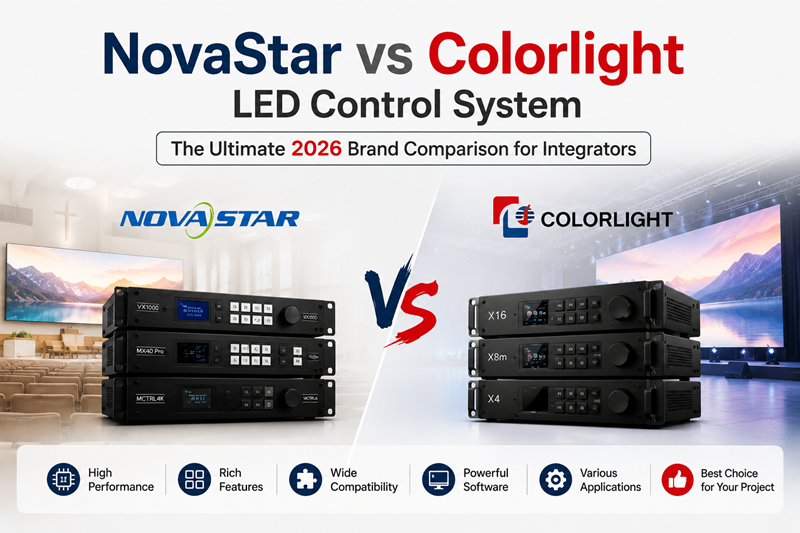
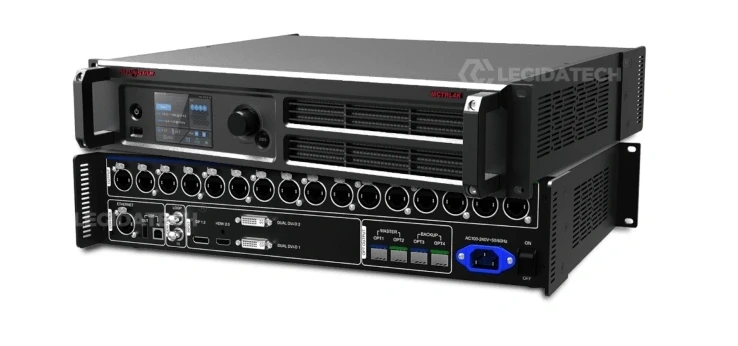
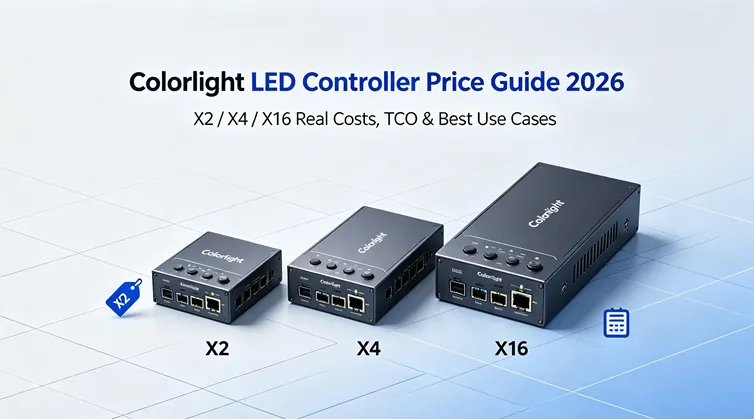
Every LED display needs a brain. That brain is the LED sending card (also called a sending controller, LED controller, or video sender). It takes video from your source — a laptop, media player, camera, or broadcast feed — and distributes it across dozens or hundreds of LED receiving cards that light up individual cabinets. Choose the right one and your display runs flawlessly for years. Choose the wrong one and you either overpay for features you will never use, or bottleneck your entire wall because the controller cannot handle the pixel count.
This guide explains the 5 critical specifications you must understand before buying any LED controller — pixel capacity, Ethernet ports, video inputs, all-in-one architecture, and advanced features — so you can match the right controller to your project the first time. Whether you ultimately choose NovaStar, Colorlight, or another brand, these fundamentals apply universally.
At LEGIDATECH, we supply both brands factory-direct and pre-configured to your cabinet specs — so we have no incentive to push you toward one or the other. Just the right controller for your project.
What Is an LED Sending Card?
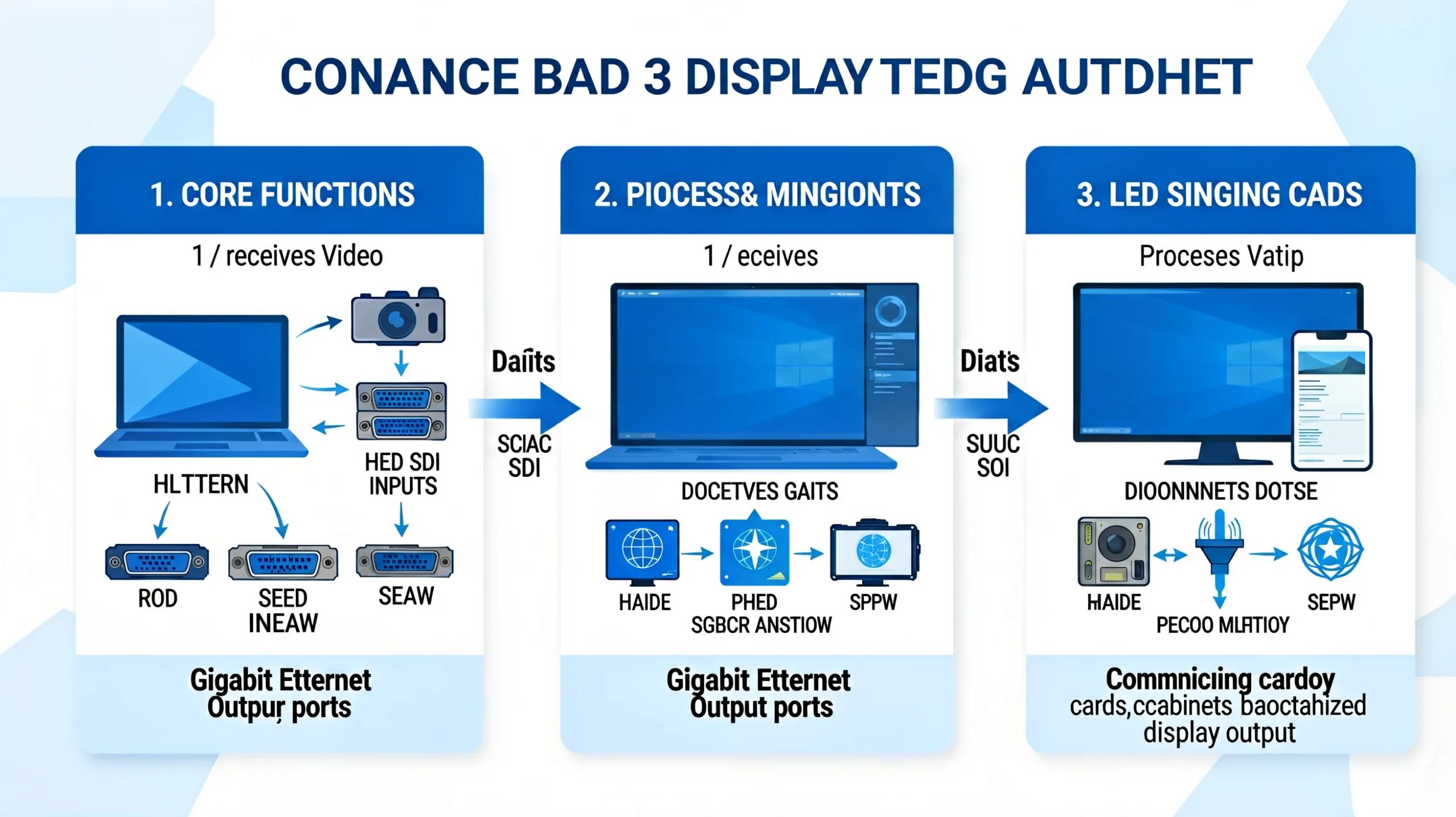
An LED sending card is the device that sits between your video source and your LED wall. It performs three core functions:
- Receives video from an external source through HDMI, DVI, DisplayPort, SDI, or VGA input.
- Processes and splits the video signal across multiple Gigabit Ethernet output ports — each port drives a section of the LED wall.
- Communicates with receiving cards inside each LED cabinet, telling them which portion of the video to display, at what brightness, and with what color calibration.
Think of it as a traffic controller: a 4K video feed arrives at the input, and the sending card divides it into lanes — sending the top-left section to Port 1, the top-right to Port 2, and so on — so every cabinet shows exactly its assigned piece of the picture.
Specification 1: Pixel Capacity — The Fundamental Limit
Pixel capacity is the single most important specification on any LED controller datasheet. It is the maximum number of physical LED pixels the controller can address. If your LED wall contains more pixels than the controller’s rated capacity, parts of the screen will simply stay black — there is no workaround except adding another controller.
How to Calculate Your Pixel Count
The formula is simple: Total Pixels = (Screen Width in pixels) × (Screen Height in pixels)
To find the pixel dimensions of your LED wall:
- Pixels per cabinet = Cabinet width in pixels × Cabinet height in pixels. A standard P3.91 500×500mm rental cabinet = 128 pixels wide × 128 pixels high = 16,384 pixels per cabinet.
- Total cabinets = Number of cabinets wide × Number of cabinets high. A 6m wide × 3m high wall with 500mm cabinets = 12 wide × 6 high = 72 cabinets.
- Total pixels = 72 cabinets × 16,384 pixels = 1,179,648 pixels (approximately 1.18 million).
Compare this number to the controller’s rated pixel capacity. For 1.18M pixels, you need a controller rated for at least 1.3M pixels (always leave 10-15% headroom). A Colorlight X2 (1.3M) or NovaStar MCTRL300 (1.3M) would work. An X1 (0.65M) would not — and the missing pixels would appear as a black stripe across the screen.
| Pixel Pitch | Pixels per 500×500mm Cabinet | Max Wall Size with 1.3M Controller | Max Wall Size with 2.6M Controller | Max Wall Size with 8.8M Controller |
|---|---|---|---|---|
| P1.5 (fine pitch) | 111,111 (333×333) | ~3.5m × 2.0m | ~5.0m × 2.8m | ~9.0m × 5.0m |
| P2.5 (indoor standard) | 40,000 (200×200) | ~5.7m × 3.2m | ~8.0m × 4.5m | ~15m × 8.5m |
| P3.91 (rental standard) | 16,384 (128×128) | ~8.9m × 5.0m | ~12.6m × 7.1m | ~23m × 13m |
| P5 (outdoor standard) | 10,000 (100×100) | ~11.4m × 6.4m | ~16.1m × 9.1m | ~30m × 17m |
| P10 (billboard) | 2,500 (50×50) | ~22.8m × 12.8m | ~32.2m × 18.1m | ~60m × 34m |
For detailed guidance on calculating receiving card and sending card quantities, see our receiving card calculation guide.
Specification 2: Ethernet Ports — How Many Do You Actually Need?
Each Gigabit Ethernet port on a controller can drive up to 655,360 pixels (at standard 8-bit color depth). This is a hard limit determined by the bandwidth of a 1 Gbps Ethernet link. More ports mean you can drive more pixels — and, critically, you can divide the screen into more independent sections.
| Ports | Max Pixels (8-bit) | Typical Controllers | Best For |
|---|---|---|---|
| 1 | 0.65M | Colorlight X1 | Small fixed signs under 3 m² |
| 2 | 1.3M | Colorlight X2, NovaStar MCTRL300 | Mid-scale rental, commercial indoor |
| 4 | 2.6M | Colorlight X4, NovaStar MCTRL600/660 | Large rental, fixed advertising |
| 8 | 5.2M | Colorlight X8m | 4K events, broadcast studios |
| 16 | 8.8M | Colorlight X16, NovaStar MCTRL4K | 4K broadcast, stadium, XR |
| 20 | 11.5M | Colorlight X20 | 8K command centers |
Why port count matters beyond pixel capacity: Each port drives an independent section of the wall. With 2 ports, you can split the screen into left/right halves. With 4 ports, you can create a 2×2 grid. More ports mean finer control over which cabinets are connected to which output — which matters for cable management, redundancy, and troubleshooting. If a cable on Port 3 fails, only Port 3’s section goes dark; the rest of the wall stays live. For full controller specifications, see our Colorlight X Series Full Lineup and NovaStar MCTRL Series Full Lineup.
Specification 3: Video Inputs — Match Your Source to Your Controller
The video input is where your content enters the controller. The most common mistake buyers make: purchasing a controller with only DVI input for a project that requires SDI camera connectivity — then scrambling for a $150-$500 format converter on site.
| Input Type | Max Resolution | Typical Use | Found On |
|---|---|---|---|
| HDMI | 1920×1200 (standard); 4096×2160 (HDMI 2.0 on X16/X20) | Laptops, media players, streaming devices | Almost all controllers |
| DVI | 1920×1200 | Legacy PCs, some media servers | Most controllers; often the only input on entry-level models |
| 3G-SDI | 1920×1080 | Broadcast cameras, OB vans, live production | NovaStar MCTRL660 Pro; Colorlight X2, X4, X16 |
| DisplayPort | 4096×2160 (DP 1.2); 7680×4320 (DP 1.4 dual) | 4K and 8K sources, high-end media servers | NovaStar MCTRL4K, VX1000; Colorlight X8m, X20 |
| VGA | 1920×1200 | Legacy laptops, emergency backup | Colorlight X1, X2, X4; some NovaStar models |
| CVBS (Composite) | 480i/576i (SD) | Legacy CCTV, analog cameras | Colorlight X2, X4 (rarely used in modern setups) |
Input selection rule: List every video source that will ever connect to this LED wall — today and in the next 3-5 years. Buy a controller with at least those inputs. It is cheaper to have an unused SDI port than to buy a $300 Blackmagic SDI-to-HDMI converter on event day. For a comparison of which specific controllers have which inputs, see our NovaStar vs Colorlight brand comparison.
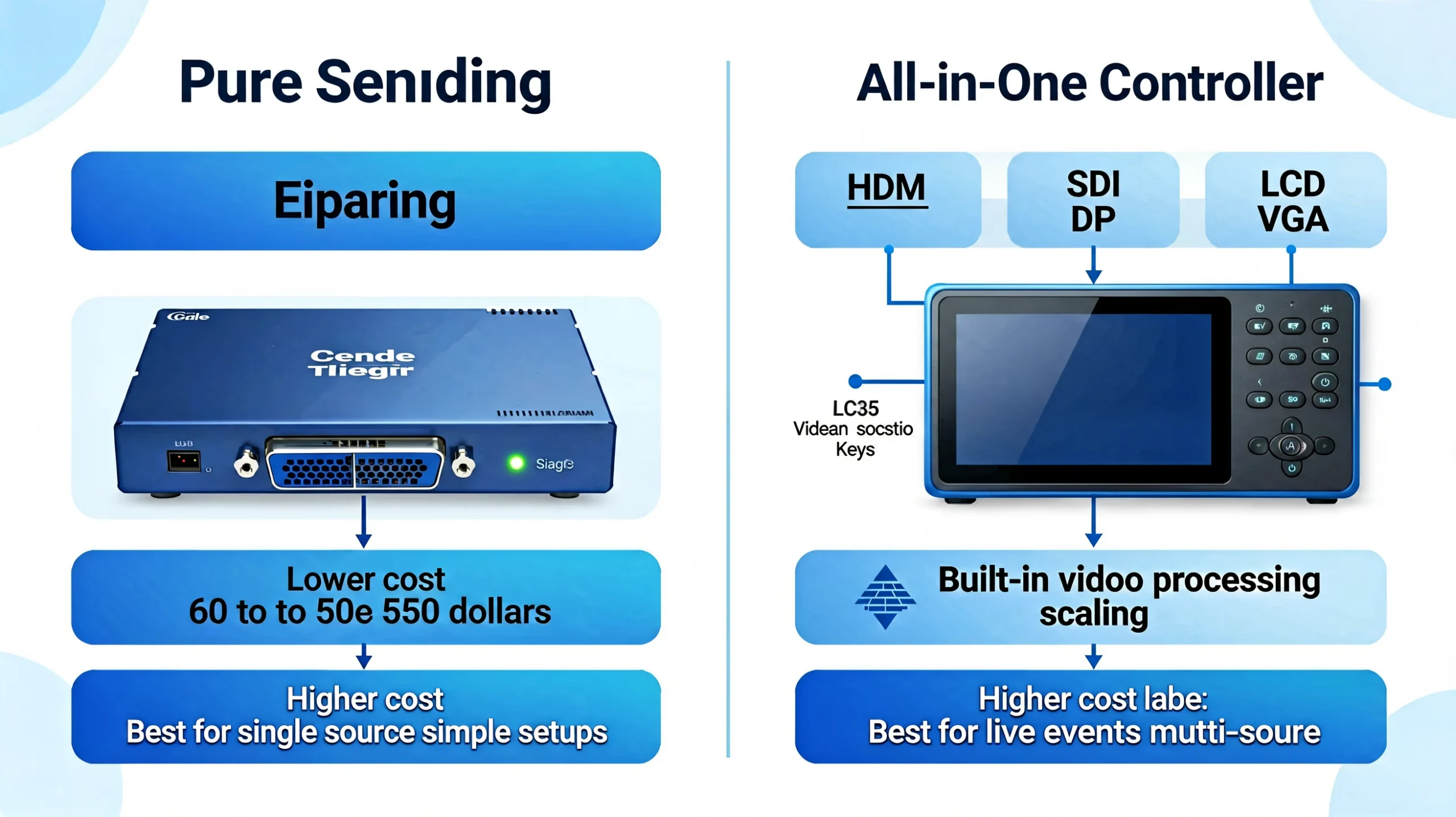
Specification 4: All-in-One Controller vs Pure Sending Card
This is the most important architectural decision in controller selection — and the one most first-time buyers do not realize they need to make.
| Pure Sending Card | All-in-One Controller | |
|---|---|---|
| What it is | A device that only sends video to LED cabinets. Requires a separate video processor or computer to provide the video signal. | A device that combines a video processor and LED sending card in one chassis. |
| Example models | NovaStar MCTRL300, MCTRL660; Colorlight X1, X2, X2s | NovaStar VX4S-N, VX600, VX1000; Colorlight X4, X8m, X16 |
| Video inputs | 1-2 inputs (DVI, HDMI). Limited input switching. | 4-7 inputs (SDI, HDMI, DVI, DP, VGA). Front-panel source switching. |
| Front panel control | Basic — some have LCD for status, others are LED indicators only | Full — LCD screen, function keys (Brightness, Freeze, Source select) |
| External processor needed? | Yes — you need a separate video scaler/switcher for multi-source setups | No — built-in scaling and switching handles multiple sources |
| Cost | Lower: $60-$550 | Higher: $125-$3,000 |
| Best for | Simple single-source setups; experienced AV teams with existing processors | Live events with multiple sources; rental; any setup where simplicity matters |
Decision rule: If your LED wall will always be fed by a single laptop or media player, a pure sending card is sufficient and saves money. If you ever need to switch between a laptop, a camera, and a backup source during a live event — get an all-in-one controller. The front-panel source switching alone can save you from running back to the tech table mid-show. For a detailed breakdown of NovaStar’s VX (all-in-one) vs MCTRL (pure sending) families, see our VX vs MCTRL comparison guide.
Specification 5: Advanced Features — Genlock, HDR, 3D, Multi-Layer PIP
These features separate professional broadcast controllers from commercial signage controllers. If your LED wall will ever appear on camera, pay attention.
| Feature | What It Does | When You Need It | Controllers That Have It |
|---|---|---|---|
| Genlock | Synchronizes the LED wall’s frame timing to an external reference signal. Eliminates screen tearing and rolling shutter banding when filmed by cameras. | Broadcast studios, OB vans, XR virtual production, any event captured on camera | NovaStar MCTRL660 Pro, MCTRL4K, VX1000; Colorlight X8m, X16, X20 |
| HDR (HDR10/HLG) | Expanded brightness range and wider color gamut. More vivid highlights and deeper shadows. | Broadcast (HDR is becoming standard), premium retail, digital art galleries | NovaStar MCTRL4K, COEX series. No Colorlight controller currently supports HDR. |
| 3D Display | Stereoscopic 3D output for active shutter or passive 3D LED walls. | Theme parks, immersive experiences, specialized events | NovaStar MCTRL4K, VX1000 |
| Multi-Layer PIP | Display multiple independent video sources simultaneously on different regions of the LED wall — e.g., main camera feed + lower-third graphics + sponsor logo. | Broadcast multiviewer, control rooms, live event IMAG | Colorlight X8m (6 windows), X16 (7 layers), X20 (8 layers); NovaStar VX1000, COEX |
| Fiber Output | Transmit video signal over fiber optic cable for distances beyond 100m (the Cat6 limit). | Stadium displays, large outdoor billboards, any installation where controller-to-screen distance exceeds 100m | NovaStar MCTRL660 Pro (2×10G SFP+), MCTRL4K (4×10G); Colorlight via external H10FN/H2F transceivers |
| Low Latency | Sub-1ms processing delay from input to display. | Live IMAG (camera on performer → LED wall behind performer), XR stages | NovaStar MCTRL4K, VX1000; Colorlight X16, X20 |
Genlock is not optional for camera-facing walls. Without Genlock, cameras capture a black rolling bar, flickering, or torn frames on the LED wall. This is the #1 reason broadcast clients reject LED walls. If cameras are involved, budget for a Genlock-capable controller — it is cheaper than explaining scan-line artifacts to a broadcast director.
Putting It All Together: The 4-Step Selection Framework
Step 1: Calculate Your Pixel Count
Total cabinets × pixels per cabinet = total pixels. Add 15% headroom. This number determines the minimum pixel capacity you need.
Step 2: Count Your Video Sources
How many different devices will connect to this wall? What connectors do they use? If the answer is “one laptop via HDMI,” you can use a pure sending card. If it is “laptop + camera + backup + media server,” you need an all-in-one controller with multiple inputs.
Step 3: Check Camera Requirements
Will this LED wall appear on camera? If yes: (a) you need Genlock, (b) you need minimum 3,840Hz refresh rate, (c) you may need HDR, and (d) you need 16-bit grayscale processing. These requirements immediately narrow your choices to broadcast-grade controllers.
Step 4: Set Your Budget — and Compare Total Cost, Not Unit Price
A $200 pure sending card that requires a $500 external video processor is more expensive than a $400 all-in-one controller that includes processing. Always compare total system cost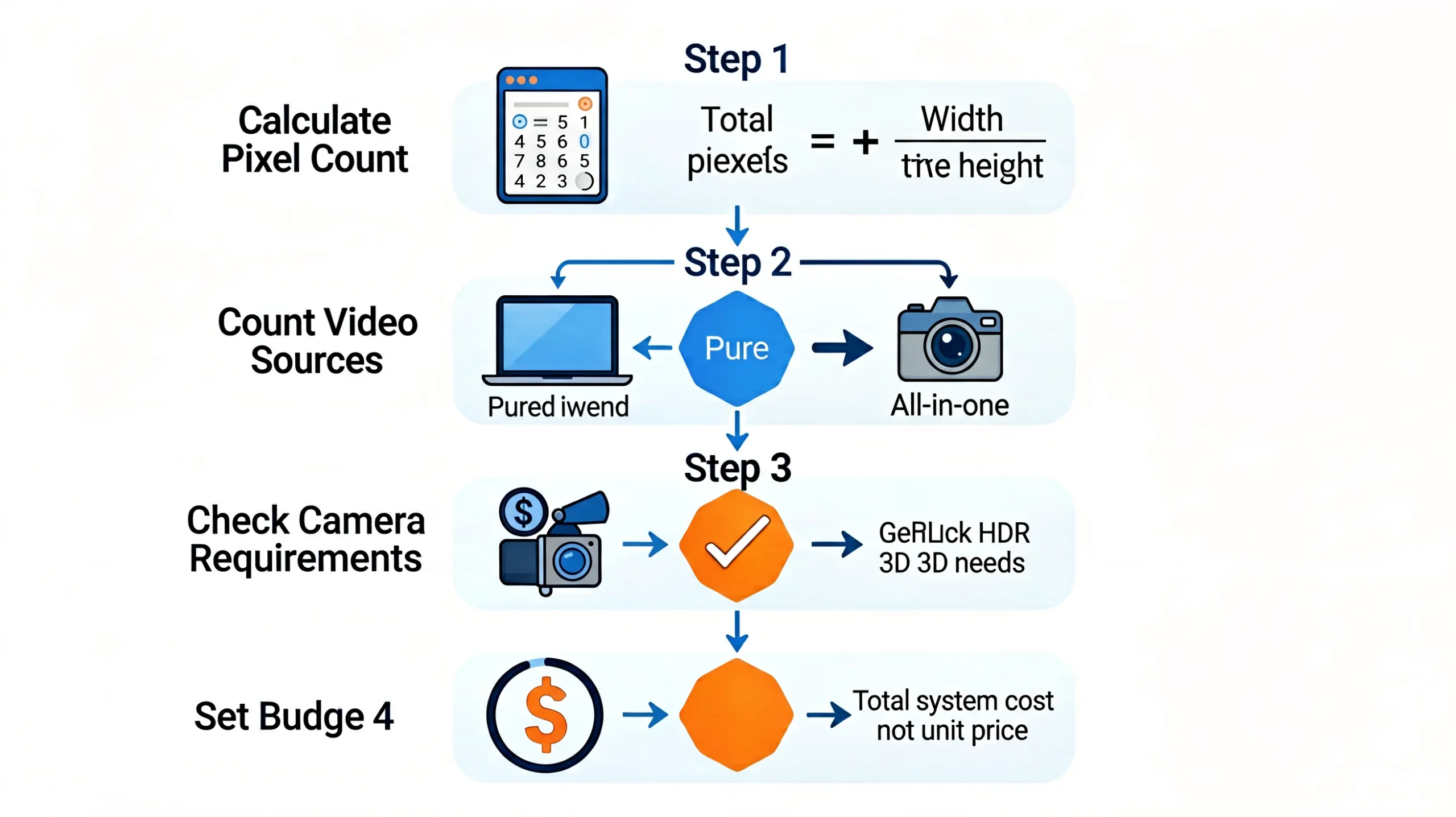
Controller Selection Cheat Sheet
| Your Project | Recommended Controller Type | Example Models | Approx. Budget |
|---|---|---|---|
| Small fixed sign (under 3 m²) | Entry-level sending card | Colorlight X1, NovaStar MCTRL300 | $60-$300 |
| Mid-scale rental / conference room | Mid-range sending card with multi-input | Colorlight X2, NovaStar MCTRL660 | $125-$550 |
| Large rental / fixed advertising | All-in-one controller, 4 ports | Colorlight X4, NovaStar VX4S-N | $125-$500 |
| 4K event / broadcast studio | 4K all-in-one controller | Colorlight X8m, NovaStar VX1000 | $400-$1,200 |
| Broadcast OB van / stadium | Broadcast-grade with Genlock, fiber, SDI | NovaStar MCTRL660 Pro or Colorlight X16 | $650-$1,500 |
| 4K HDR broadcast / XR stage | Flagship 4K processor | NovaStar MCTRL4K | $2,000-$2,500 |
| 8K command center | Flagship 8K processor | Colorlight X20 | $1,500-$3,000 |
For complete price breakdowns including TCO analysis, see our Colorlight Controller Price Guide 2026 and NovaStar MCTRL4K Price Guide 2026.
Common Mistakes When Choosing a Controller
- Buying by brand loyalty instead of project requirements. “We always use NovaStar” is not a specification. Match the controller to the project — not the other way around.
- Underestimating pixel count. A 5m×3m P3.91 wall sounds small until you calculate 1.18M pixels — exceeding a 0.65M controller’s capacity by 82%. Always do the math before purchasing.
- Ignoring future expansion. If there is a 30% chance the wall will be expanded next year, buy a controller with 30% headroom now. Replacing controllers is more expensive than buying right the first time.
- Forgetting about receiving card compatibility. NovaStar controllers only work with NovaStar receiving cards. Colorlight controllers only work with Colorlight receiving cards. You cannot mix brands — choose your controller and receiving card brand together.
- Buying the cheapest option without checking what is excluded. A $110 X2s lacks SDI input and the LCD panel. If you need either, the $125 X2 is the correct choice — saving $15 to lose essential features is false economy.
Frequently Asked Questions
What is the difference between a sending card and a receiving card?
A sending card (controller) receives video from your source and distributes it across Ethernet ports. A receiving card is inside each LED cabinet — it receives data from the sending card and drives the individual LED modules. Every LED display needs at least 1 sending card + 1 receiving card per cabinet. They must be the same brand. For calculating quantities, see our receiving card calculation guide.
How do I know if I need an all-in-one controller?
You need an all-in-one controller if: (a) you connect more than one video source to the LED wall, (b) you need to switch between sources during operation, (c) you want front-panel controls (brightness, freeze, source select) without a PC, or (d) you do not already own a separate video processor. Pure sending cards are appropriate only for simple single-source setups with experienced operators. See our VX vs MCTRL comparison for examples.
Can I cascade multiple controllers for a larger wall?
Yes. Most controllers support USB daisy-chaining (NovaStar: up to 20 MCTRL units; Colorlight: up to 8 X Series units). However: (a) each controller needs to be configured separately, (b) Genlock becomes essential for frame sync across multiple units, and (c) when cascading exceeds 3 units, a single higher-capacity controller is almost always cheaper and simpler. A single MCTRL4K ($2,200) is less expensive and more reliable than 4× cascaded MCTRL660s ($2,600-$3,400).
What is the difference between 8-bit, 10-bit, and 12-bit color?
Color depth determines how many distinct colors the controller can produce. 8-bit = 16.7 million colors (standard for most commercial displays). 10-bit = 1.07 billion colors (noticeably smoother gradients, required for HDR). 12-bit = 68.7 billion colors (broadcast reference, eliminates all visible banding). For commercial signage, 8-bit is sufficient. For broadcast and premium applications, choose 10-bit or 12-bit. NovaStar MCTRL660 Pro and MCTRL4K support 12-bit; Colorlight X16 and X20 support 10/12-bit. Most entry-level controllers are 8-bit only.
Do I need a separate computer to run the LED wall?
For initial configuration: yes — you need a Windows PC to run NovaLCT or LEDVISION. For daily operation: no — once configured and saved to the receiving cards, the controller operates independently. Connect any video source (laptop, media player, camera) to the input and the controller drives the wall. The configuration PC is only needed for setup, firmware updates, or reconfiguration. The exception is the Colorlight X4e, which can play content directly from a USB flash drive with no PC or external source at all — ideal for standalone digital signage.
The Bottom Line
Choosing an LED sending card is a math problem, not a brand loyalty test. Calculate your pixels. Count your video sources. Assess your camera requirements. Set your budget. The right controller is the one whose specifications match those answers — regardless of whether the logo on the front says NovaStar or Colorlight.
For 70% of commercial LED projects, a controller in the 1.3M-2.6M pixel range with 2-4 Ethernet ports and HDMI+DVI input is the sweet spot. For anything involving cameras, Genlock becomes the feature that separates the right choice from the wrong one. And for any project, buying factory-direct with pre-configuration saves more time and money than any hardware discount ever will.
Continue your research:
- Colorlight X Series Full Lineup 2026 — every model compared
- NovaStar MCTRL Series Full Lineup 2026 — every MCTRL model compared
- NovaStar vs Colorlight: Ultimate 2026 Brand Comparison — 10 dimensions head-to-head
- NovaStar VX vs MCTRL: All-in-One or Pure Sending?
- Colorlight Controller Price Guide 2026 — real costs and TCO
- Receiving Card Calculation Guide
Get Expert Help Choosing the Right Controller
At LEGIDATECH, we help you select the optimal controller for your specific project — not the one we would rather sell. Tell us your pixel count, video sources, and whether cameras are involved. We will recommend the right model with factory-direct pricing and pre-configuration to your cabinet specs.
legidatechled@gmail.com | WhatsApp: +86 185 69492693
Published by LEGIDATECH — Your factory-direct source for NovaStar controllers, Colorlight controllers, LED display cabinets, and complete LED screen solutions. 15+ years of LED manufacturing experience.