


Special-Shape LED Controller · 2026 Edition
Mooncell MB400S Special-Shape LED Display Controller
A custom-designed network player engine for irregular LED displays — sphere screens, circular rings, domes, and cubes. Powered by an octa-core CPU with 1.3 million pixel capacity, dual Gigabit Ethernet output, H.265 4K hardware decoding, and built-in Android 7.1 system. Supports synchronous/asynchronous switching with cloud cluster management.
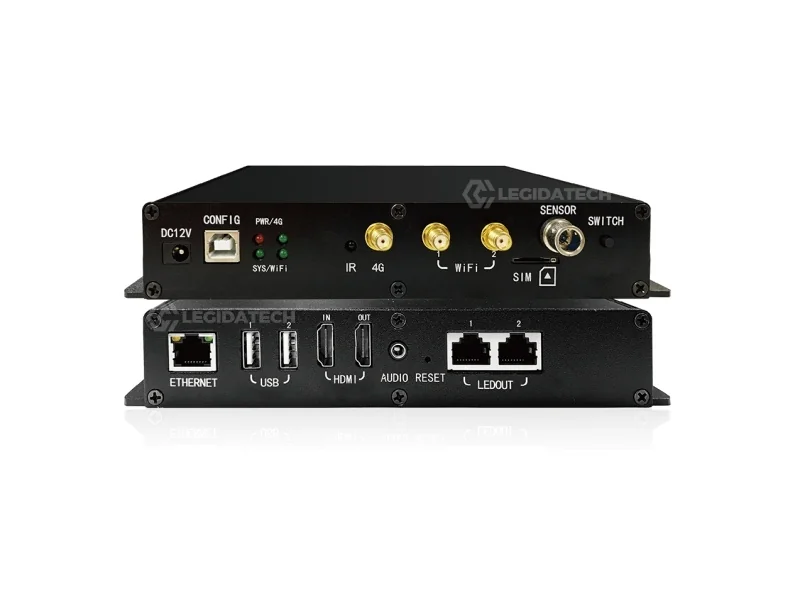
What Is the Mooncell MB400S LED Controller?
Purpose-built for creative-shaped LED displays — the only all-in-one controller with native irregular screen support in its class.
The Mooncell MB400S is a specialized LED display controller engineered for irregular and creative-shaped screens. Unlike standard controllers designed for rectangular arrays, the MB400S features module-level cropping, pixel extraction, and intelligent routing that enables seamless content display on sphere screens, circular rings, domes, cubes, and virtually any non-standard LED structure.
Manufactured by Mooncell (Shenzhen) — one of China’s top 3 control system partners for any LED screen manufacturer — the MB400S integrates a sending card directly into the player unit. This all-in-one design eliminates external wiring complexity while maintaining robust video processing. Octa-core CPU, 2GB DDR3 RAM, 8GB eMMC storage running Android 7.1, supporting H.265 4K hardware decoding.
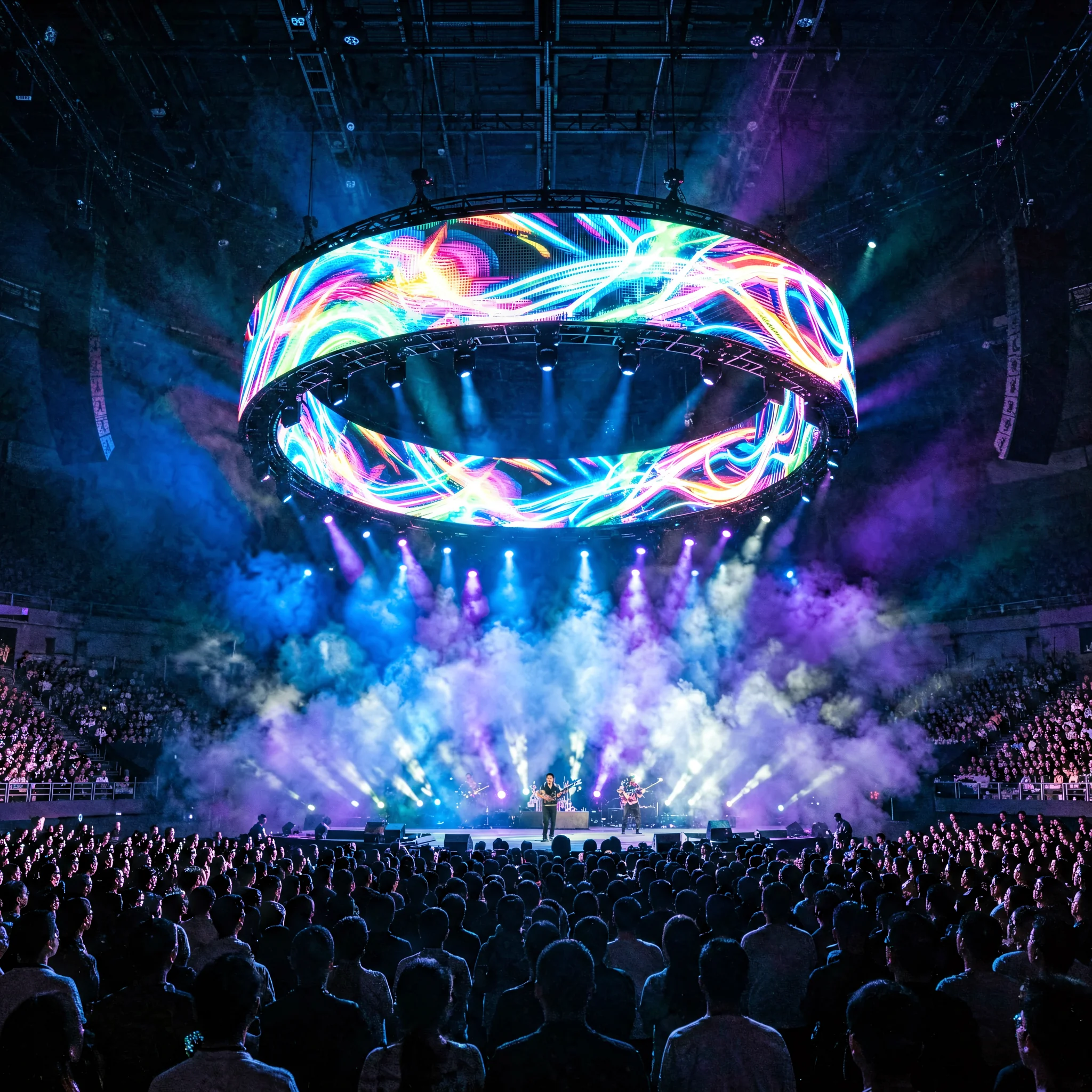
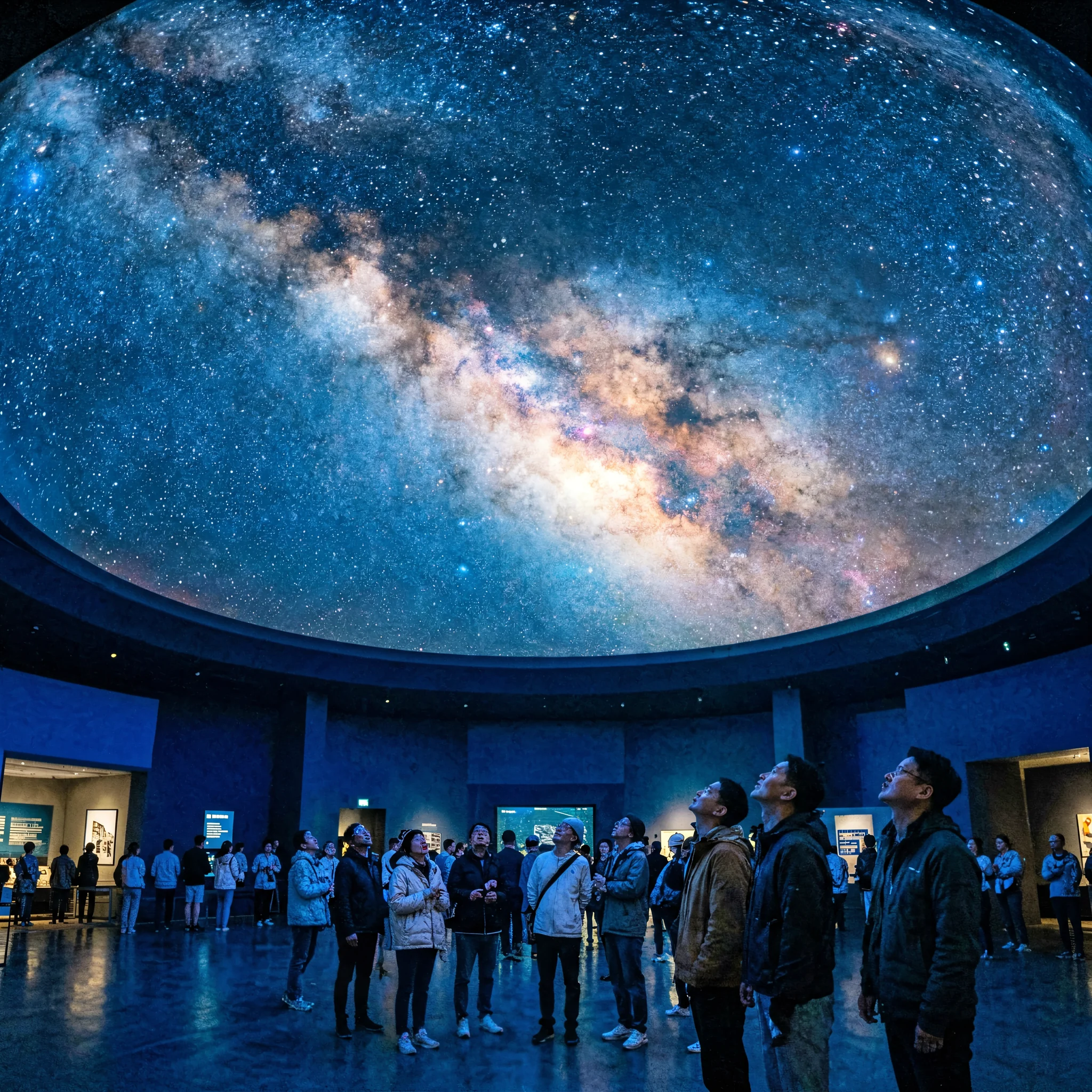
Whether building a 360° LED sphere for a shopping mall, a suspended ring display for an event stage, or a hemispherical dome for a planetarium — the MB400S eliminates the need for an external computer, supports standalone multimedia playback, and can be managed remotely via cloud, LAN, WiFi, or optional 4G.
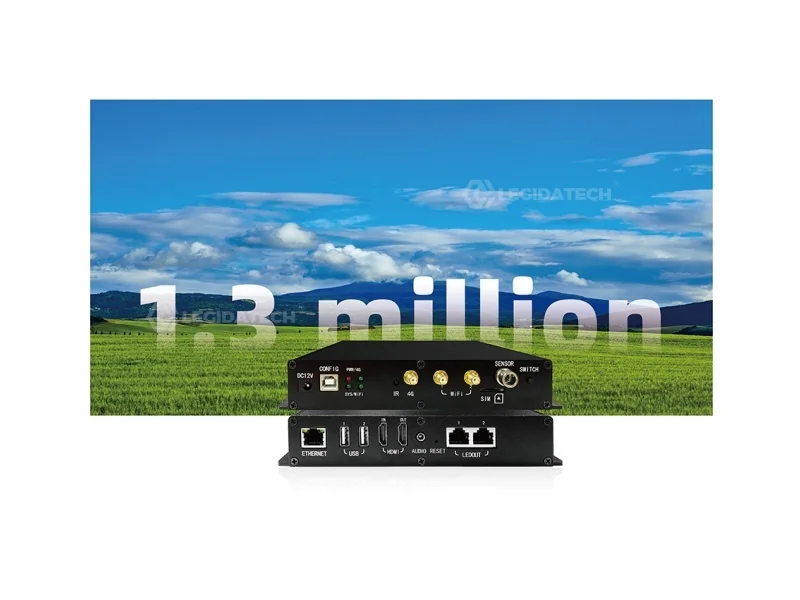
Key Features of the MB400S
All-in-one architecture combining sending card, media player, and irregular screen processor into a single compact unit.
Sync / Async Dual Mode
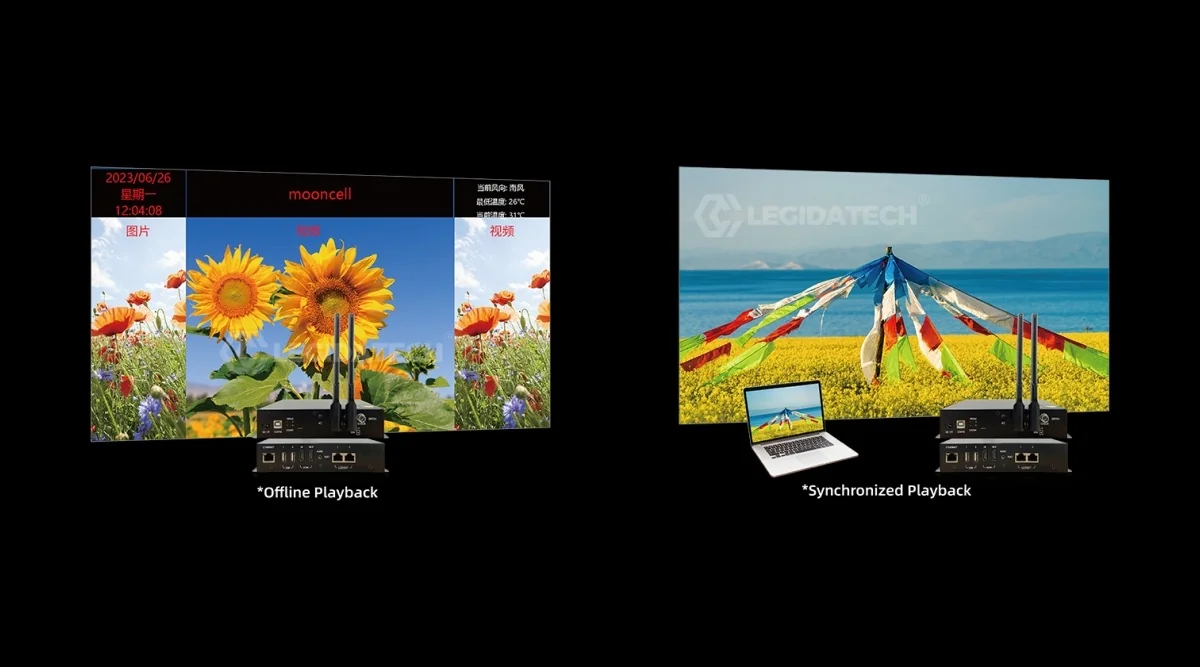
Seamlessly toggle between synchronous (real-time HDMI input) and asynchronous (standalone playback) modes. No external switcher required.
Native Irregular Screen Support
Module-level cropping and pixel extraction for sphere, ring, dome, and cube displays. Built-in spherical coordinate mapping — no external warping processor.
Cloud Cluster Management
Deploy and manage programs remotely across multiple displays via cloud platform. Zero on-site debugging for distributed installations.
H.265 4K Hardware Decoding
Native 4K playback at half the bandwidth of H.264. Supports MP4, MKV, MOV, 3GP, WEMB formats with hardware-accelerated rendering.
Triple-Network Connectivity
WiFi AP/Station, 100Mbps LAN, and optional 4G module. WiFi hotspot capability for wireless installations without Ethernet infrastructure.
HDMI Loop-Out + Audio
HDMI input with loop-out for daisy-chain installations. 3.5mm audio output with MP3/AAC support for synchronized audio-visual playback.
Mooncell MB Series Overview — MB1 / MB2 / MB4 / MB6 Asynchronous Controllers
Creative LED Display Applications
The MB400S powers irregular displays that command 3–5× higher audience engagement than standard flat panels.

🏗️ Cube & 3D Structures
Six-sided LED cubes for retail displays, trade show booths, and art installations. MB400S synchronizes all 6 faces from a single controller.
🎨 Custom Architectural Shapes
Bespoke LED shapes for architectural integration — curved facades, wavy ribbons, organic forms. Module-level cropping for pixel-perfect alignment.
How to Configure Irregular LED Screens with Autoled
Mooncell’s proprietary Autoled software provides a complete toolkit for special-shape screen debugging.
Full Tutorial: Debugging Irregular Screens with Autoled (13:24)
MB400S Configuration Workflow
Hardware Connection
Connect 12V DC power, HDMI input from video source, dual Gigabit Ethernet outputs to Mooncell receiving cards. Attach WiFi antenna and optional 4G module.
Install Autoled Software
Download latest Autoled (v3.60.19+) from Mooncell’s support portal. Install on Windows PC connected to the same network as MB400S.
Screen Mapping & Module Cropping
Define irregular display layout in Autoled — input module count, arrangement pattern, and pixel coordinates. Use crop tool to trim excess pixels at screen edges.
Calibrate & Deploy
Apply point-by-point luminance calibration. Upload content via LAN, WiFi, USB, or cloud. Schedule playback with NTP time sync for multi-screen installations.
MB400S Technical Specifications
All specifications sourced from Mooncell MB400S V4.0 official datasheet (August 2025). Verified against production units.
| ⚙️ Performance Parameters | |
|---|---|
| Processor | Octa-core ARM Cortex-A series CPU |
| Memory | 2GB DDR3 high-speed RAM |
| Flash Storage | 8GB eMMC high-speed storage |
| Operating System | Android 7.1 |
| Video Decoding | H.265 4K hardware decoding |
| Maximum Pixel Load | 1,300,000 pixels |
| Maximum Width | 3,840 pixels |
| Maximum Height | 2,160 pixels |
| Network Access | 100Mbps Ethernet, LAN, WiFi AP/Station, 4G (Optional) |
| Supported Receiving Cards | All Mooncell receiving cards (A708, A712, A716, etc.) |
| ⚡ Electrical Specifications | |
|---|---|
| Rated Voltage | 12V DC |
| Rated Power | 15W |
| Power Connector | 5.5 × 2.5mm barrel jack |
| Operating Temp | -20°C to 60°C |
| Operating Humidity | 0%–80% RH (non-condensing) |
| Storage Temp | -40°C to 80°C |
| 📐 Physical Specifications | |
|---|---|
| Dimensions | 193×139×33mm |
| Net Weight | 0.56 kg (1.23 lbs) |
| Package Dimensions | 300×245×85mm |
| Gross Weight | 0.95 kg (2.09 lbs) |
| Included | WiFi antenna, 12V adapter, USB cable, certificate |
| Optional | 4G module with antenna & mount |
| 🔌 Interface & Port Description | ||
|---|---|---|
| Port | Location | Function |
| DC 12V | Front | Power input — 5.5×2.5mm barrel connector |
| CONFIG | Front | USB Type-B — Set display parameters via PC |
| LEDOUT ×2 | Rear | Dual Gigabit Ethernet — Output signals to receiving cards |
| HDMI IN | Rear | HDMI 1.4 input from video source |
| HDMI OUT | Rear | HDMI loop-out for daisy-chain or confidence monitor |
| USB ×4 | 2F+2R | USB 2.0 for storage, peripherals, program updates |
| AUDIO | Rear | 3.5mm TRS audio output jack |
| SENSOR | Front | RS485 light-sensing probe interface |
| WiFi / 4G | Front | Antenna connectors for wireless connectivity |
| RESET | Rear | Restore factory settings |
MB400S Dimensional Drawing — Tolerance ±0.3mm (Source: Mooncell V4.0 Datasheet)
MB400S Installation & Connection Guide
Compact design (193×139×33mm, 0.56kg) mounts directly inside LED display cabinets or in a control rack.
How to Connect & Configure Mooncell Controller — EagerLED (5:32)
Step 1: Power
Connect included 12V DC adapter (5.5×2.5mm) to front-panel DC 12V port. Verify PWR indicator remains steadily lit.
Step 2: Network
Connect LEDOUT 1 & 2 (Gigabit Ethernet) to Mooncell receiving cards via Cat6. Connect ETHERNET port to LAN. Attach WiFi antenna.
Step 3: Video Source
Connect HDMI input from video source (media player, PC, or camera). Use HDMI OUT to daisy-chain or connect a confidence monitor.
Step 4: Configure
Connect CONFIG USB-B to PC. Launch Autoled, set display parameters, upload configuration to MB400S.
⚠ Important Precautions
- Installation must be performed by qualified professionals
- Always use anti-static precautions when handling the board
- Ensure adequate dust protection and waterproofing for outdoor use
- Do not exceed rated voltage (12V) or operating temperature (-20°C to 60°C)
Mooncell vs NovaStar vs Colorlight — Creative Display Controllers
Data-driven comparison across key dimensions for B2B buyers evaluating irregular LED display control solutions.
| Feature | ⭐ Mooncell MB400S | NovaStar MCTRL660 Pro | Colorlight S2/S4 |
|---|---|---|---|
| Device Type | All-in-One Player + Sender | Sending Card Only | Sending Card / Box |
| Pixel Capacity | 1,300,000 | 2,300,000 | 1,310,000 |
| Irregular Shape Support | ✅ Native | ❌ Limited | ⚠ Partial |
| Built-in OS | ✅ Android 7.1 | ❌ None | ❌ None |
| Standalone Playback | ✅ Yes | ❌ Requires PC | ❌ Requires PC |
| Cloud Management | ✅ Built-in | ⚠ Via NovaCare | ❌ No |
| HDMI Loop-Out | ✅ Yes | ❌ No | ❌ No |
| 4G Connectivity | ✅ Optional | ❌ No | ❌ No |
| Power Consumption | 15W | 10W (card only) | 8W (card only) |
| Operating Temp | -20°C to 60°C | -20°C to 65°C | -10°C to 55°C |
💡 B2B Buyer Insight: For standard rectangular displays, NovaStar or Colorlight offer competitive pixel capacity at lower cost. But for sphere, ring, dome, or any irregular-shaped LED display, the MB400S is the only all-in-one solution with native special-shape support, reducing total system complexity by 40–60%.
Why Source Your MB400S from LEGIDATECH?
We’re not just a reseller — we’re a LED screen manufacturer with 17 years of industry experience and integrated solutions.
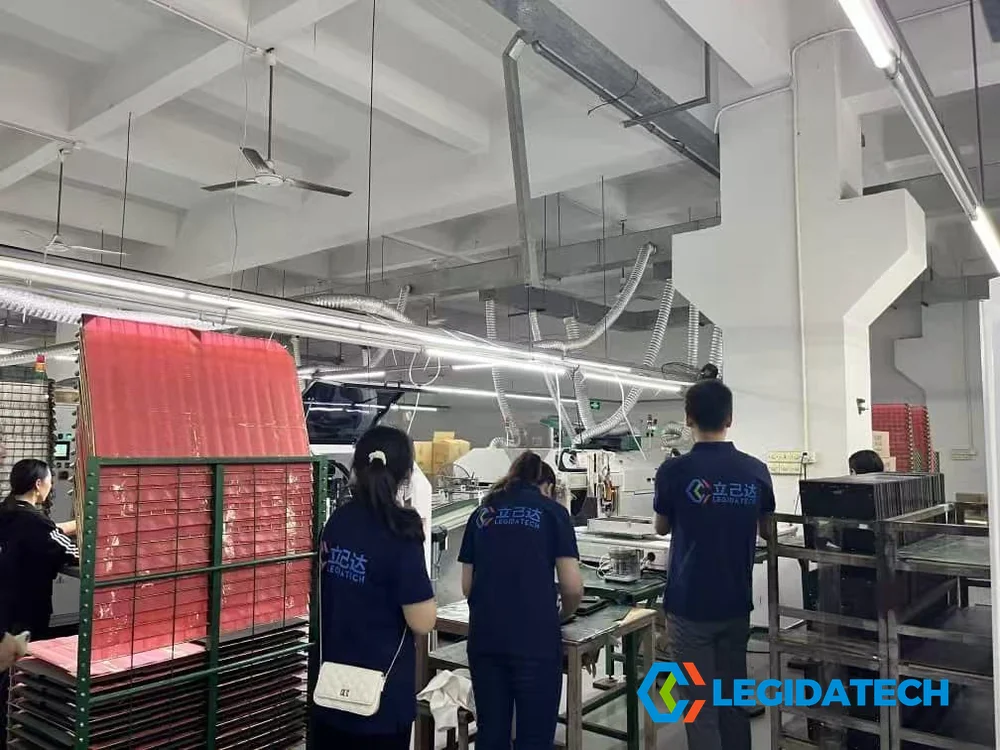
ISO9001-certified manufacturing facility in Shenzhen, China with dust-free SMT workshops
Industry experience since 2009 — 10,000+ LED projects across 80+ countries
Factory-direct logistics to NA, EU, ME, SEA — DDP terms available
Pre-sales configuration, remote debugging, on-site commissioning, 2-year warranty
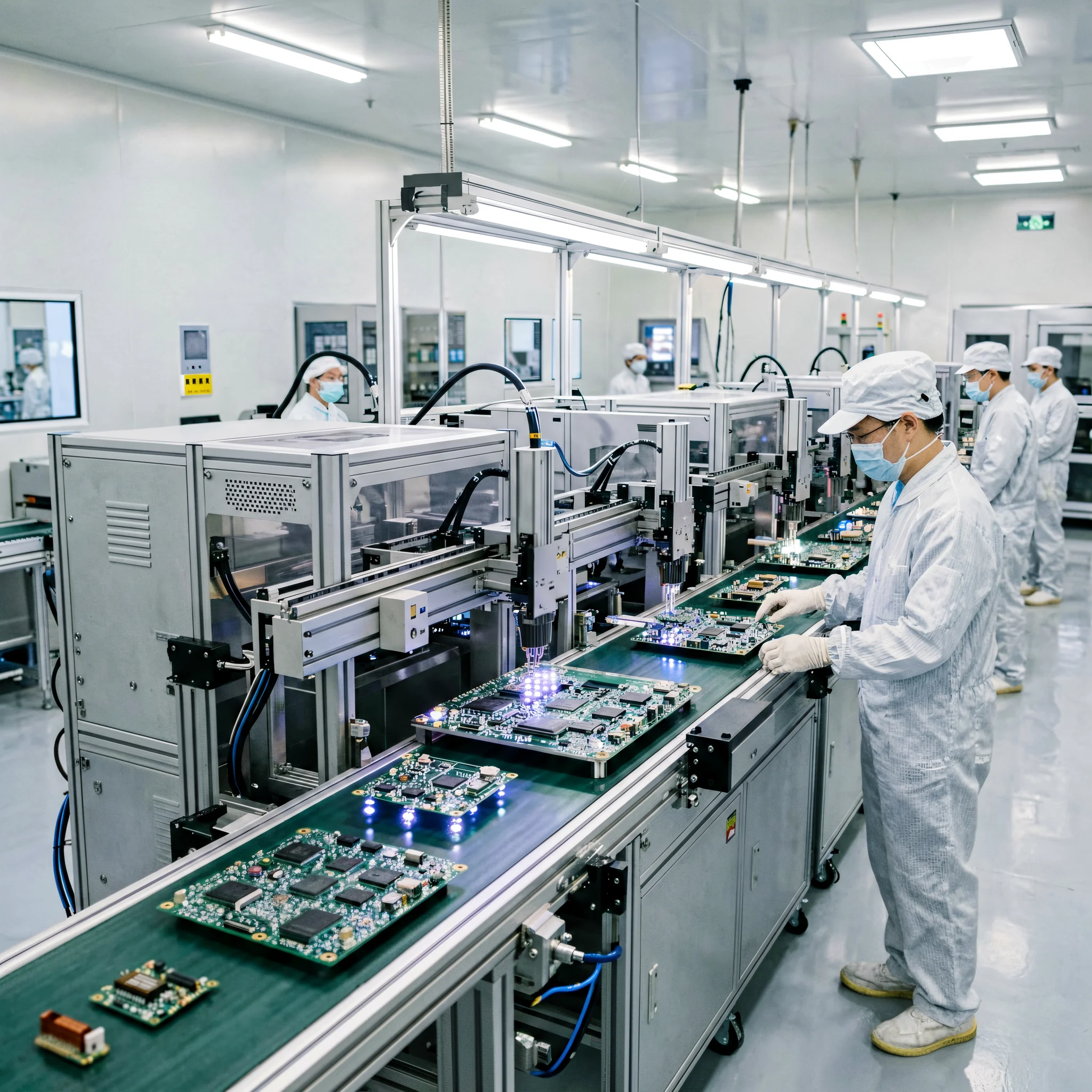
Automated SMT Production Lines — ISO9001 Certified
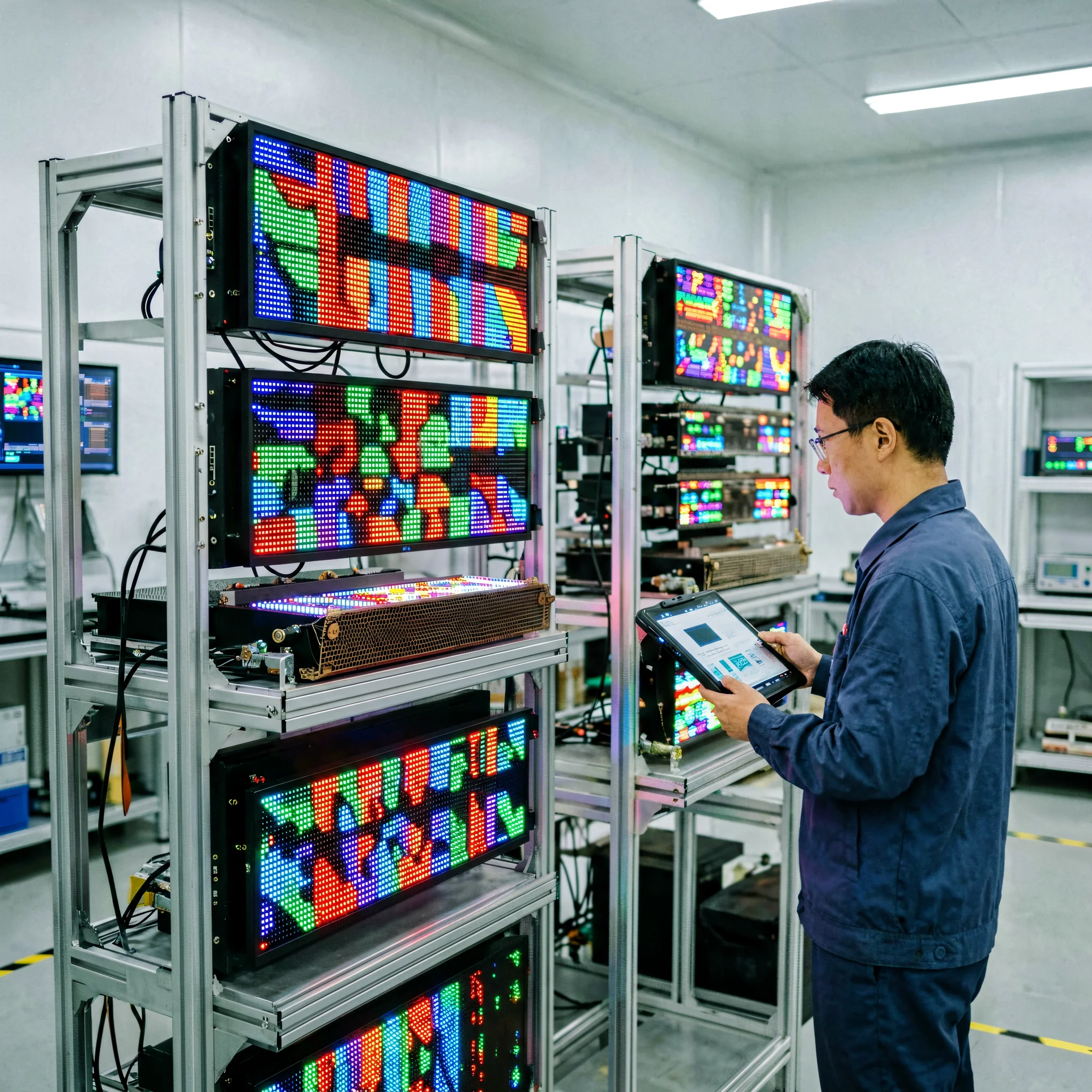
72-Hour Aging Test Laboratory — Every Controller Pre-Tested
Related LED Control Products
Complete your LED control system with compatible components from our B2B product portfolio.
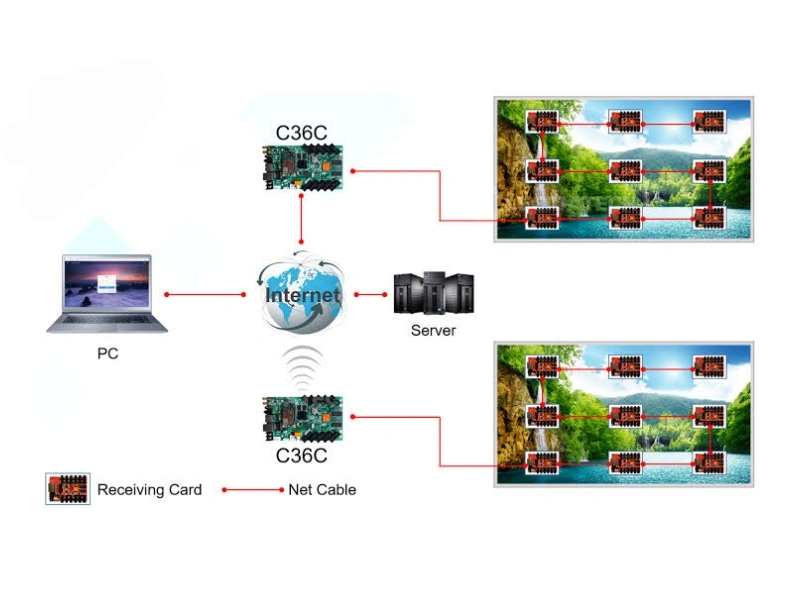
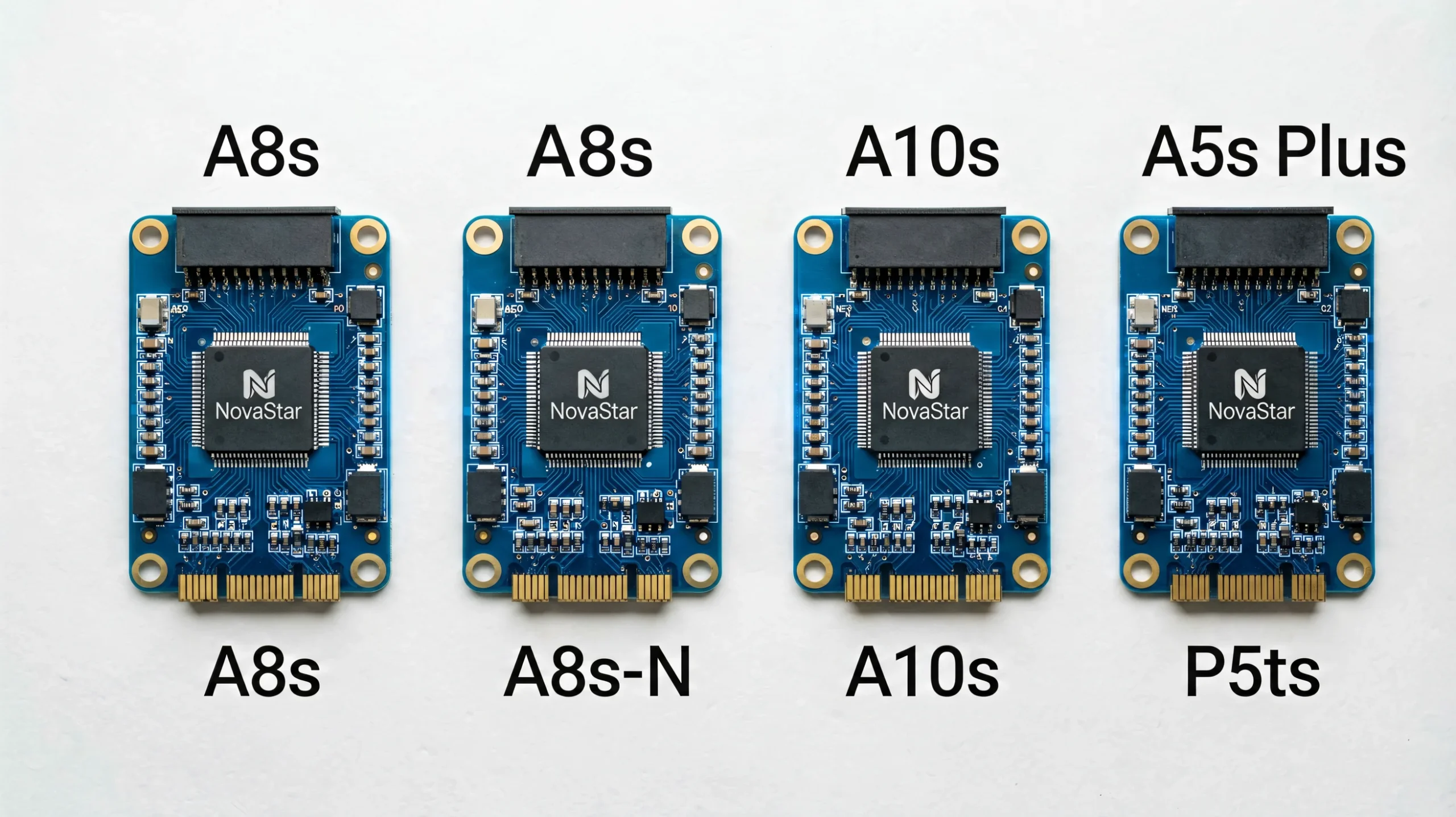
Frequently Asked Questions
What is the Mooncell MB400S used for?
The MB400S is a specialized LED display controller designed for irregular and creative-shaped screens. It serves as both a sending card and standalone media player, driving sphere screens, circular rings, domes, cubes, and custom architectural LED displays with 1.3 million pixel capacity.
How many pixels can the MB400S support?
Maximum 1.3 million pixels, with a max width of 3,840 pixels and max height of 2,160 pixels. Dual Gigabit Ethernet ports distribute pixels across connected Mooncell receiving cards.
Does the MB400S support sphere LED displays?
Yes, natively. The MB400S includes built-in spherical coordinate mapping via Autoled software, eliminating the need for external warping processors — a key differentiator from standard controllers.
Can the MB400S work without a computer?
Yes. In asynchronous mode, the MB400S operates as a fully standalone media player. Upload programs via USB, LAN, WiFi, or 4G — the 8GB built-in storage handles scheduled playback without any connected PC.
What’s the difference between MB400S and MB4?
Both share 1.3M pixel capacity, but MB400S is optimized for irregular displays with built-in module-level cropping, pixel extraction, and spherical coordinate mapping. The standard MB4 is designed for rectangular displays only.
What is the power consumption?
Rated at 15W at 12V DC. Annual electricity cost for 24/7 operation is approximately $15–20 USD. The low power consumption ensures reliability across the -20°C to 60°C operating range.
Which receiving cards are compatible?
The MB400S is compatible with all Mooncell receiving cards (A708, A712, A716, etc.). It does NOT support NovaStar, Colorlight, Huidu, or Ehonor receiving cards — Mooncell controllers require Mooncell receivers.
Where can I buy the Mooncell MB400S?
As a B2B LED screen manufacturer, LEGIDATECH supplies the MB400S with factory-direct pricing, full technical support, global shipping, and warranty. Contact our sales team for bulk or integrated project quotations.
Industry Insights · 2026 Edition
The Complete Guide to Special-Shape LED Display Control Systems: Why Irregular Screens Demand Specialized Controllers
Published: August 2026 · Reading time: 22 min · By LEGIDATECH Engineering Team
1. The Rise of Creative LED Displays in Commercial Applications
The global creative LED display market is projected to reach $8.7 billion by 2028, growing at a CAGR of 18.2% (MarketsandMarkets, 2025). Standard rectangular LED screens — while still 70% of market volume — are increasingly commoditized with margins compressing to 12–18%. In contrast, creative-shaped LED projects command 35–50% higher margins due to their technical complexity, higher perceived value, and the specialized expertise required.
A sphere LED display in a Dubai shopping mall doesn’t just show content — it becomes an architectural landmark. A suspended LED ring at a K-pop concert creates 360-degree immersion. These installations demand controllers that think beyond rectangular grids — exactly what the MB400S was engineered to solve.
2. What Makes Irregular Screens Technically Challenging?
2.1 Non-Linear Pixel Addressing
Standard controllers map pixels 1:1 from a Cartesian grid. On a sphere, ring, or dome, this linear mapping breaks down completely. The controller must perform real-time geometric transformation — converting Cartesian coordinates into spherical, cylindrical, or custom coordinate systems — without visual artifacts at seam points.
2.2 Module Boundary Mismatch
Standard LED modules are rectangular. Arranged into a circle or sphere, module boundaries don’t align with content boundaries. Pixels near irregular edges require module-level cropping and extraction — capabilities standard sending cards lack entirely.
2.3 Non-Uniform Brightness Across Curved Surfaces
Modules at different angles reflect light differently. Without point-by-point luminance calibration accounting for 3D geometry, curved screens exhibit visible brightness inconsistency — a critical quality issue for premium installations.
3. MB400S Deep Dive: Specifications That Matter
The MB400S’s octa-core CPU with 2GB DDR3 provides sufficient headroom for simultaneous 4K decoding, geometric transformation, network communication, and Android 7.1 — all without frame drops. The dual Gigabit Ethernet architecture enables intelligent load distribution: one port for the front hemisphere, another for the back hemisphere of a sphere, configured automatically by Autoled.
The -20°C to 60°C operating range makes the MB400S viable for outdoor and semi-outdoor installations that consumer-grade Android players cannot handle. The 15W power consumption translates to approximately $15–20/year in electricity for 24/7 operation.
ISE 2025 Barcelona — Mooncell Showcases B2000S Controller for Complex LED Dome Displays
4. Cost-Benefit Analysis: MB400S vs Traditional Setup
A traditional creative display setup requires three separate devices: sending card ($120–200), external media player/PC ($300–800), and warping processor ($500–1,500). The MB400S integrates all three into one $350–500 unit, reducing total system cost by 60–75% while eliminating inter-device compatibility issues and reducing failure points.
5. Step-by-Step: Configuring a Sphere LED Display
For a 2-meter P2.5 sphere (240 flexible modules, 12× A712 receiving cards): assemble the mechanical structure, wire receiving cards in two chains to LEDOUT 1 & 2, launch Autoled and select “Irregular Screen → Sphere”, input diameter and pixel pitch for automatic coordinate mapping, apply point-by-point calibration, then upload equirectangular projection content for scheduled playback.
Mooncell LEDMagic Tutorial: 1m P2.5 Indoor Circle LED Display Configuration
6. Conclusion: Is MB400S Right for Your Project?
If your project involves sphere, ring, dome, cube, or custom-shaped LED displays under 1.3M pixels requiring standalone playback and remote management — the MB400S is your optimal choice. For standard rectangular installations, consider the NovaStar A8s or Huidu HD-C36C.
“Creative LED displays are not just screens — they are architectural statements. The controller you choose determines whether that statement is delivered with pixel-perfect precision or compromised by technical limitations.”
Get in Touch
Looking for complete LED display solutions, not just controllers? LEGIDATECH manufactures a full range of LED screens:
Ready to Power Your Creative LED Display?
Get expert consultation, factory-direct pricing, and complete technical support from our engineering team.
📧 legida03@legidatech.com · 🌐 ledscreenfactory.com · 📍 Shenzhen, China — Global Shipping
Explore the Mooncell LED Control System Hub → Complete guide to the Mooncell LED control system — how processors, controllers and receiving cards work together, full product comparison, selection logic and applications.