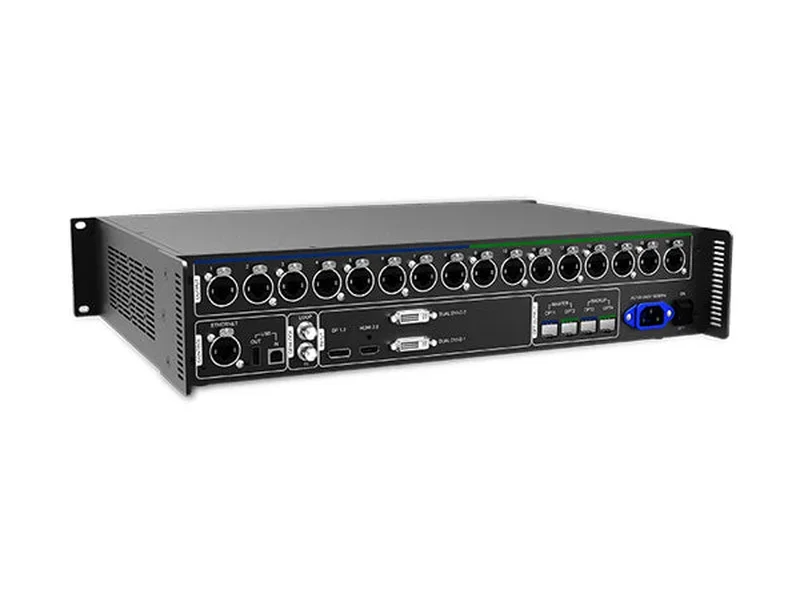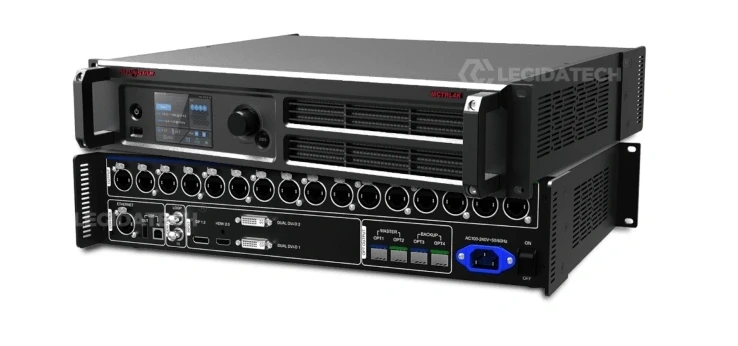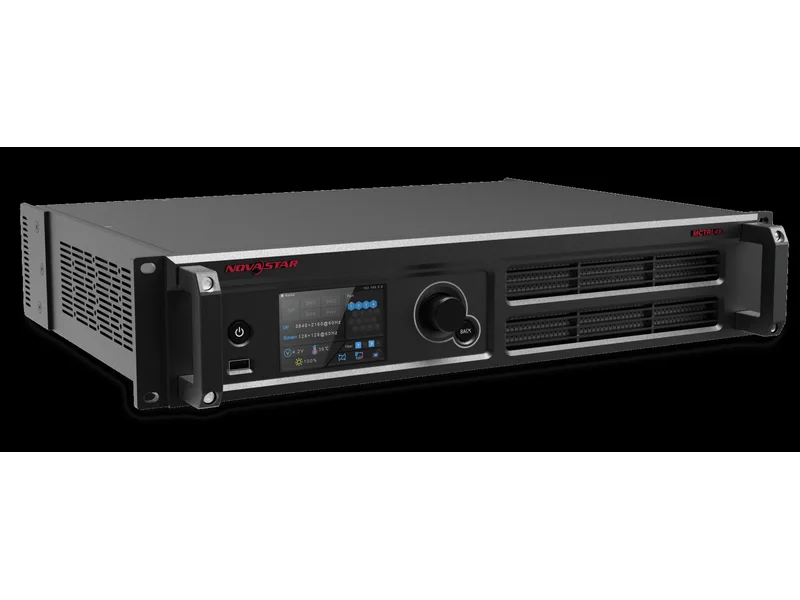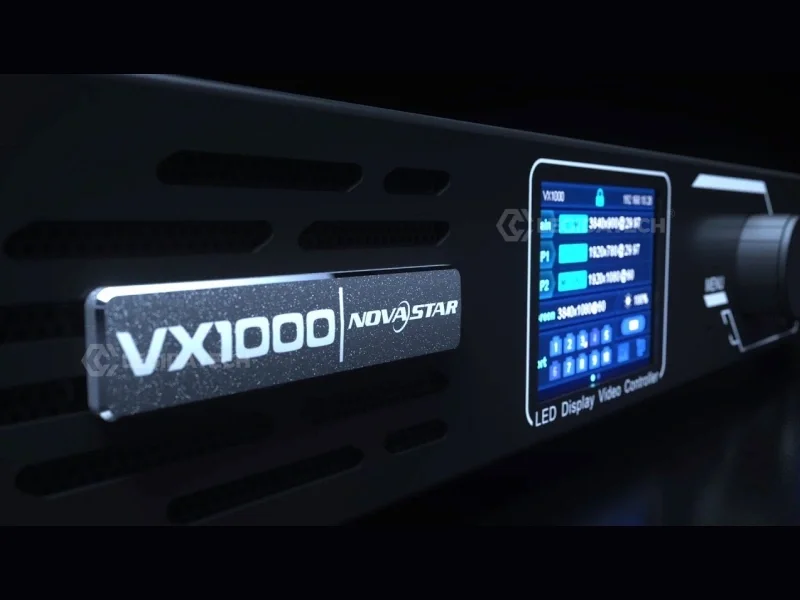
The NovaStar VX1000 sits at the sweet spot of NovaStar’s all-in-one lineup — 6.5 million pixels, 10 Ethernet ports, dual 10G fiber, Genlock, 3D, and three independent layers. At $1,800–$2,100 factory-direct, it costs more than any single MCTRL except the MCTRL4K. The question every buyer asks: is the all-in-one worth the premium over a pure MCTRL sending card?
We’ve deployed VX1000 controllers in concert touring racks, broadcast studios, fine-pitch commercial lobbies, and stadium control rooms across 60+ countries. Here’s an honest assessment of where it excels — and where an MCTRL makes more sense.
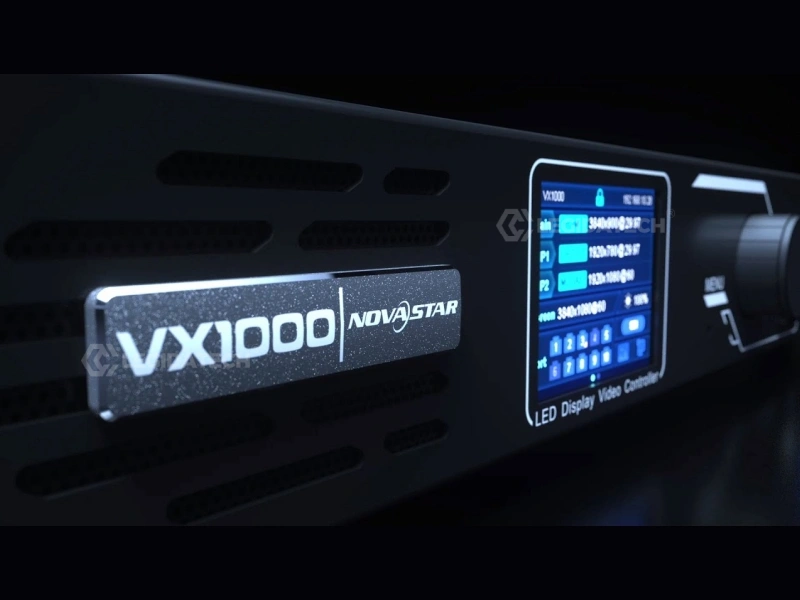
VX1000 vs MCTRL: What the All-in-One Actually Replaces
To understand the VX1000’s value, you need to see what it eliminates from a traditional signal chain:
| Traditional Setup | VX1000 All-in-One |
|---|---|
| External 4K Video Scaler ($800–$2,500) | ✅ Built-in SuperView III scaling engine |
| Independent Sending Card ($200–$800) | ✅ Integrated 10-port sending |
| HDMI Splitter / Distribution Amp ($100–$300) | ✅ Built-in HDMI + DVI LOOP outputs |
| External SDI-to-HDMI Converter ($150–$500) | ✅ Built-in 3G-SDI input with LOOP |
| External Genlock Sync Generator | ✅ Built-in Genlock IN + LOOP (BNC) |
| Standalone Fiber Media Converter ($200–$400/pair) | ✅ Built-in 2× 10G SFP+ optical ports |
| External 3D Sync Processor | ✅ Native EMT200 3D emitter support |
Total equipment eliminated: $1,250–$4,000 worth of external hardware, plus 3–4U of rack space, plus 4–6 additional power outlets, plus 8–12 additional signal cables. The VX1000’s $1,800 price tag replaces a $3,000–$5,000 traditional rack.
Three Scenarios Where the VX1000 Is the Clear Winner
1. Multi-Source Live Events with PIP
The scenario: A corporate keynote where you need the presenter’s slides (Main layer), a live camera feed (PIP 1), and a sponsor logo (PIP 2) all on one LED wall. The show director wants to switch inputs during transitions without blackouts.
Why MCTRL fails: Pure sending controllers have no layers, no switching, no PIP. You’d need an external video switcher ($1,000–$5,000) plus an MCTRL600 ($250) — and someone to operate both during the show.
Why VX1000 wins: Three independent 4K×1K layers steplessly scaled and freely positioned. Layer switching within the vertical blanking interval — zero visible glitching. Ten user-definable presets for instant scene transitions. One device, one power cable, zero external gear.
2. Broadcast Studio with Genlock Requirements
The scenario: A news studio with a P2.6 LED wall behind the anchor desk, filmed by 3 cameras. The wall must be frame-locked to the studio’s tri-level sync generator to eliminate scan-line artifacts on camera.
Why MCTRL660 Pro (the closest MCTRL alternative) falls short: It has Genlock and SDI — but only 2.3M pixel capacity. For a 6m×3.5m P2.6 wall (~2,308×1,346 = 3.1M pixels), you’d need to cascade 2 Pros ($1,500 total) and synchronize Genlock across both. No layers, no PIP — just single-source pass-through.
Why VX1000 wins: 6.5M pixels handle the entire wall on one unit. Genlock IN+LOOP integrates directly with the studio’s sync infrastructure. 3G-SDI input connects directly to the camera CCU or production switcher. Bypass Mode delivers ~0.5ms latency for IMAG feeds. And you still have 2 PIP layers available for graphics overlays.
3. Stadium Deployment with Fiber Distribution
The scenario: A football stadium with a control room 350m from the scoreboard. Perimeter LED displays, entrance arch, and two main scoreboards — all driven from a central control position.
Why MCTRL660 Pro (with fiber) is viable but limited: It has dual 10G SFP+ fiber — Fiber Converter Mode is excellent for point-to-point control-room-to-wall links. But for multi-screen stadiums, you need 4–8 controllers, and all must be individually configured.
Why VX1000 wins: Fiber Converter Mode handles the 350m link. Three independent layers per controller allow local score overlays + live feed + advertising on each display segment. Preset cloning via .rcfgx files: configure the first controller, clone to all others in minutes. IP-based V-Can control enables remote management of all units from the control room.
When NOT to Buy a VX1000
The VX1000 is not the right choice in these situations:
Single Source, Fixed Resolution, Budget Priority
If you have one media player outputting exactly your wall’s native resolution and you’ll never switch sources or add layers: an MCTRL600 ($200–$400) does the same core job for 75% less money. The VX1000’s scaling, switching, and layering add zero value in this scenario.
You Need HDR10 or HLG
No VX model supports HDR — period. If HDR10 or HLG is a project requirement, the MCTRL4K is your only option in NovaStar’s independent controller lineup. (The NovaPro UHD Jr supports HDR but sits in a different category as a dedicated video controller.)
Your Display Exceeds 6.5M Pixels and You Don’t Need Layers
For a single-source 8M+ pixel wall without PIP requirements, the MCTRL4K (8.8M pixels) or VX16S (10.4M pixels) are better single-unit solutions than cascading 2 VX1000s. Cascade only when you need the VX1000’s specific features (3D, Genlock, layer composition) across a very large canvas.
You Only Need SDI + Genlock — No Layers
The MCTRL660 Pro provides native 3G-SDI, GENLOCK, fiber, and sub-1ms latency for $650–$850 — less than half the VX1000’s price. If you’re doing single-source broadcast without PIP, save the money. The Pro’s Fiber Converter Mode also saves $200–$400 per fiber link that the VX1000 doesn’t offer.
VX1000 vs Closest Alternatives
| VX1000 | MCTRL660 Pro | 2× MCTRL600 | MCTRL4K | |
|---|---|---|---|---|
| Pixel Capacity | 6.5M | 2.3M | 5.2M (2×2.6M) | 8.8M |
| Layers | ✅ 3 layers | ❌ None | ❌ None | ❌ None |
| Input Switching | ✅ Auto-switch | ❌ Manual | ❌ Manual | ❌ Manual |
| SDI | ✅ 3G-SDI | ✅ 3G-SDI | ❌ None | ❌ None |
| HDR | ❌ None | ❌ None | ❌ None | ✅ HDR10+HLG |
| 3D | ✅ EMT200 | ❌ None | ❌ None | ✅ EMT200 |
| Fiber | ✅ 2×10G SFP+ | ✅ 2×10G SFP+ | ❌ None | ✅ 4×10G |
| GENLOCK | ✅ IN+LOOP | ✅ IN+LOOP | ❌ None | ✅ IN+LOOP |
| Devices | 1 | 1 | 2 | 1 |
| Price | $1,800–$2,100 | $650–$850 | $400–$800 | $2,000–$2,500 |
| Best For | Multi-source, layers, Genlock | Single-source SDI + Genlock | Single-source, no SDI/Genlock | HDR, 3D, 4K resolution |
The Fiber Converter Mode: A Hidden Advantage Over the MCTRL4K
Both the VX1000 and MCTRL660 Pro support Fiber Converter Mode — the controller itself performs optical-to-electrical conversion. The MCTRL4K does not. This matters when you need to receive video over fiber from a remote control room:
- VX1000: OPT 1 port is self-adaptive — it auto-detects whether it’s receiving fiber input or output. Set mode to Fiber Converter, and the VX1000 receives video via OPT 1 and distributes through all 10 Ethernet ports.
- MCTRL4K: Optical ports are output-only. You need external fiber-to-Ethernet converters ($200–$400/pair) to receive video over fiber — adding cost, complexity, and failure points.
For stadiums, outdoor venues, and any deployment where the control room is >100m from the wall, this single feature can save $400–$800 in external converter costs per VX1000 unit.
ROI: When the VX1000 Pays for Itself
The VX1000 costs $1,800–$2,100 factory-direct. Here’s the payback math for different users:
- Rental company charging $1,200/day for LED wall packages: The VX1000 pays for itself in 2–3 rental events. After that, the built-in scaler saves $200–$400 per event in external equipment rental.
- Fixed installation: Eliminating the external scaler saves $800–$2,500 upfront. Reduced rack space and power draw save $50–$100/year. Total payback: immediate on hardware, ongoing on operations.
- Broadcast studio: One failed GENLOCK sync during a live broadcast costs far more than the controller. The VX1000’s tiered redundancy (input auto-backup + port backup + device backup) is insurance that pays for itself in one avoided failure.
Frequently Asked Questions
Is the VX1000 overkill for a single-source display?
Yes. Save money with an MCTRL600 ($200–$400). The VX1000’s layers, switching, and scaling add zero value when you have one source at a fixed resolution.
VX1000 vs VX1000 Pro — worth the upgrade?
The Pro adds: 6 layers (vs. 3), HDMI 2.0 4K×2K input (vs. HDMI 1.4 4K×1K), USB 3.0 media playback, and 256 presets (vs. 10). Worth it for broadcast control rooms with rapid scene changes. For rental and live events, the standard VX1000 covers 90% of scenarios at 25–30% less cost.
Can I use the VX1000 with NovaStar receiving cards from my MCTRL setup?
Yes. The VX1000 is compatible with all NovaStar A-series receiving cards (A5s, A8s, A10s Plus) and legacy MRV series. You don’t need to change receiving cards when upgrading from MCTRL to VX.
The Bottom Line
Buy the VX1000 if you need multi-source switching, PIP layers, or Genlock sync — and your display is under 6.5M pixels. The all-in-one architecture saves $1,250–$4,000 in external equipment and simplifies your signal chain to a single 1U device.
Skip it if you have one source, don’t need HDR, and prioritize budget — an MCTRL600 or MCTRL660 Pro handles those jobs just as well for less money.
Get Factory-Direct VX1000 Pricing
At LEGIDATECH, every VX1000 ships with 24-hour burn-in testing at 80% port load, full accessory kit, cabinet-specific pre-configuration, and 3-year warranty. Factory-direct pricing with global air freight delivery.
📧 legidatechled@gmail.com
📞 WhatsApp: +86 185 69492693
Published by LEGIDATECH — Factory-direct NovaStar controllers, LED cabinets, and complete LED screen solutions. All specifications verified against NovaStar firmware V1.4.0 and datasheet V1.6.0.