


Schermo LED per aeroporto
Direct-view LED displays engineered for the airport environment — the information spine your terminal runs on, the media asset that pays for it.
01 · The Passenger Journey
Every Screen Along the Way, Specified for Where It Stands
An airport is not one viewing environment — it is eight of them, strung along a single passenger flow. Each touchpoint has its own viewing distance, light level and duty cycle, so each has its own specification. Walk the journey and read the spec at each step.
Curbside & Canopy
Outdoor IP65, 5,500–7,500 nits, P4–P8. Flight lists and wayfinding for drivers who never leave the car.
6–30 m²Check-in & FIDS Wall
The terminal’s information heart. P1.8–P2.5, 600–1,200 nits, front service, redundant power.
6–30 m²Security Queue
Slim hanging boards, P1.8–P2.5, 500–800 nits. Queue guidance passengers read while standing still.
1–6 m²Concourse & Retail
The advertising zone: 45–90 minutes of dwell time. P2.5–P4 walls, 800–1,500 nits.
10–40 m²Gate Holdroom
Gate boards read from 2–5 m, P1.8–P2.5. One display can serve two gates side by side.
2–8 m²Boarding Door
Boarding-call displays beside the jet bridge, P1.8–P2.5, bright and glanceable.
1–4 m²Baggage Claim
Long P2.0–P2.5 strips above the carousels — a 12.7-minute forced audience.
2–12 m²Arrivals Exit
The branding wall. P2.5–P3.9, 800–1,500 nits, the backdrop of every reunion photo.
6–25 m²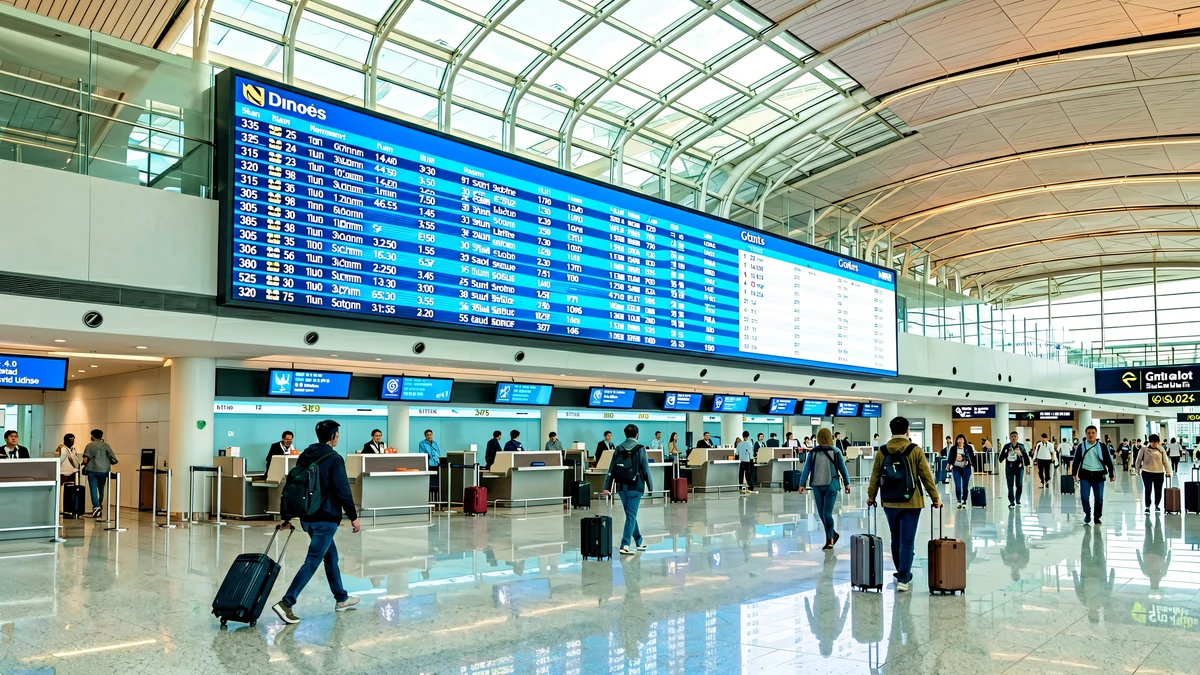
02 · The Information Spine
FIDS, GIDS, BIDS: How Flight Data Reaches Every Wall
Airport displays are not screens that happen to show flights — they are the visible end of an information system. The Airport Operational Database (AODB) is the single source of truth for flight, gate, stand and baggage-belt allocations. Every display family draws from it, and the hardware must be ready for the feed, the failover and the emergency override.
Integration in practice
FIDS platforms connect to the AODB over TCP/IP, SQL/ODBC or API adapters — the screens are hardware-agnostic endpoints. We deliver the LED layer with the processor and input routing configured for your integrator’s feed, tested end to end before commissioning.
Emergency override
Every airport network needs one command that puts a crisis message on every display in seconds. The processor layer must accept an override feed that supersedes scheduled content — specify it at design stage, not during the first incident.
Bilingual & RTL ready
International terminals run Arabic/English or Chinese/English with correct RTL rendering, multi-language templates and accessibility features. Confirm the language matrix with the FIDS integrator before the layout is drawn.
| Display family | Distanza di visione | Passo dei pixel | Luminosità | Screen class | Typical size |
|---|---|---|---|---|---|
| Central FIDS wall | 2–6 m | P1.8–P2.5 | 600–1,200 nits | Indoor, IP30 | 6–30 m² |
| Gate ribbon / GIDS board | 2–5 m | P1.8–P2.5 | 600–1,000 nits | Indoor, IP30 | 2–8 m² |
| Baggage carousel strip | 3–8 metri | P2.0–P2.5 | 600–1,000 nits | Indoor, IP30 | 2–12 m² |
| Counter ticker | 2–4 m | P1.8–P2.5 | 500–800 nits | Indoor, IP30 | 1–4 m² |
| Window-facing wall | 3–10 m | P2.5–P4 | 2,500–3,500 nits | Semi-outdoor | 6–30 m² |
| Facade / curbside / car park | 10–30 m | P6–P10 | 5,500–7,500 nits | Outdoor, IP65 | 15–80 m² |
Brightness bands follow the same specification basis used across our Parete video a LED range. Sizes are typical build ranges, not fixed products.
03 · The Media Asset
The Screen That Pays for the Terminal
Industry figures, not ours: airports sell dwell time, and LED is the only medium that monetises all of it. Post-security concourses hold departing passengers for 45–90 relaxed minutes; gate holdrooms for 60–90 during layovers; baggage claim forces a 12.7–18 minute wait with attention levels measured 47% higher than ordinary outdoor settings. Reference projects: Denver International deployed four curved LED towers plus 118 LCD screens on a ten-year deal worth a reported $95 million, with individual 10-second slots at about $32,000 per month; Clear Channel signed a $1 million, ten-year LED programme at Omaha’s Eppley Airfield in 2026, replacing the terminal during a $950 million expansion.
What the terminal actually pays
Indoor LED panels run $350–$1,500/m² factory-direct depending on pitch; outdoor facade panels $280–$950/m²; structure and installation add $110–$250/m². A 12 m² check-in FIDS wall lands around $8,000–$14,000 delivered; a 50 m² P6 facade screen is typically $20,000–$60,000 including steel — and is a media asset from the day it switches on.
04 · The Screen Catalogue
Nine Form Factors, One Cabinet Family
Airport displays differ less by zone than by form factor. Nine shapes cover the terminal — and building them all from one cabinet family keeps spares, tools and training common across the airport.
1 · Central FIDS Wall
The check-in hall’s main flight list. P1.8–P2.5, 600–1,200 nits, redundant power supplies, front service. Built from Ehonor-class 480 × 320 mm cabinets so a 6 m wall is 10 cabinets wide with a deliberate frame reveal.
P1.8–P2.56–30 m²Front service2 · Gate Ribbon
One continuous module-wide ribbon above the gates — no bezel seams across the whole wall. P1.8–P2.5 with a clean typeface beats an LCD cluster on contrast and viewing angle, and one ribbon can serve two gates.
P1.8–P2.52–8 m²3.840 Hz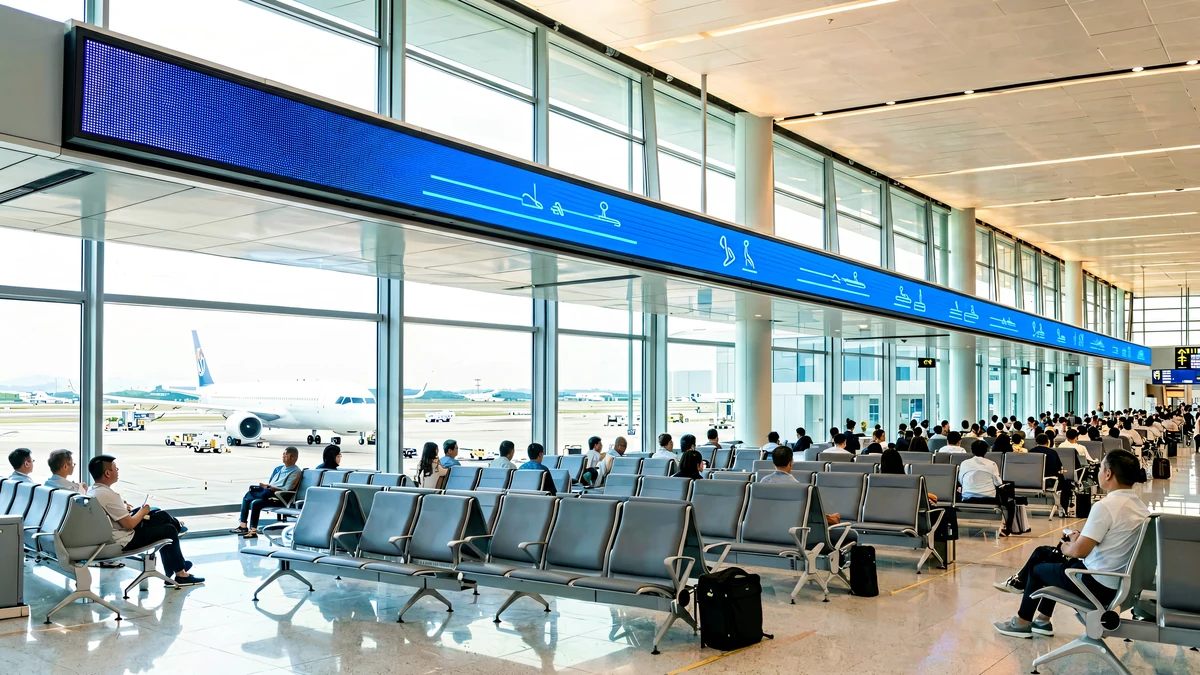
3 · Baggage Carousel Strip
A long thin strip above each carousel, P2.0–P2.5, driven by the baggage handling system’s BIDS feed. The audience is captive for 12+ minutes — this is simultaneously the terminal’s best information surface and its highest-recall advertising space.
P2.0–P2.52–12 m²BIDS feed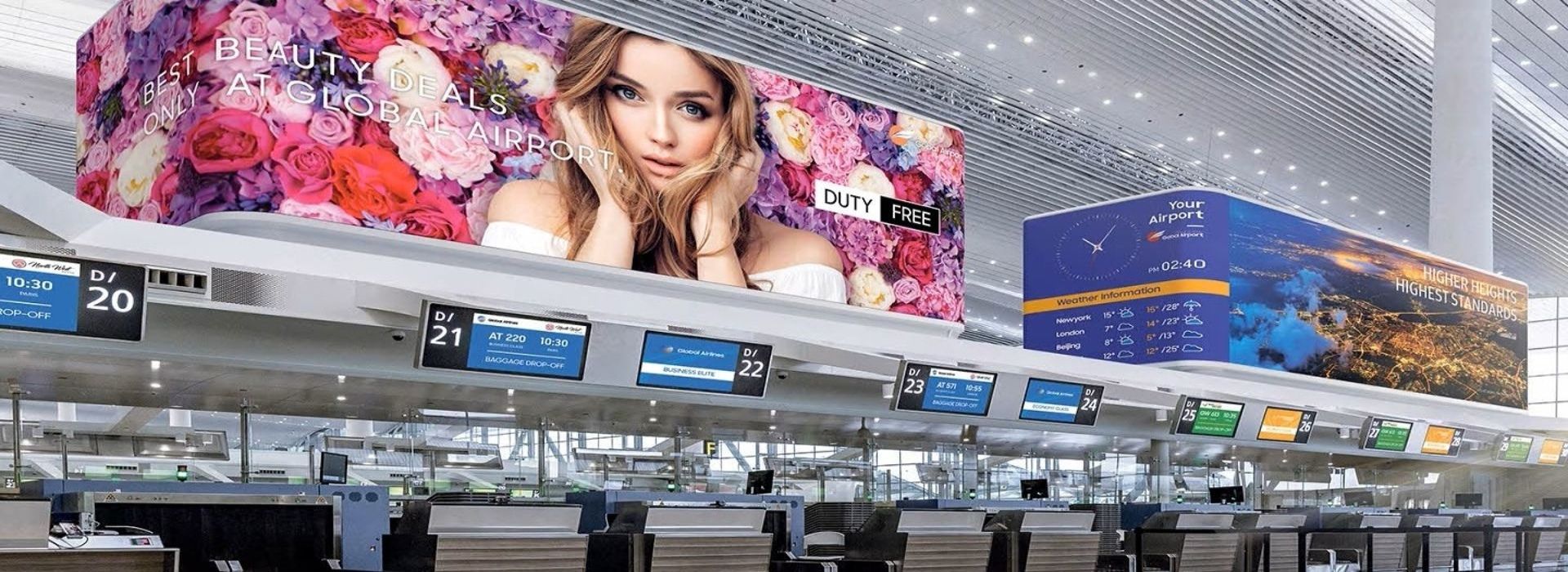
4 · Counter Ticker
Slim tickers along the check-in counters, P1.8–P2.5, 500–800 nits. Read from 2–4 m while passengers stand in the queue — built from P2.5 modules end to end — the smallest useful LED in the terminal, and the one most often over-specified with pitch nobody can resolve.
P1.8–P2.51–4 m²500–800 nits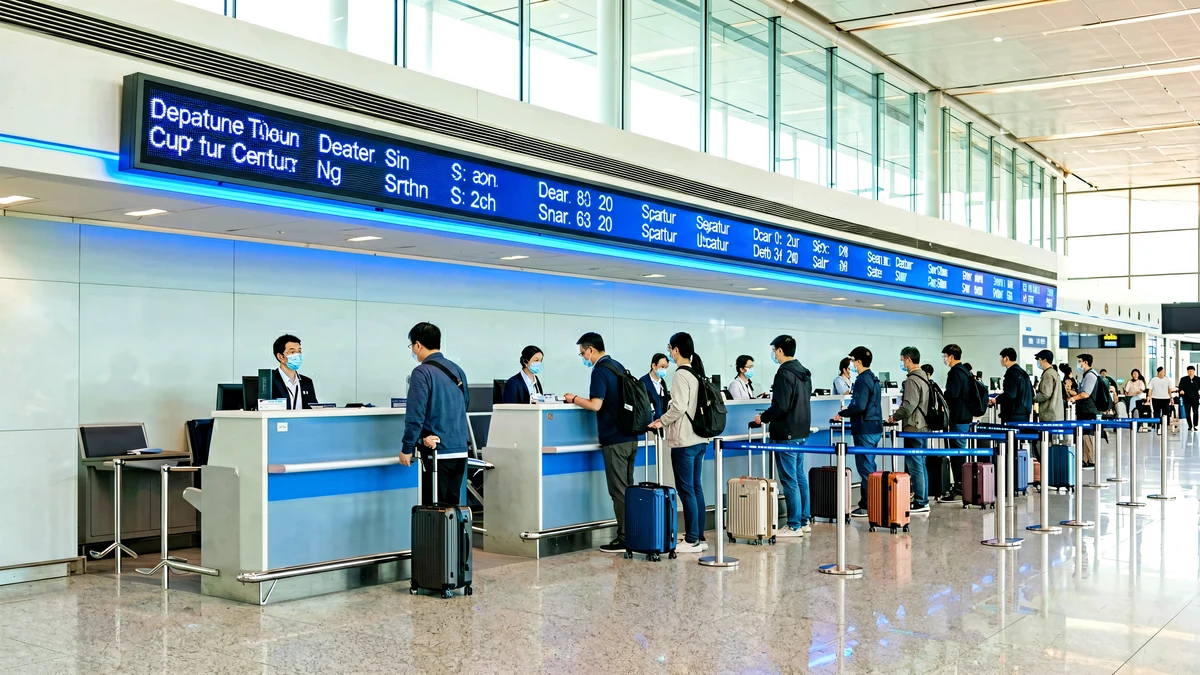
5 · Advertising Pillar & Totem
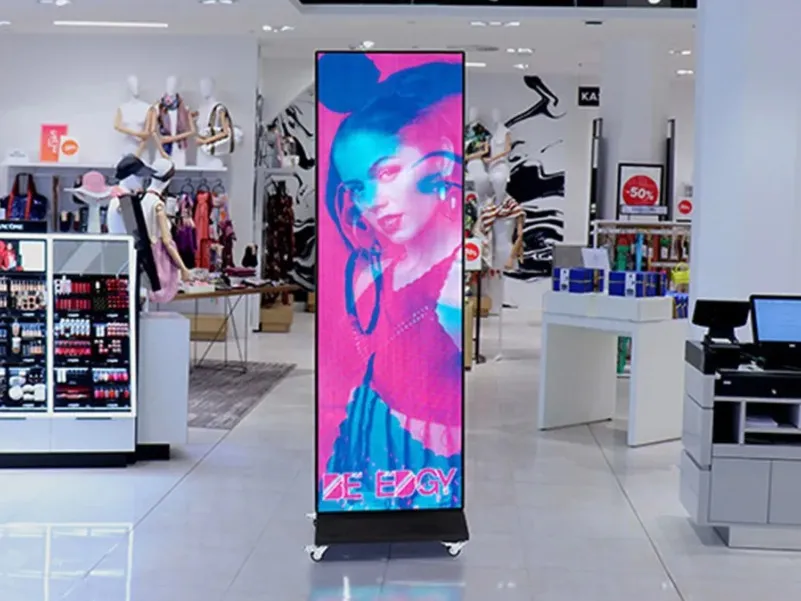
Floor-standing totems along the duty-free walkway — the dwell-time inventory. P2.5–P3.9, 800–1,500 nits, built-in player, scheduled from the same CMS as the FIDS network.
P2.5–P3.92–8 m²Async CMS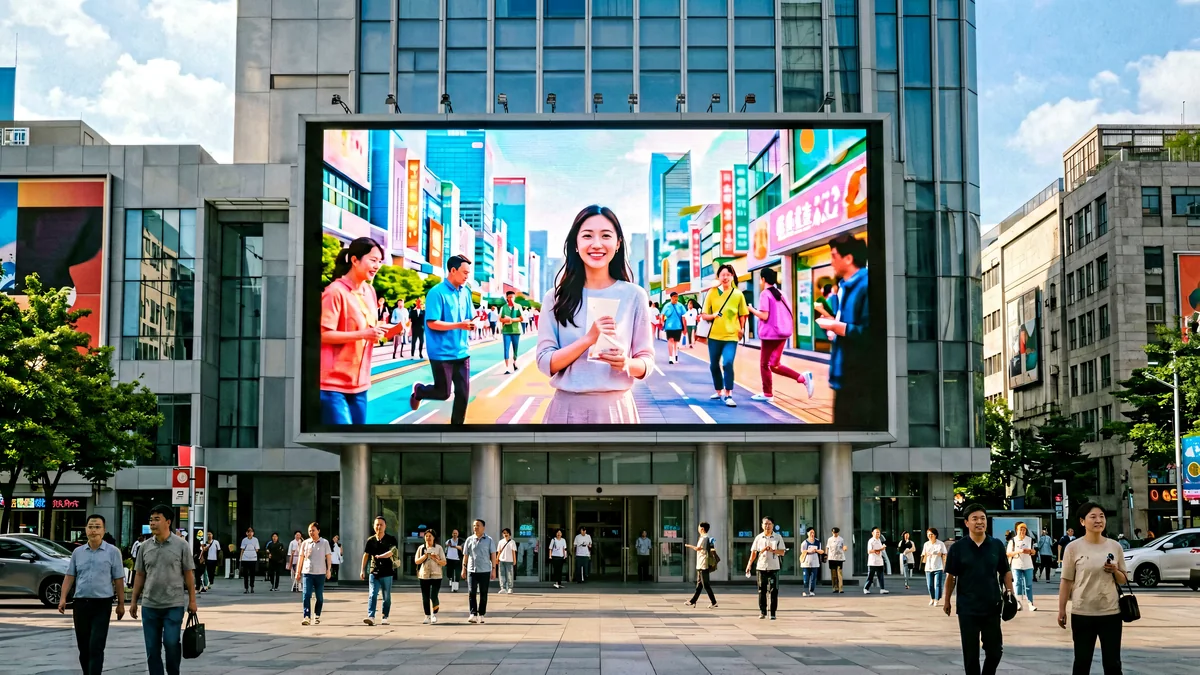
6 · Floor-standing LED Poster
P2.5 posters with built-in players on weighted bases — no structure, no cabling, plug-and-schedule. The fastest airport deployment there is, and the format our B2B buyers ask for most.
P2.5$650–$1,450/unitPlug & play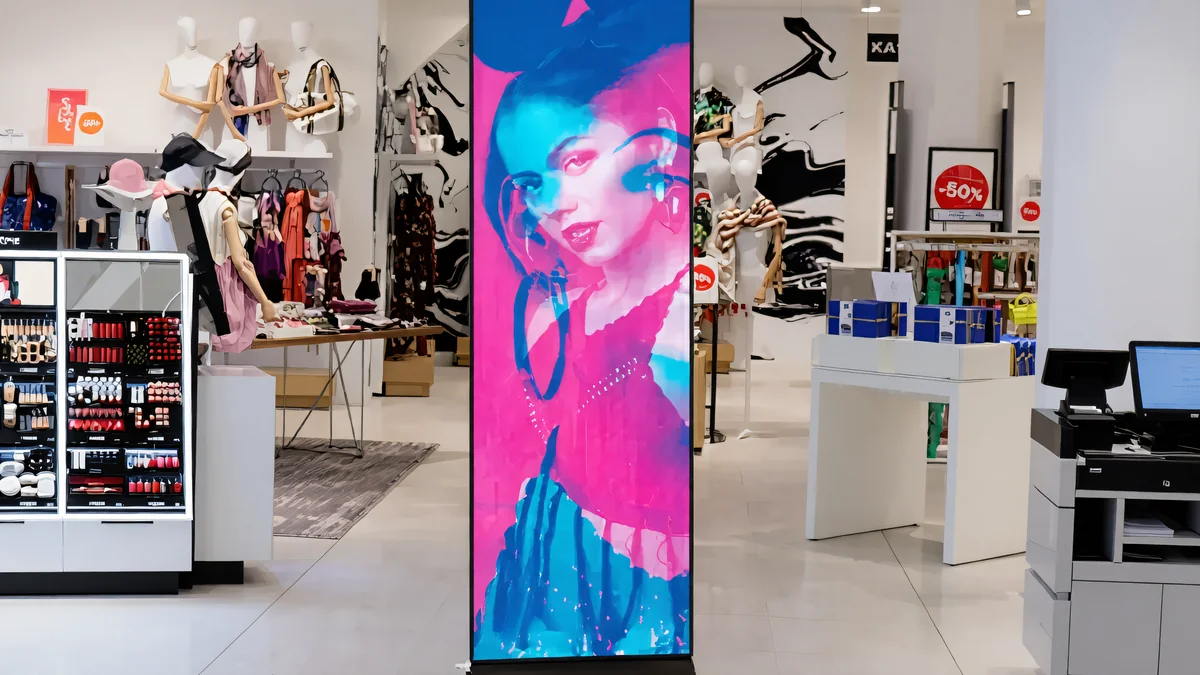
7 · Outdoor Facade Screen
IP65 die-cast cabinets at 5,500–7,500 nits with automatic brightness control, on a steel structure engineered for wind load. The approach-road audience sets the CPM, and the terminal facade is the largest canvas the airport owns.
P6–P1015–80 m²IP65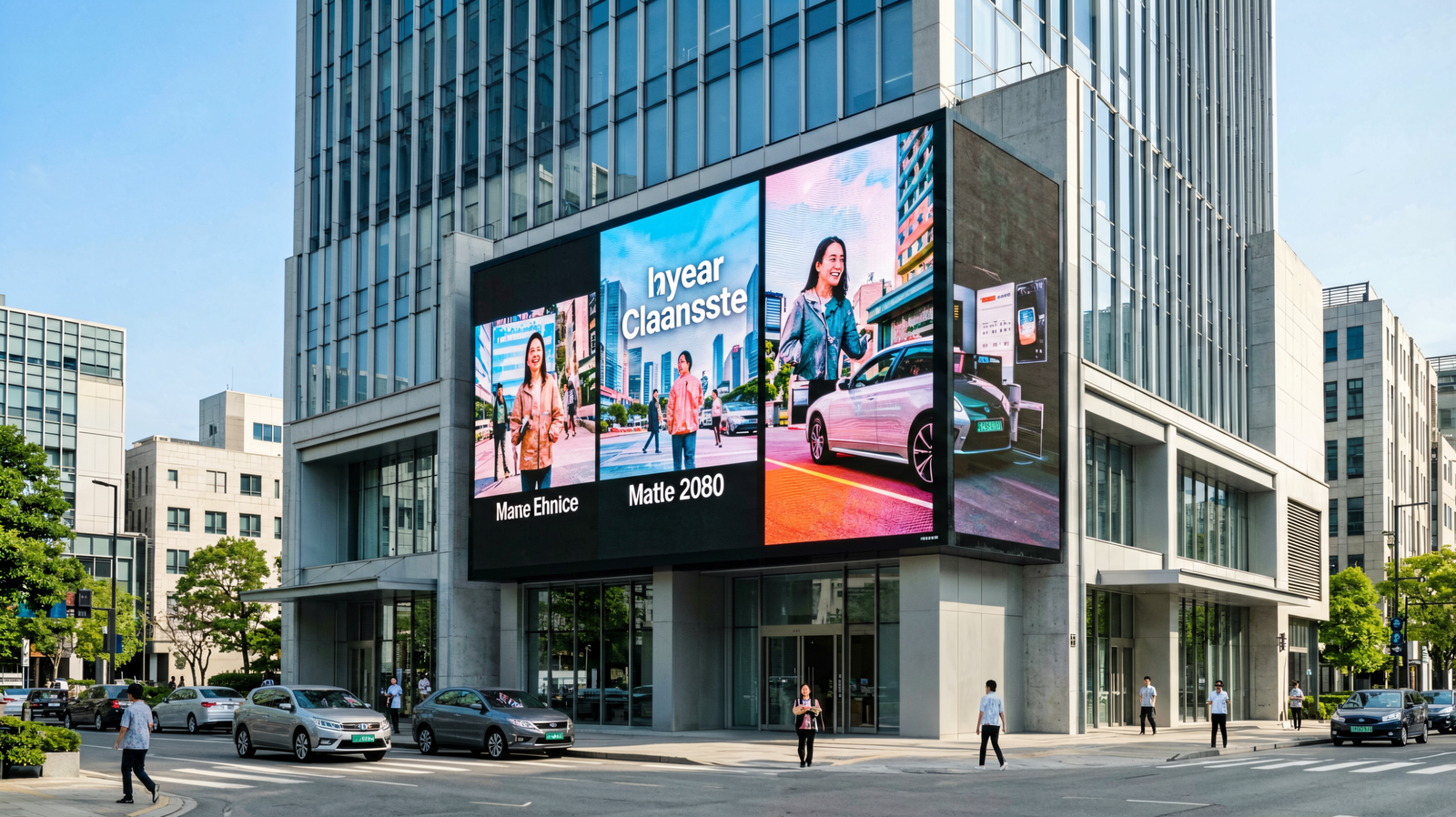
8 · Curved & Sculptural
Curved and sculptural LED builds — ribbons, arcs and free-form walls with proper pixel mapping — the architectural signature pieces of the modern terminal. Fine-pitch COB panels wrap columns and corners with no visible seams.
P1.2–P3.9Curved & free-formPANNOCCHIA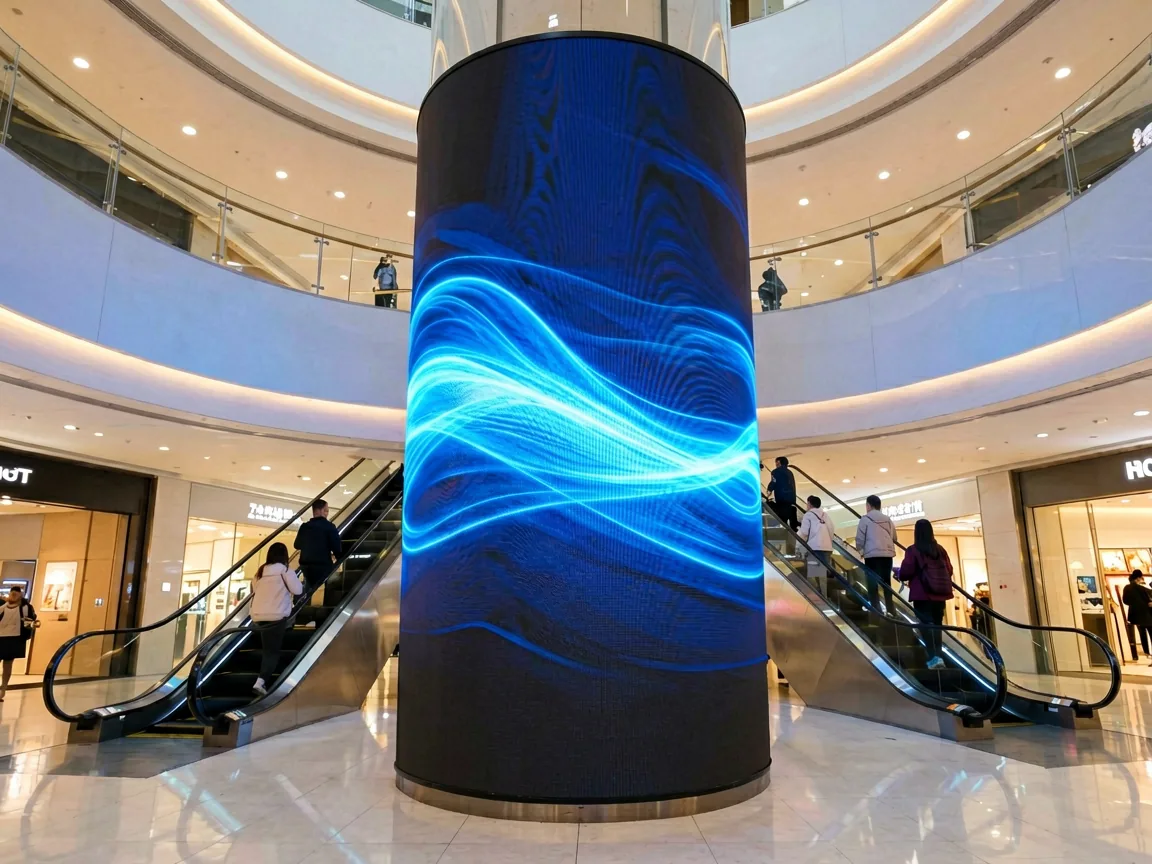
9 · Sphere & Custom Shapes
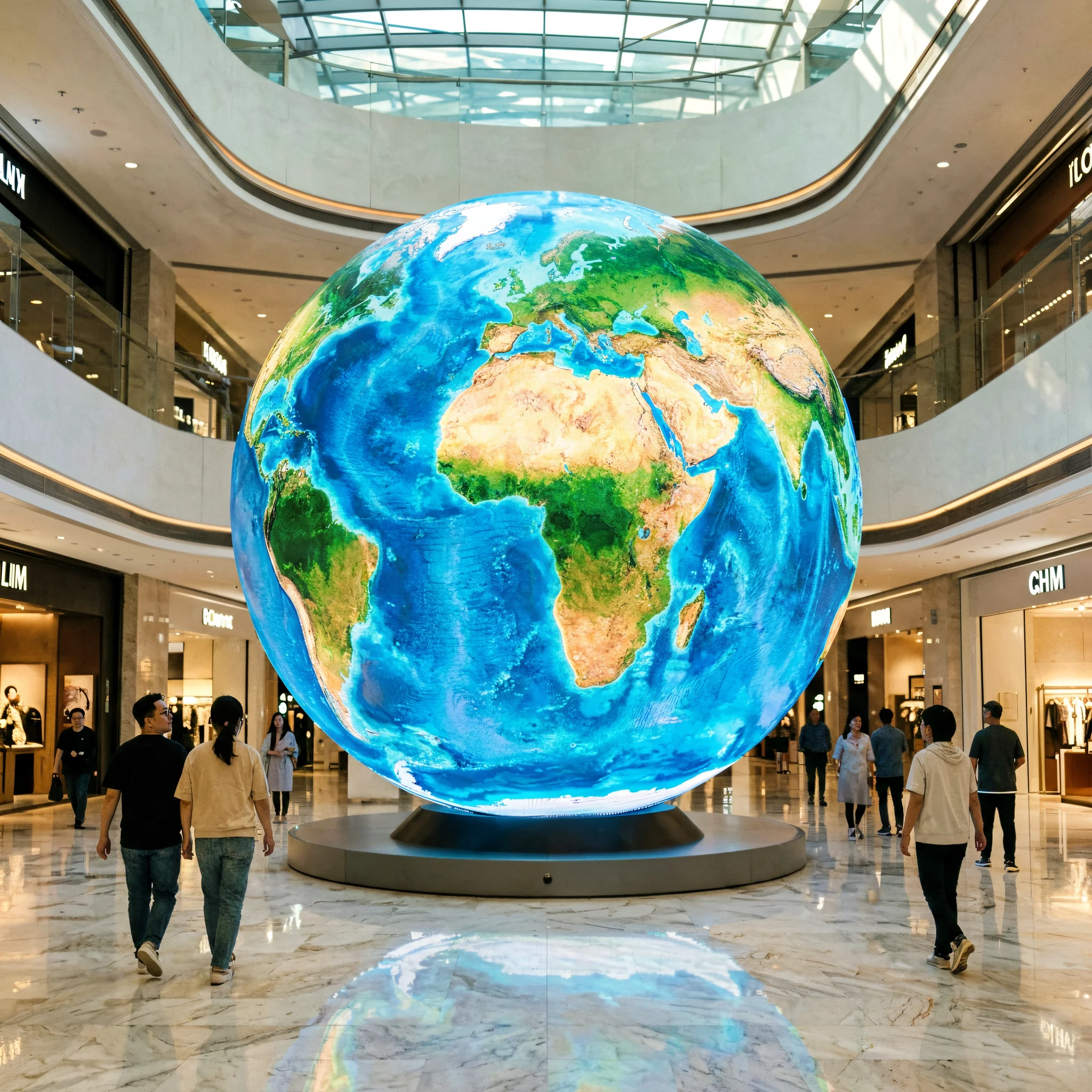
Spherical, ring and custom-shaped LED builds for atriums and landmark spaces — the format that makes the terminal itself the attraction. Transparent film LED on curtain walls completes the family for glass-box terminals that must stay see-through.
Sphere / ringAtrium landmarkCustom shape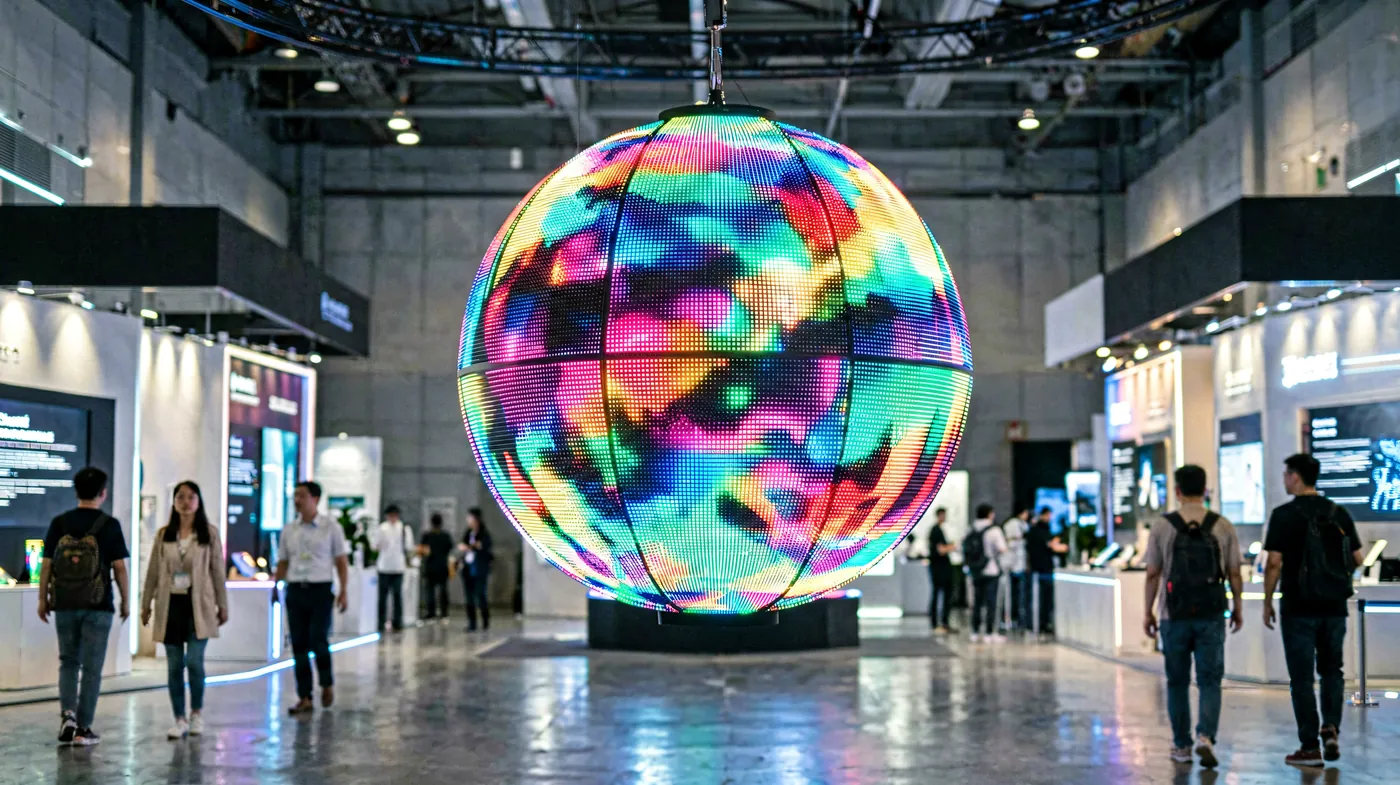
05 · The Decision Path
Five Questions to the Right Specification
Answer these in order and the specification falls out. Skip a step and the mistake shows up after installation — always.
How close does the nearest passenger stand?
This sets pixel pitch. The industry rule: minimum comfortable viewing distance in metres ≈ pixel pitch in millimetres. A P2.5 board reads cleanly from 2.5 m; closer than that, visible LEDs. For flight lists read in short glances, drop one pitch step below the rule for margin.
What light does the screen fight?
Terminal interiors run 600–1,200 nits. Any wall within a few metres of a glass curtain wall needs 2,500–3,500 nits — daylight through glazing is an order of magnitude brighter than architectural lighting, and this is the single most common airport specification error. Facades and curbside run 5,500–7,500 nits with automatic brightness control.
Verrà filmato?
Airports are the most photographed public buildings in the world. Below 1,920 Hz cameras record scan lines and flicker; 3,840 Hz is the professional indoor standard and our series rating. High refresh also keeps scrolling flight text sharp — a low-cost supplier’s favourite place to cut.
What duty cycle does it run?
Terminal screens run 7×24. Power supplies are rated 30,000–50,000 hours — about 4–6 years of continuous duty — so the specification is really about redundant power, ventilation and a 2–3% spare module stock held on site.
What format does the FIDS feed output?
Confirm the output resolution, aspect ratio and interface with the integrator before the cabinet grid is drawn. A 16:9 wall fed by a 4:3 legacy system letterboxes or stretches — and a stretched flight list on the main FIDS wall is the first thing the airport director notices.
| Passo dei pixel | Min. viewing distance | Pixel per m² | Indoor price /m² | Best airport use |
|---|---|---|---|---|
| P1.8 | ~1.8 m | 308,642 | $600–$1,000 | Gate boards, close-view FIDS, security queues |
| P2.0 | ~2 m | 250,000 | $500–$900 | Check-in FIDS, baggage claim strips |
| P2.5 | ~2.5 m | 160,000 | $400–$700 | FIDS walls, LED poster displays, retail walkways |
| P3.0 | ~3 m | 111,111 | $350–$600 | Arrivals walls, concourse advertising |
| P3.9 | ~4 m | 65,404 | $750–$980 (rental build) | Large concourse backdrops, event spaces |
Prices are factory-direct reference ranges from our indoor LED screen price guide. Outdoor facade pitches follow the outdoor guide on the same page.
06 · Operations & Uptime
Built for the Control Room, Maintained Between Flights
Redundancy by design
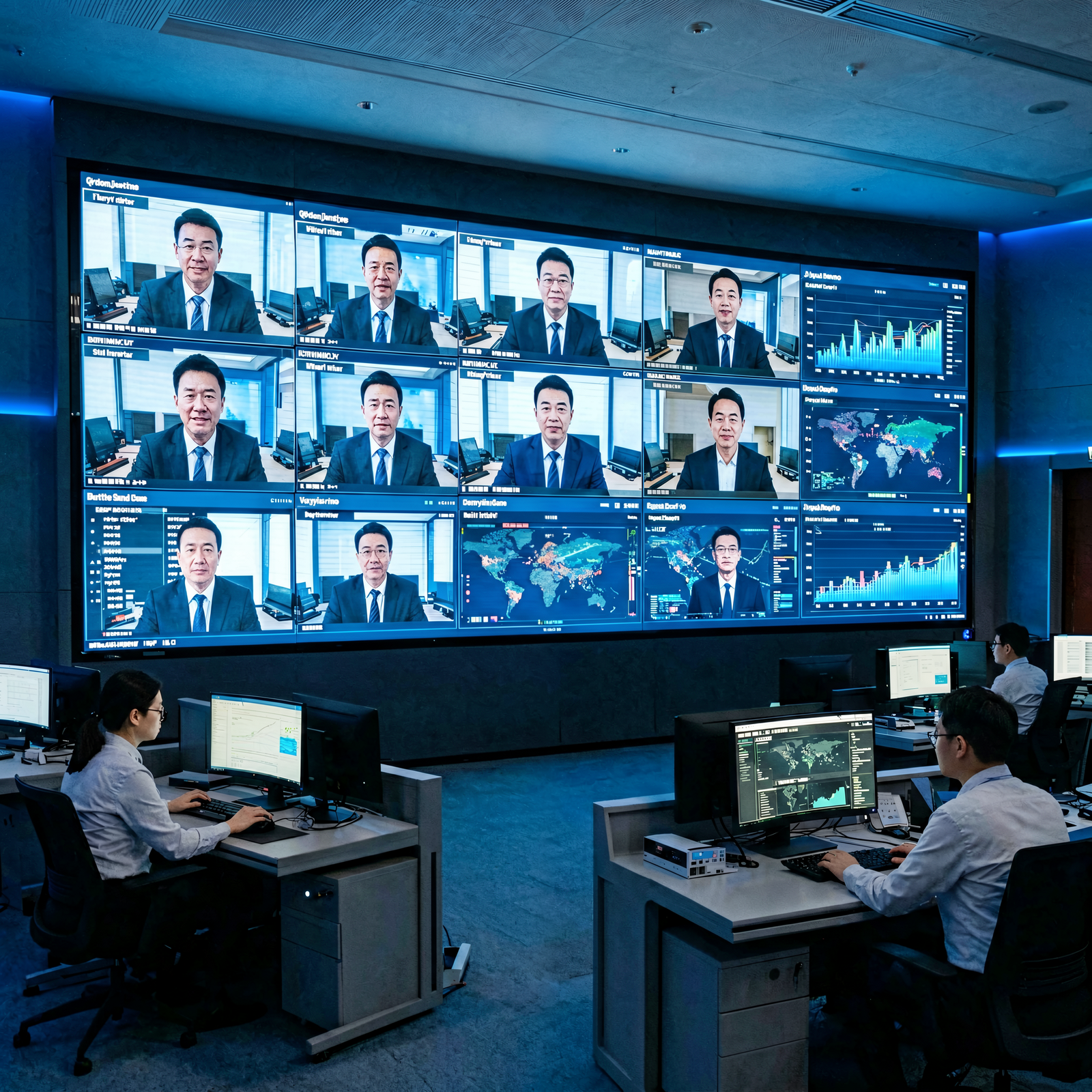
Dual power supplies on critical walls, receiving cards with signal loop-through, and a control architecture where one failed component never darkens the whole display. For the main FIDS wall, redundancy is not an option — it is the specification.
Remote monitoring
Every display reports status to the control room: power, temperature, connectivity and panel health. Faults surface on the operator’s screen before any passenger notices — usually at 2 am, which is exactly when they should.
Night-possession maintenance
Front-serviceable modules pull off magnetically — a swap is a 3–5 minute job with no tools, done between the last departure and the first arrival with no hoarding and no rear access.
Typical airport project timeline
Specification and quotation in 2–4 hours, drawings within 24 hours, production with a 72-hour ageing test in 7–15 days, then site work in night possessions: a thin-cabinet indoor wall installs at roughly 100 m² in 3 hours once the sub-frame is up. Commissioning includes brightness calibration, FIDS feed testing and operator training — and access coordination with security is where airport projects most often lose a week.
07 · Delivered Work
Real Airport LED Display Projects
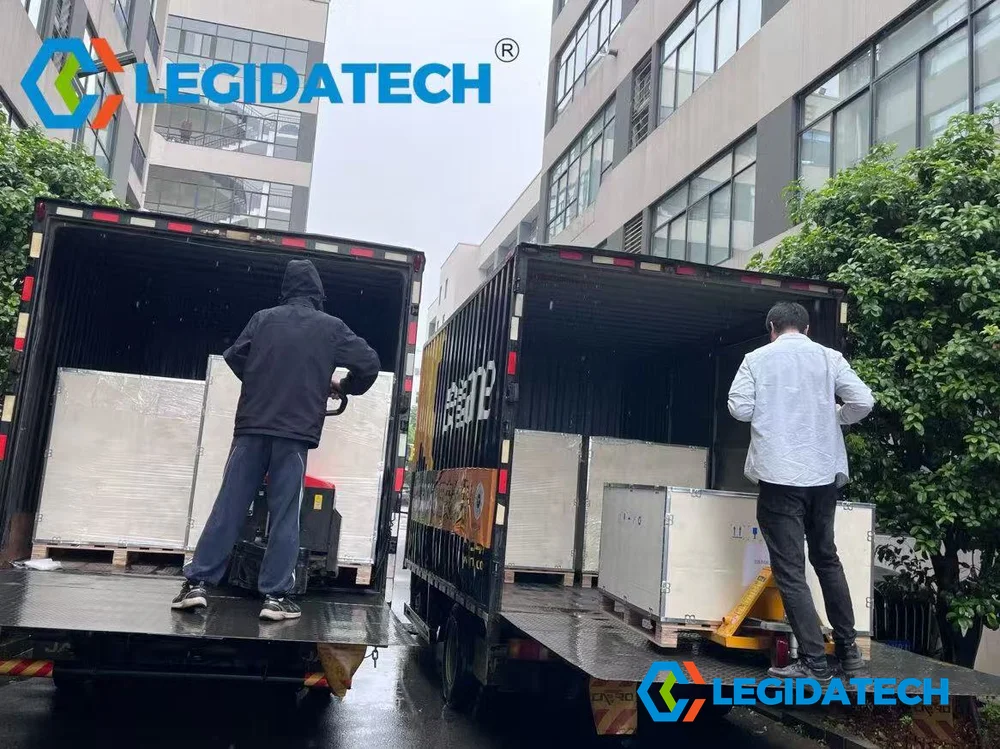
Delivered LEGIDATECH installations in airport environments. Sizes, series and destinations are as shipped.
08 · Methods & QC on Film
Installation and Product Videos
Methods and quality control that apply to airport walls — filmed on our own installations and factory floor.
Installation process, step by step — the same sequence for a terminal FIDS wall
Outdoor installation methods — structure and mounting for facade screens
72-hour burn-in ageing test on indoor P2.5 panels — airport-duty QC
Transparent LED on glass — the terminal curtain-wall option
09 · The Cabinet Family
Which LED Screen Series Fits Your Airport?
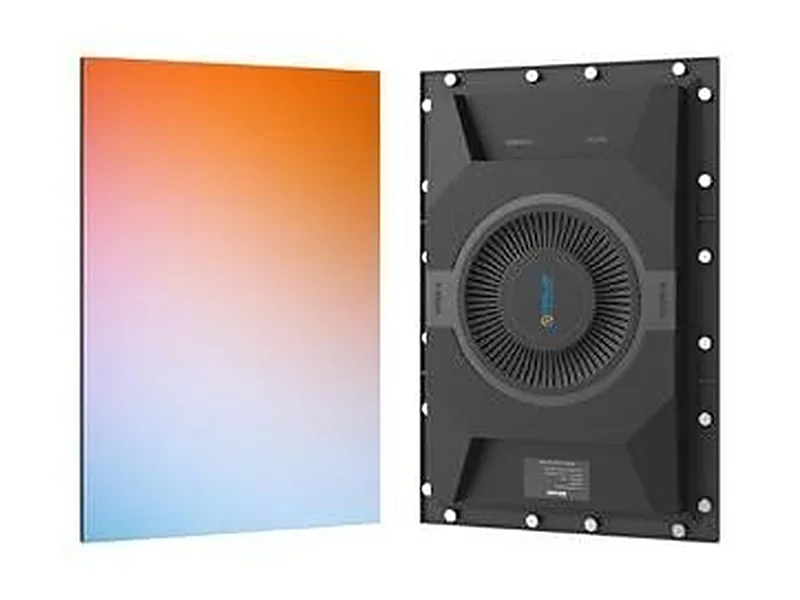
Ehonor Series — FIDS & gate boards
480 × 320 mm front-service panel, 2.7 kg, magnetic modules with no screws, ≥3,840 Hz, P1.2–P2.5. The default choice for check-in, gate and baggage walls. Serie Ehonor →
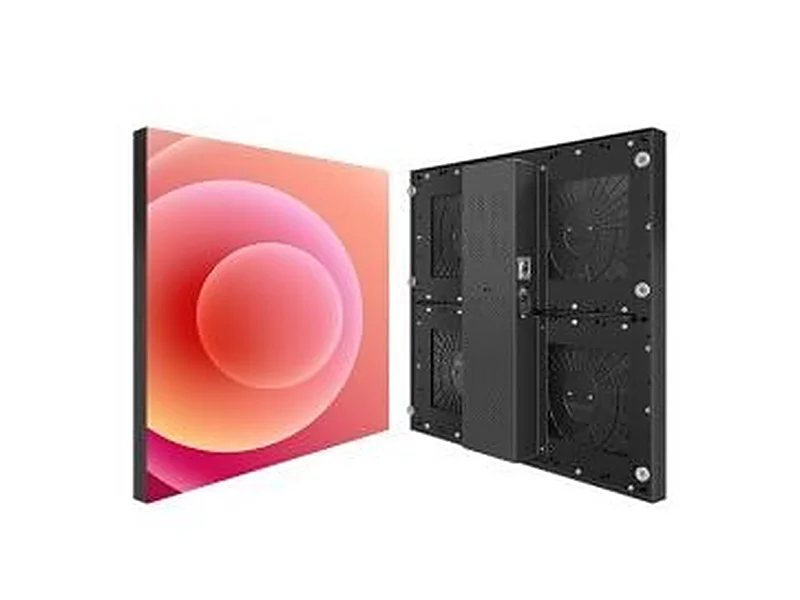
H Series — concourse walls
Indoor P2.6/2.9/3.9, high refresh, thin and light cabinet — installs roughly 100 m² in 3 hours. Suited to arrivals halls and concourse advertising walls. H Series →
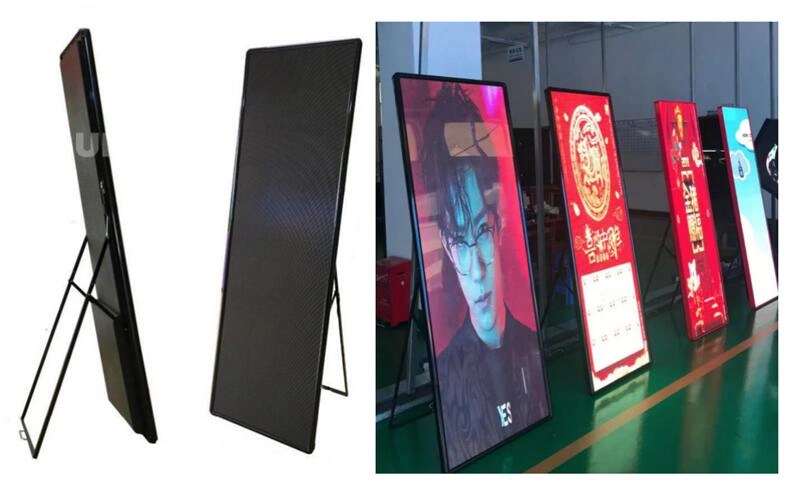
LED Poster — retail & duty-free
Floor-standing P2.5 poster displays with built-in players — no structure, no cabling, plug-and-schedule. LED poster display →
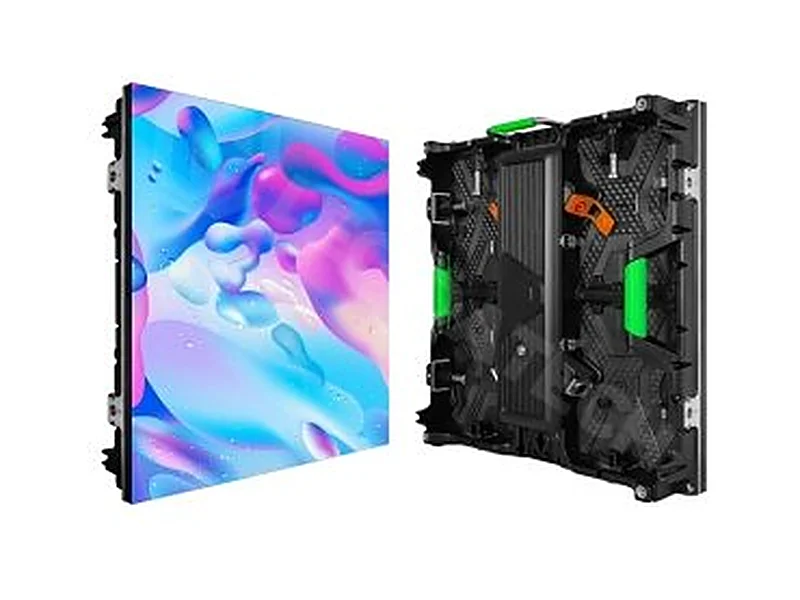
Rental series — events & VIP lounges
Quick-lock cabinets and flight cases for pop-up events, press conferences and seasonal activations. Rental LED display →
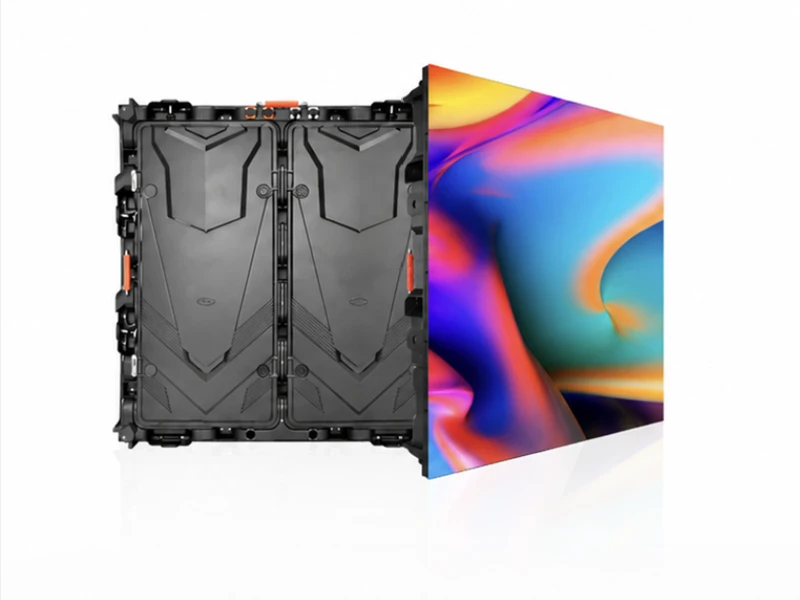
Outdoor series — facades & car parks
P4–P10, 5,000–7,500 nits, IP65 die-cast cabinets with automatic brightness control. Outdoor LED display →
Creative & custom shapes
Spheres, rings, curves and transparent film on glass curtain walls — custom builds for columns, totems and atriums. Transparent display →
10 · Procurement
Airport LED Screen Procurement Checklist
Send these eight items with an enquiry and a manufacturer can quote accurately in one round rather than four.
- Zone and mounting surface — check-in wall, gate board, baggage strip, concourse, facade; structural wall, ceiling steel, joinery or totem.
- Opening dimensions — width × height in mm, plus a photo or elevation drawing. Note any depth restriction behind the wall.
- Closest viewing distance — where the nearest passenger actually stands. This sets pixel pitch more than any other input.
- Light environment — controlled interior lighting, daylight through a curtain wall, or full sun. This sets brightness.
- FIDS output format — the resolution, aspect ratio and interface the flight information system outputs.
- Verrà filmato? — press events, CCTV, passenger videos. If yes, 3,840 Hz refresh becomes a hard requirement.
- Operating hours — 7×24 continuous duty changes the power-supply and cooling specification.
- Rear access & security — walkway space behind the screen, and whether maintenance crosses a security boundary. Front service is mandatory if either is awkward.
11 · Questions, Answered
Airport LED Screen FAQ
What size LED screen does an airport need?
It depends on the touchpoint. A gate board is typically 2–8 m², a check-in FIDS wall 6–30 m², a concourse advertising wall 10–40 m², and a terminal facade screen 15–80 m². Size is set by the architectural opening and the viewing distance, not by a standard product.
Which pixel pitch is right for airport FIDS displays?
P1.8–P2.5 for FIDS boards viewed from 2–6 m. The rule of thumb is that the minimum comfortable viewing distance in metres is roughly equal to the pixel pitch in millimetres — a P2.5 board reads cleanly from 2.5 m.
How does flight data reach an LED screen?
The Airport Operational Database (AODB) is the single source of truth for schedules, gates and baggage belts. FIDS platforms connect to it over TCP/IP, SQL/ODBC or API adapters and drive the displays through video processors — the LED layer is a hardware endpoint that we deliver configured for your integrator’s feed.
What is the difference between FIDS, GIDS and BIDS?
FIDS is the central flight list for check-in halls and baggage claim. GIDS shows gate-specific information — boarding, last call, next flight — at the holdroom. BIDS shows baggage carousel assignments fed by the baggage handling system. Many airports now run all three from one unified platform.
How bright should a screen behind airport glass be?
2,500–3,500 nits. Anything within a few metres of a glass curtain wall competes with daylight, and a standard 800-nit indoor panel will be washed out by mid-morning. Add an automatic brightness sensor for screens that see changing light through the day.
Are airport LED screens rated for 24/7 operation?
Commercial-grade LED screens are rated for continuous operation, and airports are the reason that rating exists. The realistic constraint is the power supply: typically rated 30,000–50,000 hours, which at 7×24 duty means planning maintenance and spares across a 7–10 year service life.
What is the emergency override feature?
One command puts a crisis message on every display in seconds, superseding scheduled content. The processor layer must accept an override feed — specify it at design stage so the first incident does not test it.
What is the refresh rate requirement for airport screens?
1,920 Hz minimum for filmed environments, 3,840 Hz recommended. High refresh also keeps scrolling flight text sharp. Cameras pick up flicker the eye does not, and airports are the most photographed public buildings there are.
How much does an airport LED screen cost?
Indoor panels run $350–$1,500/m² factory-direct depending on pitch, outdoor facade panels $280–$950/m², and structure plus installation adds $110–$250/m². A typical 12 m² check-in FIDS wall lands around $8,000–$14,000 delivered.
How long does an airport LED installation take?
Site installation of a fixed indoor wall takes 1–3 nights once the sub-frame, power and data are ready — thin-cabinet walls install at roughly 100 m² in 3 hours. Facade screens take longer for the steel structure and crane access.
How is an airport screen maintained without closing the terminal?
Front-serviceable modules pull off magnetically from the face, so a module swap is a 3–5 minute job with no tools — done at night or between flights with no hoarding and no rear access.
Do airports use LED screens in the curbside and cellphone lots?
Yes — outdoor IP65 displays at the curbside show live flight information to drivers who never leave the car, and cellphone-lot screens do the same for waiting drivers, which measurably reduces loop congestion.
Do you provide airport LED poster displays?
Yes. Floor-standing P2.5 poster displays with built-in players are the fastest airport deployment — no structure, no cabling work, plug-and-schedule, ideal for duty-free walkways and gate retail.
What information do you need to quote an airport LED screen?
Touchpoint, opening width and height in mm, closest viewing distance, light environment, FIDS output format and interface, whether the space is filmed, whether rear access exists, and destination country. With those eight inputs we return a factory-direct line-item quotation within 2–4 hours and a cabinet layout drawing within 24 hours.
12 · The Longer Explanation
Specifying an Airport LED Display: What Actually Decides the Project
Airport display projects fail in predictable ways, and almost all of them trace back to a specification written from a product catalogue rather than from the terminal. Three mistakes account for most of the disappointing installations we are asked to replace.
Mistake one: buying pitch before measuring distance
Pixel pitch is a match between LED density and how close the viewer stands, not a quality tier. A P1.5 screen above a concourse 10 m up is money burned — nobody can resolve the extra pixels. A P4 panel behind a check-in desk where passengers read flight numbers from three metres looks visibly coarse no matter how good the FIDS renderer is. Start with the closest realistic viewing position, apply the distance rule, then size the wall with whatever budget remains.
Mistake two: specifying for the room, not for the glass
The single most common specification error in airports is a standard 800-nit indoor panel installed within a few metres of a glass curtain wall. It looks superb during the factory demonstration and during the evening handover. By ten the next morning it is grey. Any screen that can see the sky, even indirectly, needs 2,500–3,500 nits. This costs more per square metre, and it is not optional.
Mistake three: treating the FIDS feed as an afterthought
The flight information system the airport already runs has an output resolution and aspect ratio fixed before the screen was specified. When the two do not match, the screen letterboxes, stretches or scales — and a stretched flight list on the main FIDS wall is the first thing the airport director notices. Confirm the format and the handshake method — HDMI capture, API feed or asynchronous schedule — before the cabinet grid is drawn.
Why airports are moving from LCD clusters to direct-view LED
The economics changed as fine-pitch LED prices fell. An LCD video wall needs a rack of panels with bezels that break every flight list into a grid, panels rated 16/7 doing 24/7 duty, and rear access that most terminal walls do not have. A direct-view LED wall holds full contrast with the terminal lights up, has no seams, and is built from cabinets that fit the architecture instead of forcing the architecture to accommodate a fixed panel size.
The industry’s reference projects show where this is going: the LAX Tom Bradley terminal upgrade pairs seven media wall types — 2.5 mm gate ribbons, 1.5 mm arrival ramps and baggage displays, an 8,119 sq ft advertising wall and a 4,279 sq ft ticker back wall — into one integrated control-room network. Terminals buy the system once, phase the screens with the refurbishment programme, and let the advertising revenue cover the hardware.
That is the pattern we recommend: specify the whole terminal once — curbside, check-in, security, concourse, gates, baggage, arrivals, facade — because a single specification keeps the control system, cabinet family and spare-parts pool common across every zone. If you are at that stage, send the terminal drawings rather than a screen size. We will return a zone-by-zone specification with pitch, brightness, cabinet type and control architecture, and you can phase it however the capital programme requires. Related solution pages: hotel LED screens for hospitality properties with the same multi-zone pattern, Soluzioni di visualizzazione a LED by market, and LED display control systems for the network layer.
Get a Factory-Direct Airport LED Screen Quote
Tell us the touchpoint, the opening size, the viewing distance and the FIDS format. We reply within 2–4 hours with the right series, pixel pitch, brightness and a line-item factory-direct quotation — and a cabinet layout drawing within 24 hours.
Richiedi un preventivo al prezzo di fabbricaSee the LED Screen Price Guide